

Free Ortur Files – SVG & DXF Laser Cut Designs
Download free SVG and DXF files for Ortur Laser Master 2, Ortur Laser Master 3, Ortur Laser Master Pro, and all Ortur diode laser engravers. Compatible with LightBurn and LaserGRBL. No registration required. Free for commercial use.
Ortur tip: LightBurn with DXF or SVG gives the best cutting results. For photo engraving, use PNG with Jarvis dithering in LightBurn.
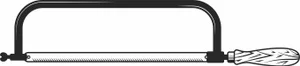
Hacksaw Tool Design
Signs & Letters6 DL
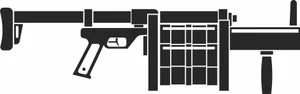
Grenade Launcher Design
Signs & Letters2 DL
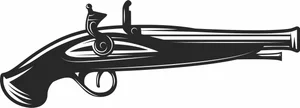
Flintlock Pistol Design
Signs & Letters3 DL
Crosshair Target Design
Signs & Letters7 DL
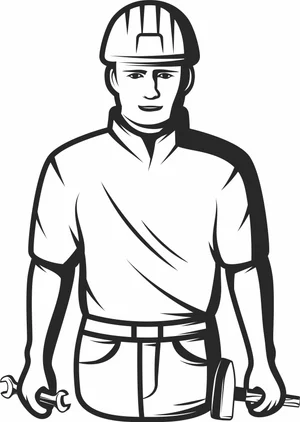
Construction Worker Builder Design
Signs & Letters5 DL
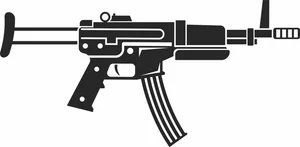
Compact Assault Rifle Design
Signs & Letters7 DL
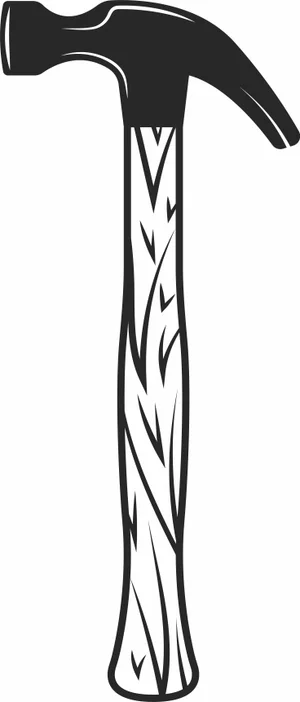
Claw Hammer Tool Design
Signs & Letters4 DL
Burning Crazy Heart Tournament Spark Plugs Design
Signs & Letters2 DL
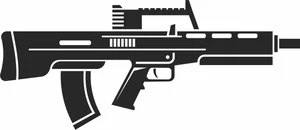
Bullpup Assault Rifle Design
Signs & Letters3 DL
Bikers Gear Leather Jacket Sign Design
Vehicles5 DL
Bike Parts Motorcycle Sign Design
Vehicles4 DL
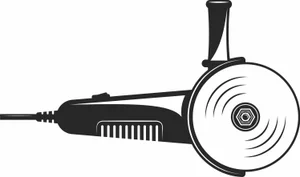
Angle Grinder Power Tool Design
Signs & Letters4 DL
Adrenaline Race Speedometer Sign Design
Signs & Letters2 DL
Winged Wyvern Dragon Serpent Artwork
Art & Decor13 DL
Vintage Open Wheel Retro Race Car Silhouette
Art & Decor13 DL
Vintage Analog Stopwatch Sports Timer Vector
Art & Decor4 DL
Three Spoke Racing Steering Wheel Center Stripe Vector
Art & Decor4 DL
Tattoo Rose Laser Cut Design Vector
Flowers & Nature21 DL
Superhero Web Shooter Mask Hand Silhouette Art
Art & Decor15 DL
Street Devil Motorcycle Chopper Circular Badge Emblem
Vehicles6 DL
Sports Hockey Jersey Number 88 Uniform Silhouette
Art & Decor2 DL
Spiked Sea Serpent Mythical Dragon Silhouette
Art & Decor6 DL
Speed Racers Club Motocross Helmet Circular Star Emblem
Vehicles1 DL
Speed Racer Garage Speedometer Round Retro Jagged Badge
Art & Decor4 DL
More free laser files
Ortur File FAQ
What file formats work with Ortur?
Ortur machines support SVG, DXF, PNG, JPG, and BMP via LightBurn or LaserGRBL. SVG and DXF are recommended for precision cutting.
Is LightBurn compatible with Ortur?
Yes. All Ortur Laser Master models are compatible with LightBurn — the best software for SVG and DXF files with full layer and speed/power control.
Best format for Ortur engraving?
Use DXF/SVG for cutting. Use PNG with Jarvis dithering in LightBurn for photo engraving.
Are the files free for commercial use?
Yes. Free for personal and commercial use. No attribution required.