
Free Laser Cut Files for Wood – DXF & SVG Downloads
DXF and SVG files for laser cutting wood. Cut wall art, signs, panels and clocks from plywood, MDF, basswood or hardwood on Glowforge, xTool, LightBurn and other CO2 or diode lasers. No registration, free for commercial use.
 Free
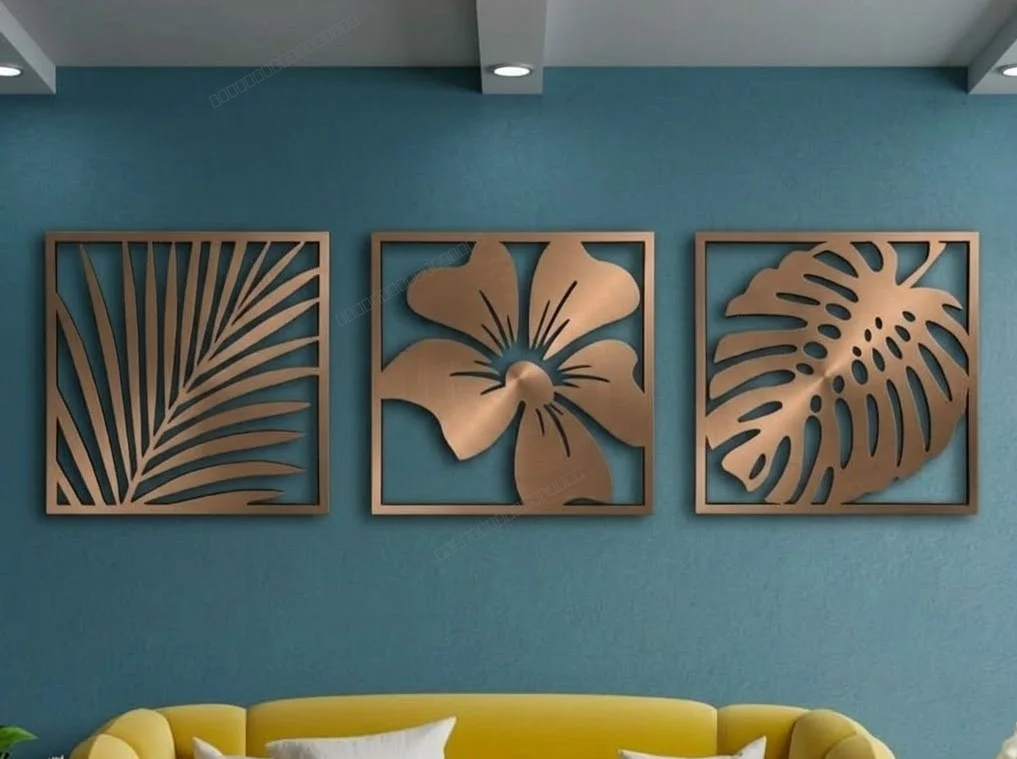
3 Monstera Leaves decor
476 downloads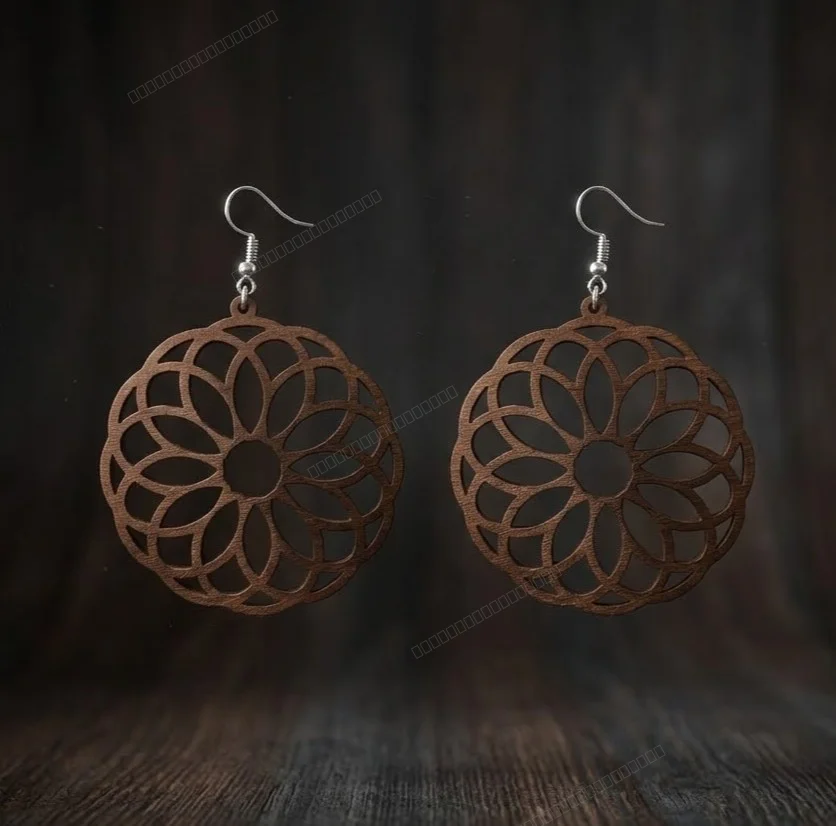 Free
laser-cut wooden mandala earrings
439 downloads Free
Hello Summer Floral Round Door Hanger
76 downloads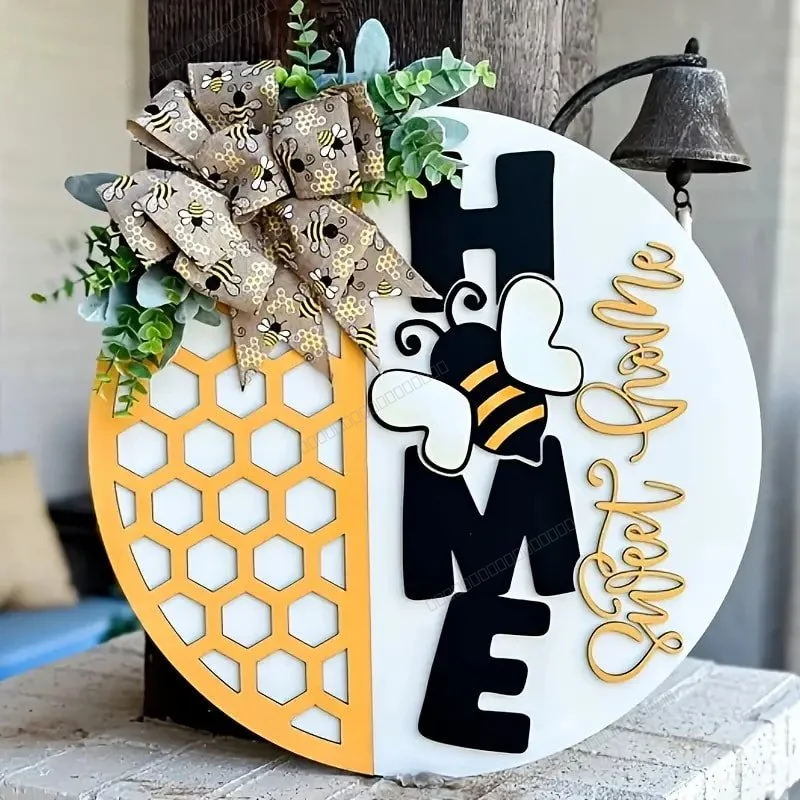 Free
Home Sweet Home Honeycomb Round Door Hanger
132 downloads Free
Hello Summer Round Door Hanger
76 downloads Free
fish wall decor
272 downloads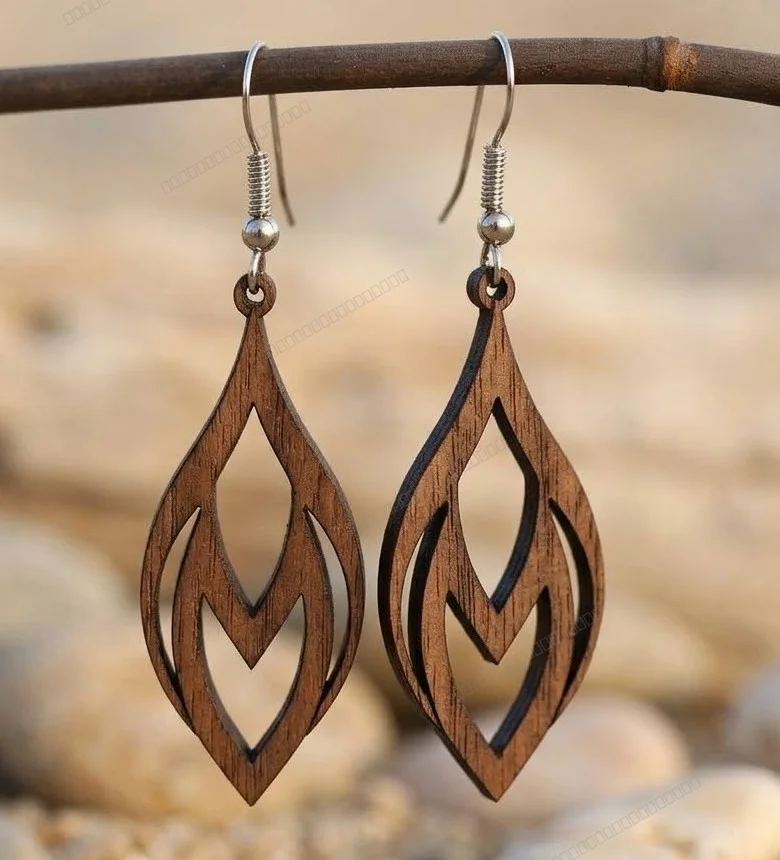 Free
Laser-Cut Wooden Teardrop Earrings
661 downloads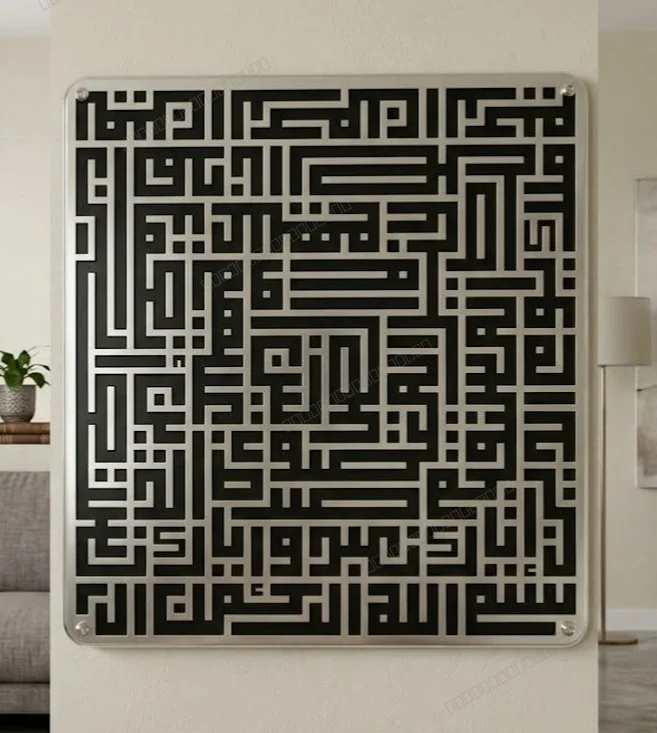 Free
islam sign Al fatiha
223 downloads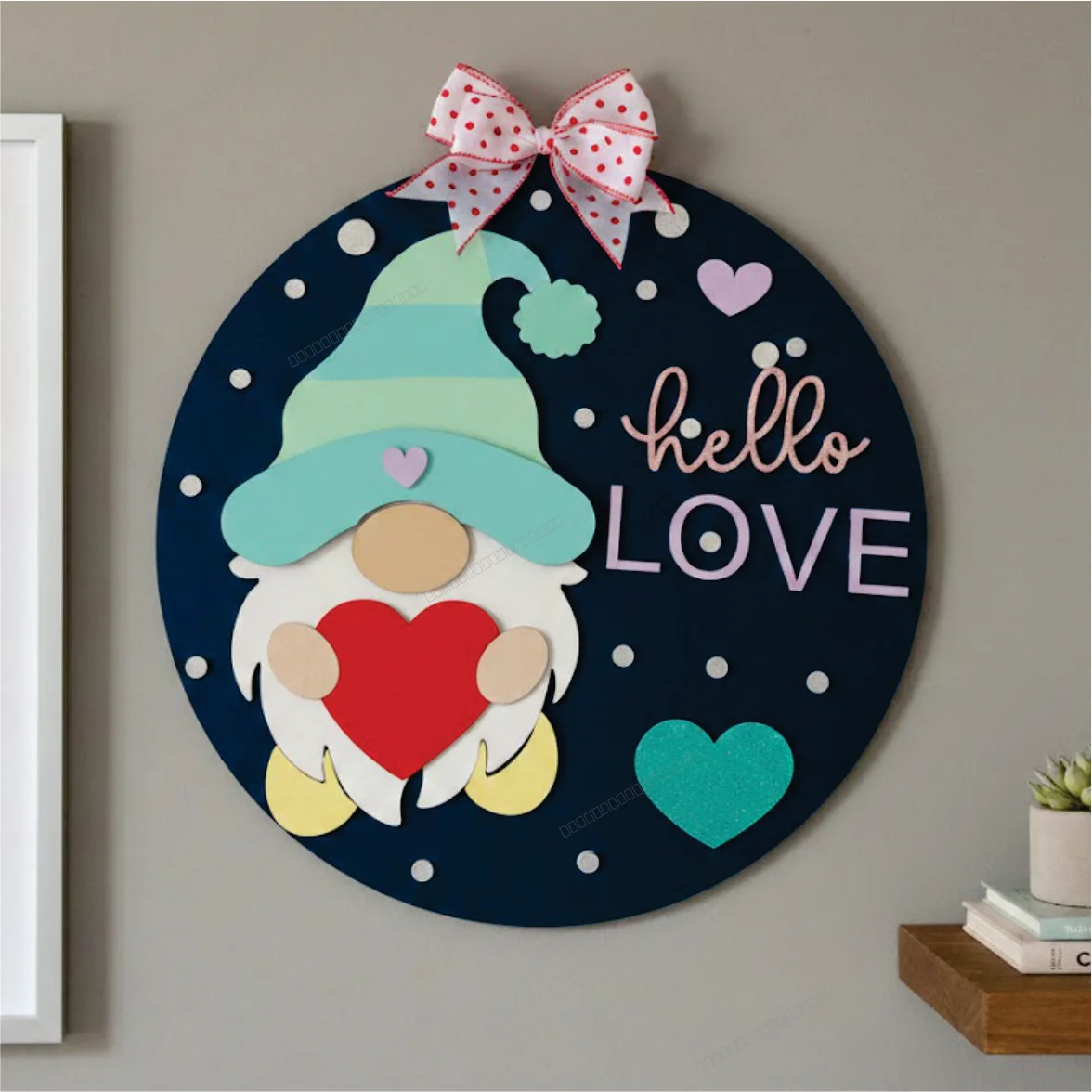 Free
valentines day gnome sign
91 downloads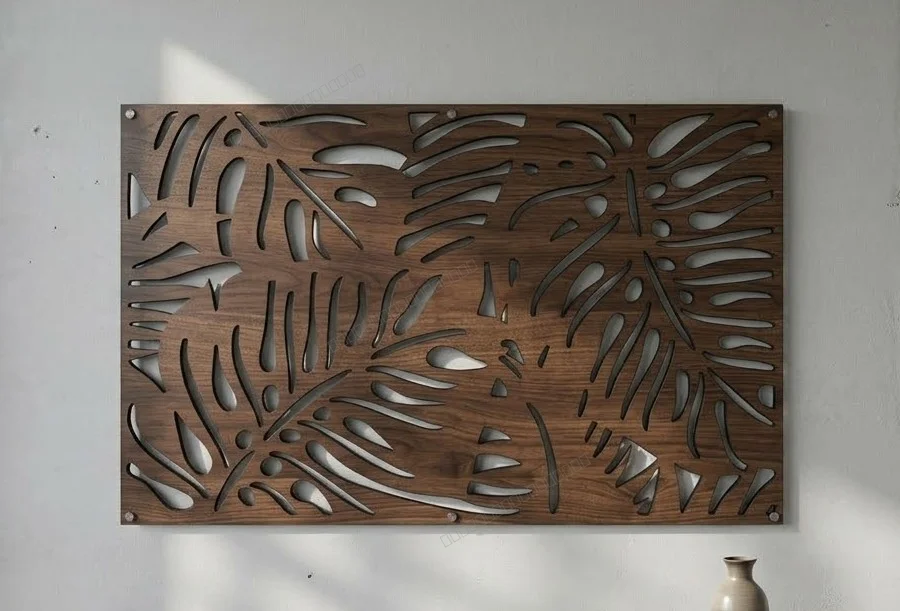 Free
Tropical Monstera Leaf Wall Art
227 downloads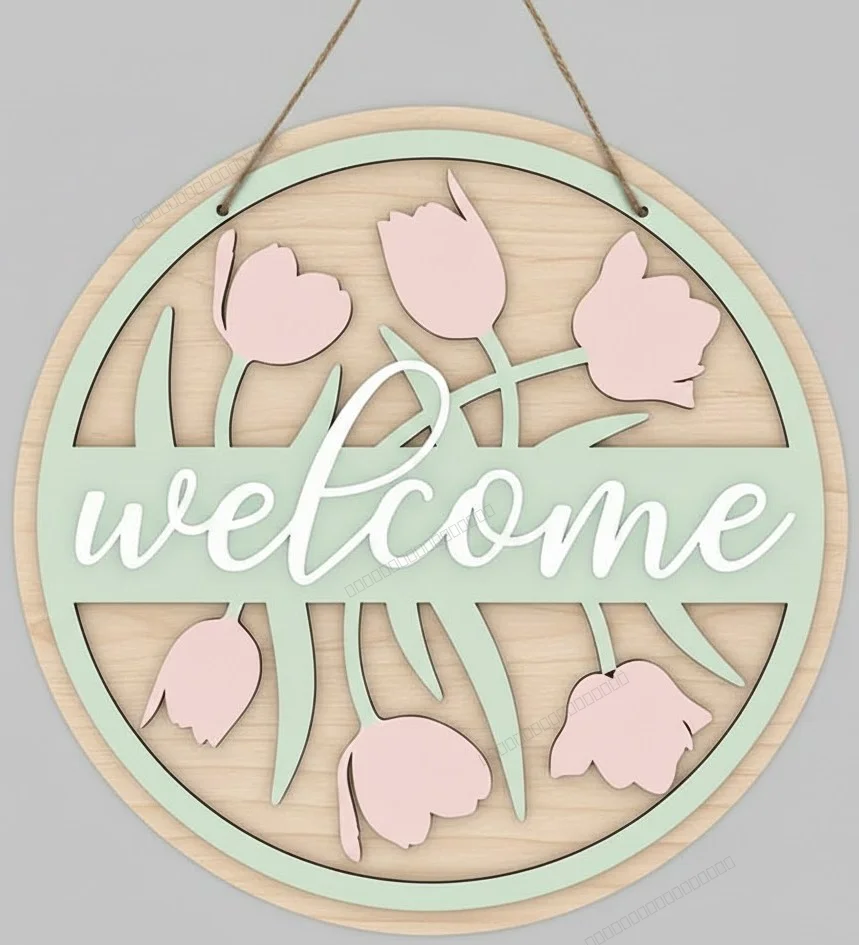 Free
welcome flowers sign
255 downloads Free
happy spring sign
52 downloads Free
man cave sign
71 downloads Free
retro Flapper Woman Vector Art
44 downloads Free
We Love You Mommy Cake Topper Mother's Day
61 downloads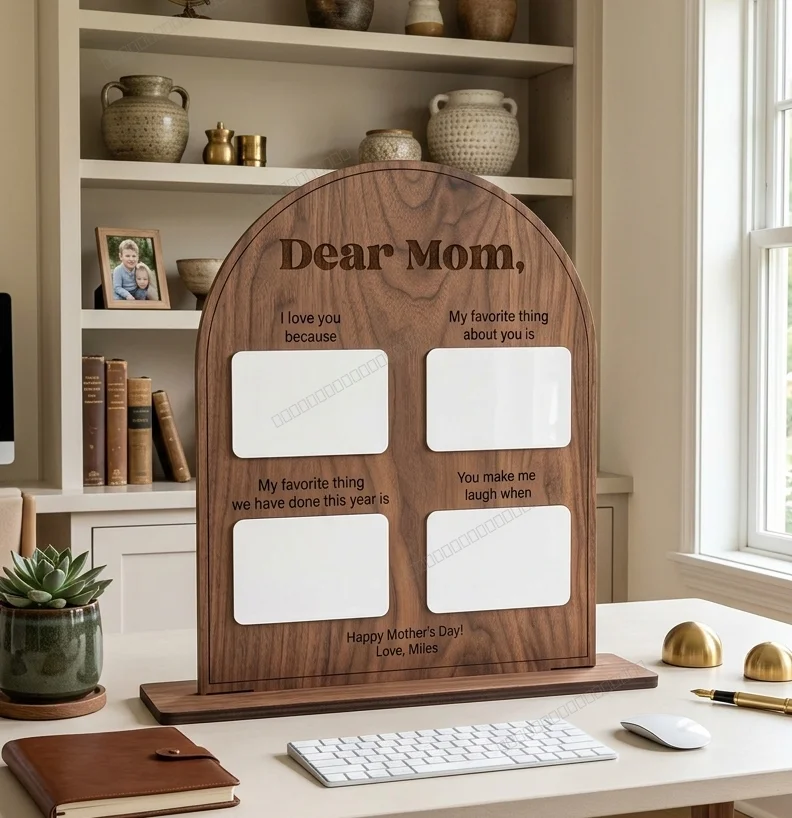 Free
Personalized Arched Mother's Day Keepsake Board
117 downloads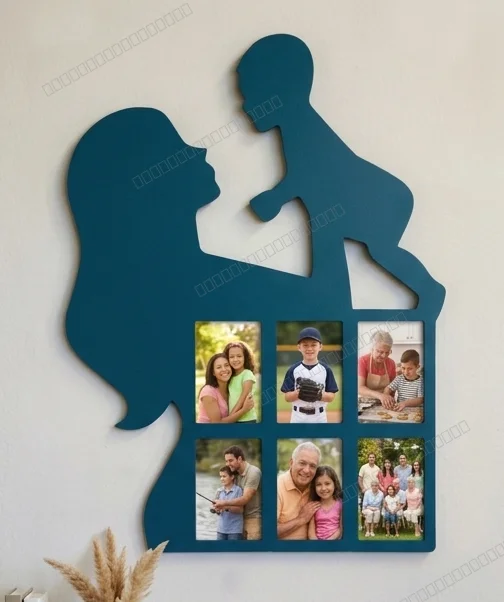 Free
Mother and Child Silhouette Photos Wall Frame
154 downloads Free
Mother Love Heart Picture Frame Gift
177 downloads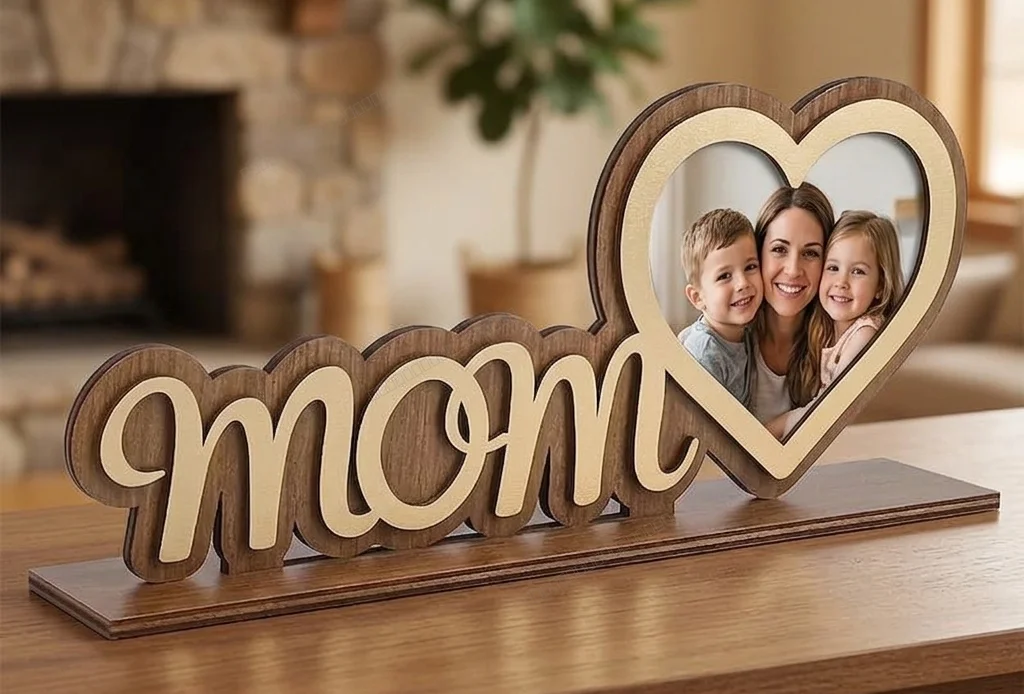 Free
Mother's Day Heart Photo Frame Stand
497 downloads Free
MOM Picture Frame Mother's Day Gift
67 downloads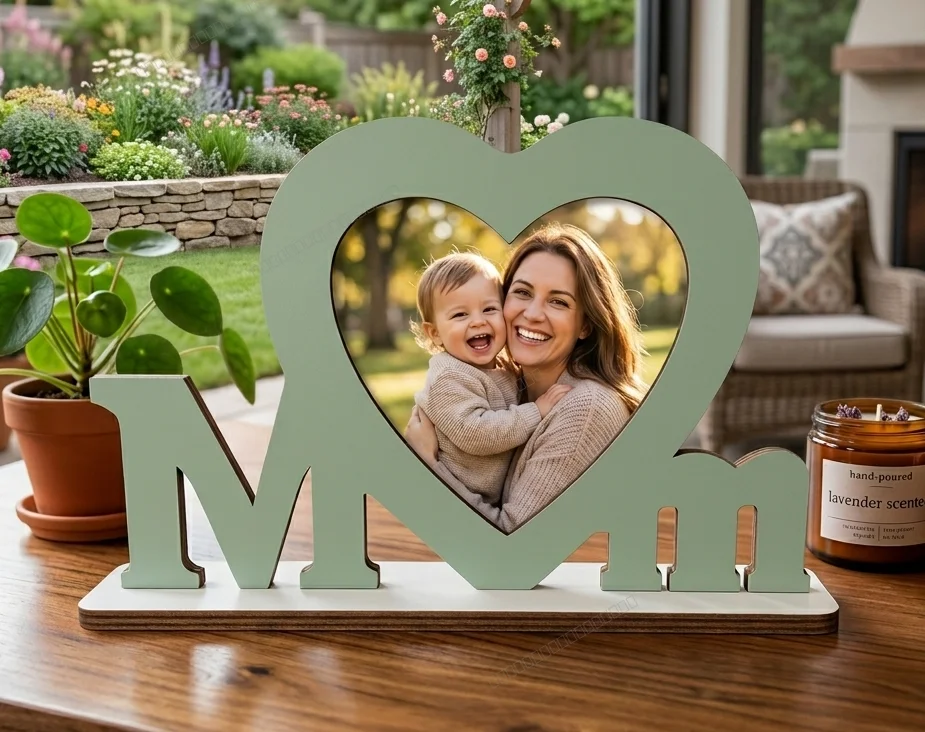 Free
MOM Photo Frame Mother's Day Gift
137 downloads Free
3D Layered Wooden Mom Picture Frame
176 downloads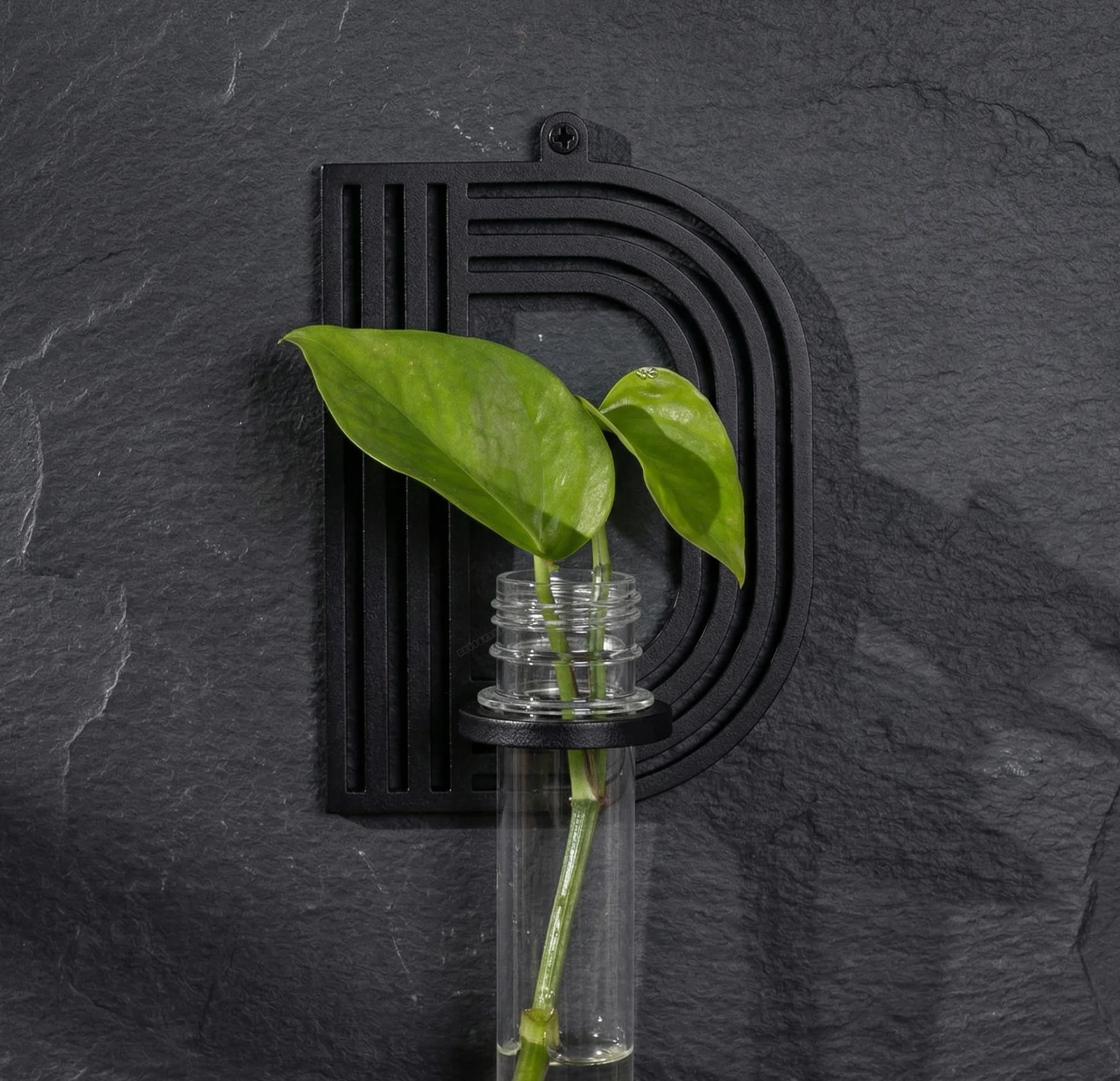 Free
alphabet plant propagation station D
44 downloads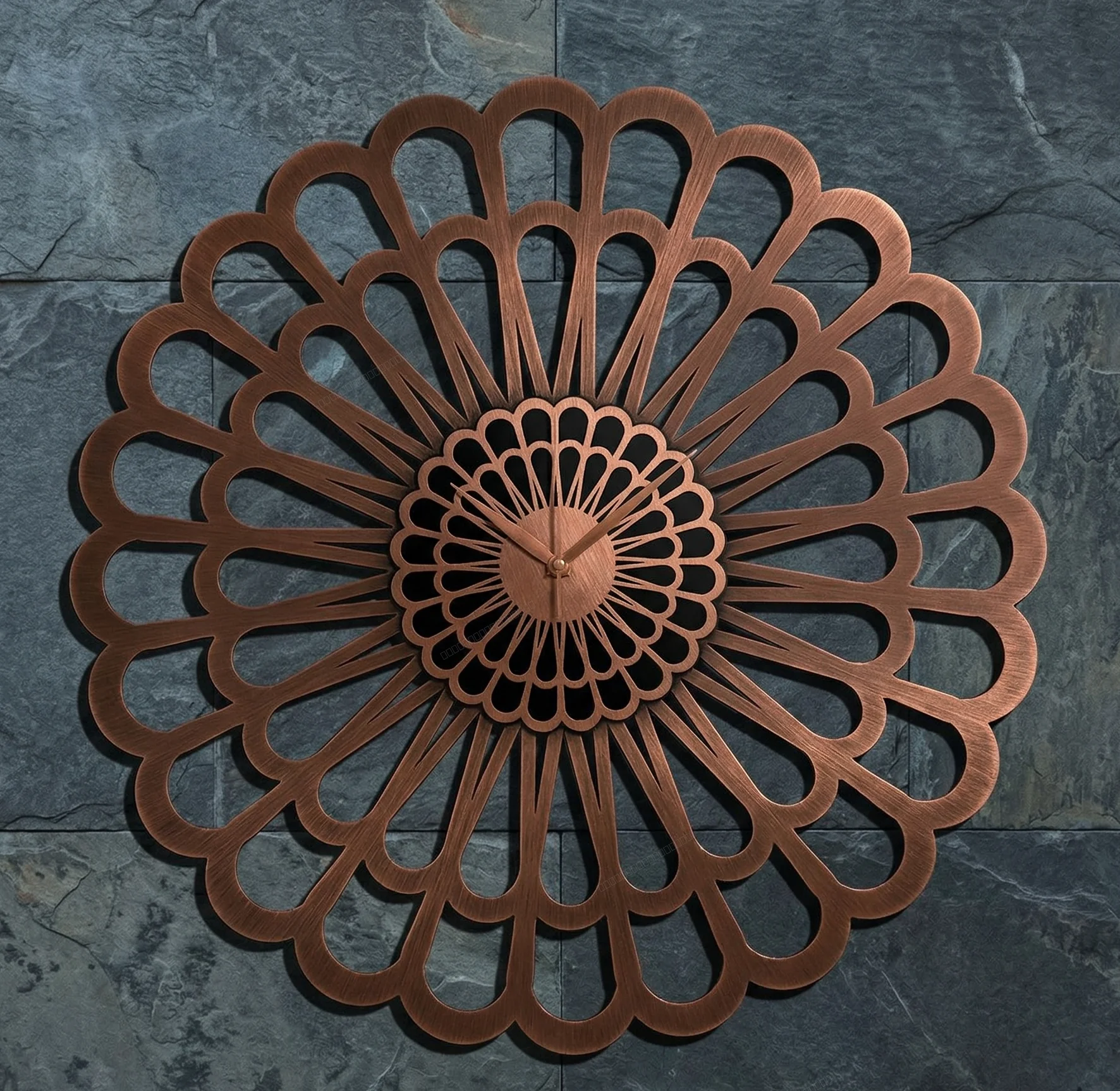 Free
Karlsson Sunflower Large Laser-Cut Floral Decorative Clock
329 downloadsMost downloaded in this collection
FreeLaser-Cut Wooden Teardrop Earrings
661 downloadsFreeMother's Day Heart Photo Frame Stand
497 downloadsFree3 Monstera Leaves decor
476 downloadsFreelaser-cut wooden mandala earrings
439 downloads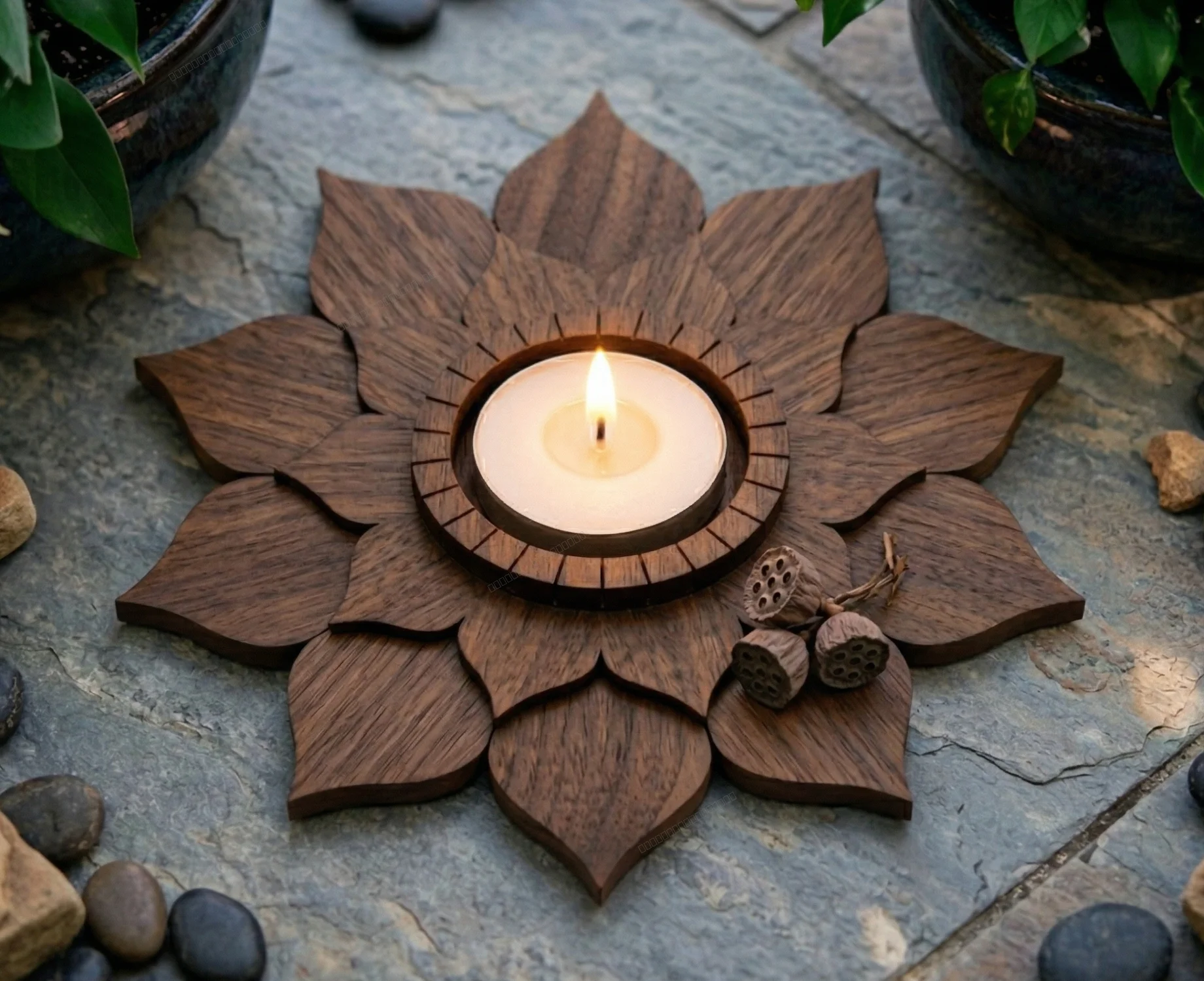 Free
3 Layer Lotus Tealight Candle Holder
372 downloadsFreeKarlsson Sunflower Large Laser-Cut Floral Decorative Clock
329 downloadsFreefish wall decor
272 downloadsFreewelcome flowers sign
255 downloadsChoosing the wood
| Material | What it is good for |
|---|---|
| Birch plywood (3–6 mm) | The default for signs, ornaments and layered art. Cuts cleanly and takes stain or paint; test again when you open a new pack, as glue lines vary. |
| MDF (3 mm) | Cheap, flat and consistent. Good for painted projects, but it chars darker and does not stain evenly. |
| Basswood and balsa | Fine detail and easy engraving. Best for small, delicate cuts rather than load-bearing parts. |
| Hardwood (walnut, cherry, maple) | Rich grain for a finished look. Needs a CO2 laser and slower passes than plywood. |
A starting point for 3 mm plywood
- CO2 40 W — DXF in LightBurn, around 10–15 mm/s at 60–80 % power; run a test cut first.
- Diode 10 W+ — several slow passes, with air assist if you have it.
- Glowforge — upload the SVG and start from the Proofgrade plywood settings.
- Check the kerf on an offcut before cutting a finger joint or a tight-fitting slot.
Before you cut
- Import the SVG or DXF, set the unit, and measure one known dimension.
- Separate cut and engrave into different layers or colours.
- Mask plywood with painter’s tape if you want a clean, pale surface.
- Never cut PVC or vinyl — it releases toxic, corrosive fumes.
More free files by machine, material and category
Wood laser cutting FAQ
What is the best file format for laser cutting wood?
SVG and DXF are the best formats for laser cutting wood. SVG works natively with Glowforge and most diode lasers. DXF is preferred by LightBurn, RDWorks, and professional CO2 laser software. FreeLaserFile provides both formats for every design.
What type of wood is best for laser cutting?
Plywood (3mm and 6mm birch plywood) is the most popular choice for laser cutting. MDF is great for painted projects. Basswood and balsa are excellent for detailed cuts. Hardwoods like walnut and cherry work well with CO2 lasers at slower speeds.
Can I use these free files for commercial wood products?
Yes, all files on FreeLaserFile are free for both personal and commercial use. You can laser cut these designs on wood and sell the finished products without any license or attribution required.
What laser power do I need to cut wood?
For 3mm plywood, a 40W CO2 laser or 10W+ diode laser works well. For 6mm plywood, you need at least a 60W CO2 or 20W+ diode laser. Glowforge Basic (40W) and Pro (45W) handle up to 1/4" plywood. xTool D1 Pro 20W cuts up to 10mm wood.
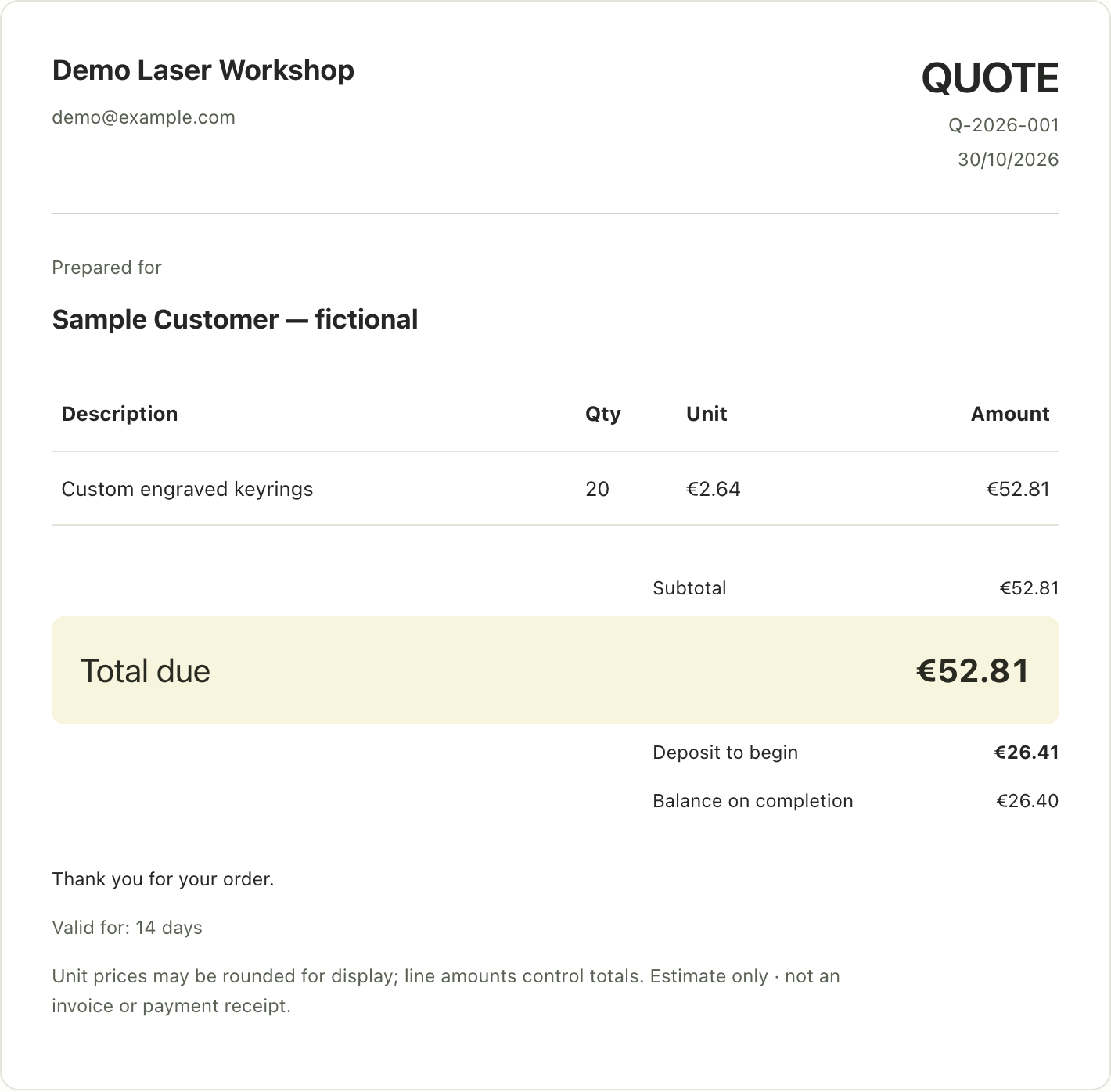
Our paid tool · Workshop Quote
Selling what you cut? Price it right.
Workshop Quote is our pricing calculator for makers. Enter material, time and margin — it works out your batch price and writes the quote you send to the customer.
- One HTML file, works offline
- No subscription
- €19, one-time download
Your design files stay free. This optional tool is sold separately. Final price and taxes are shown on Etsy.