

Free LightBurn Files – SVG & DXF Laser Cut Designs
Download free SVG and DXF files ready for LightBurn laser software. All designs import directly into LightBurn — just load, set speed and power, and cut. No registration required. Free for commercial use.
Compatible machines (with LightBurn)
LightBurn tip: Import SVG or DXF via File > Import or drag & drop. Use the layer palette to separate cut lines (red) from engraving (black) for multi-pass.

happy spring sign
Art & Decor27 DL
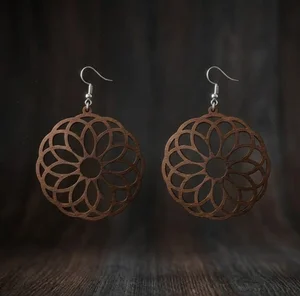
laser-cut wooden mandala earrings
Art & Decor209 DL
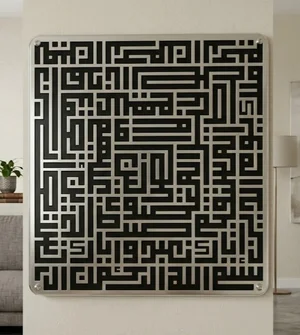
islam sign Al fatiha
Art & Decor123 DL
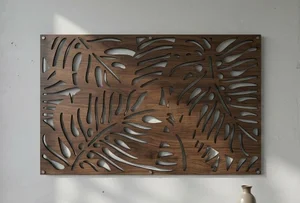
Tropical Monstera Leaf Wall Art
Flowers & Nature127 DL
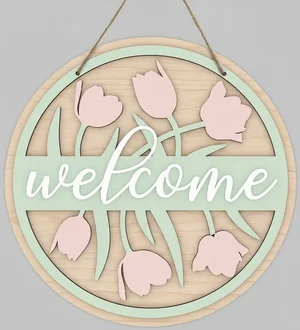
welcome flowers sign
Flowers & Nature116 DL
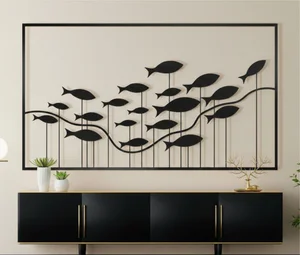
fish wall decor
Art & Decor187 DL
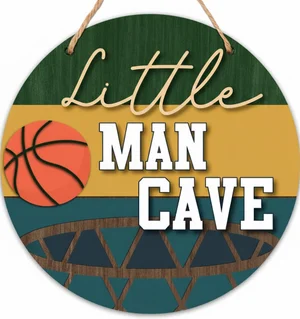
man cave sign
Art & Decor30 DL
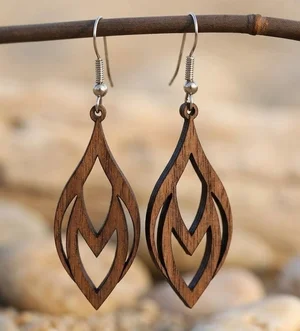
Laser-Cut Wooden Teardrop Earrings
Art & Decor328 DL
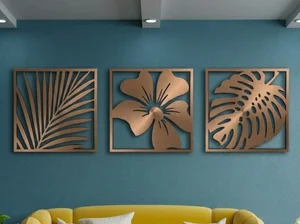
3 Monstera Leaves decor
Flowers & Nature268 DL

Hello Summer Round Door Hanger
Signs & Letters42 DL
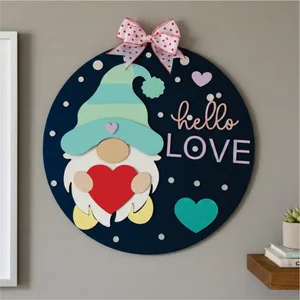
valentines day gnome sign
Art & Decor46 DL
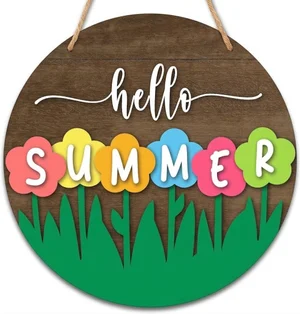
Hello Summer Floral Round Door Hanger
Art & Decor31 DL
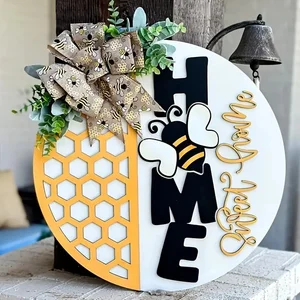
Home Sweet Home Honeycomb Round Door Hanger
Art & Decor66 DL
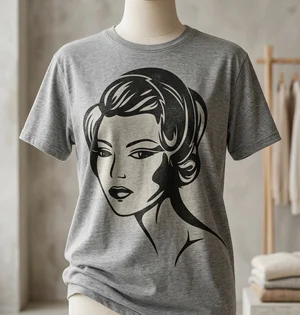
retro Flapper Woman Vector Art
Art & Decor21 DL

We Love You Mommy Cake Topper Mother Day
Art & Decor30 DL
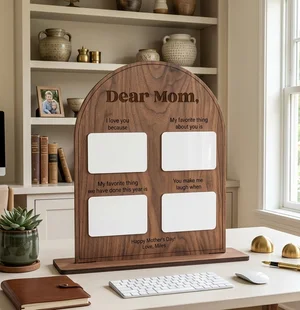
Personalized Arched Mother Day Keepsake Board
Art & Decor72 DL
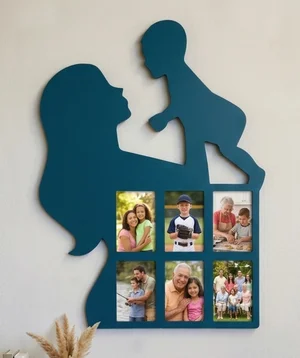
Mother and Child Silhouette Photos Wall Frame
Art & Decor81 DL

Mother Love Heart Picture Frame Gift
Art & Decor105 DL
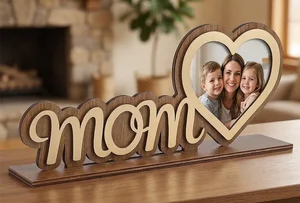
Mother Day Heart Photo Frame Stand
Art & Decor230 DL
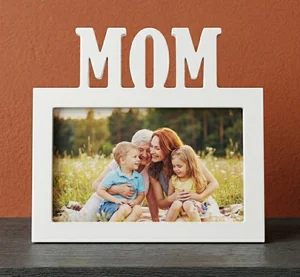
MOM Picture Frame Mother Day Gift
Art & Decor33 DL
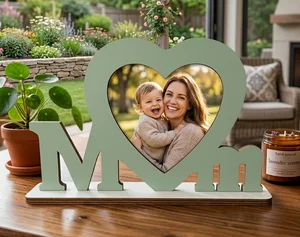
MOM Photo Frame Mother Day Gift
Art & Decor66 DL
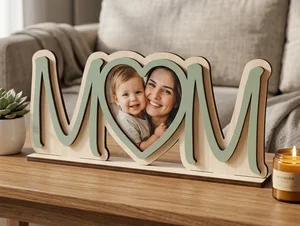
3D Layered Wooden Mom Picture Frame
Art & Decor79 DL
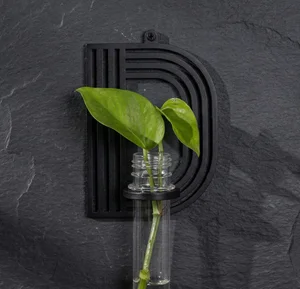
alphabet plant propagation station D
Art & Decor15 DL
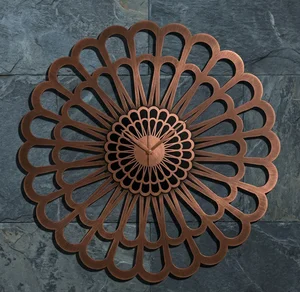
Karlsson Sunflower Large Laser-Cut Floral Decorative Clock
Flowers & Nature177 DL
More free laser files
LightBurn File FAQ
What formats does LightBurn support?
SVG, DXF, AI, PDF, PNG, JPG, BMP. SVG and DXF are best for vector cutting. All FreeLaserFile designs are LightBurn-ready.
How do I import SVG into LightBurn?
File > Import or drag and drop SVG/DXF. Set cut vs. engrave layers via color palette. No conversion needed.
Which machines work with LightBurn?
xTool, Ortur, Sculpfun, OMTech, Atomstack, LONGER, K40 (with upgrade), and all GRBL/Ruida DSP machines. Not compatible with Glowforge.
Are the files free for commercial use?
Yes. Free for personal and commercial use. No attribution required.