

Free Ortur Files – SVG & DXF Laser Cut Designs
Download free SVG and DXF files for Ortur Laser Master 2, Ortur Laser Master 3, Ortur Laser Master Pro, and all Ortur diode laser engravers. Compatible with LightBurn and LaserGRBL. No registration required. Free for commercial use.
Ortur tip: LightBurn with DXF or SVG gives the best cutting results. For photo engraving, use PNG with Jarvis dithering in LightBurn.

Evil Jester Skull Hat Charm Pendant Silhouette
Art & Decor4 DL
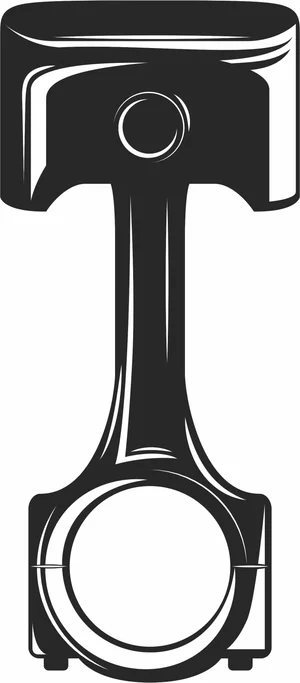
Engine Piston and Connecting Rod Silhouette
Vehicles5 DL
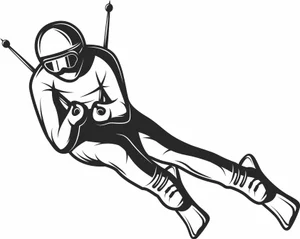
Downhill Alpine Skier Speed Racing Slope Silhouette
Art & Decor4 DL
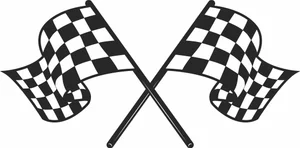
Crossed Waving Checkered Flags Finish Line Graphics
Art & Decor9 DL
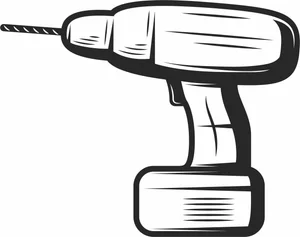
Cordless Power Drill Hardware Tool Illustration
Art & Decor7 DL
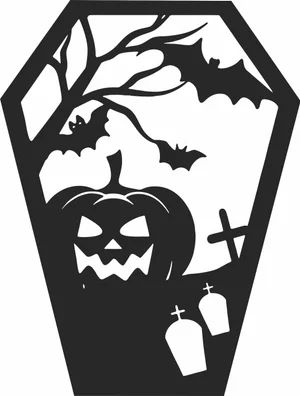
Coffin Shaped Halloween Scene Pumpkin Bats Graveyard
Art & Decor7 DL
Circular Tribal Mandala Vector Design
Signs & Letters5 DL
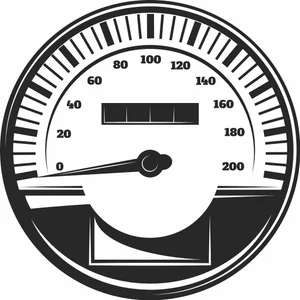
Circular Speedometer Gauge Mileage Odometer Vector
Art & Decor6 DL
Circular Five Point Tribal Star Emblem
Art & Decor8 DL
Chinese Dragon Asian Serpent Art
Art & Decor4 DL

Car Wheel Burnout Smoke Drift Graphic
Vehicles1 DL
Burning Motors Crossed Wrench and Piston Round Emblem
Vehicles3 DL
Bikers Tournament Horned Helmet Motorcycle Circular Emblem
Vehicles2 DL
Arched Halloween Window Spooky Pumpkin Bats Graveyard
Art & Decor10 DL
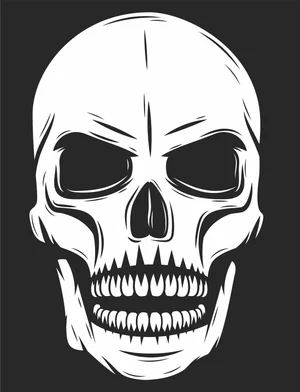
Angry Skull Laser Cut File Engraving Vector Design
Signs & Letters8 DL

Winter Beanie Hat And Snowflake Pattern Scarf Set
Vehicles1 DL
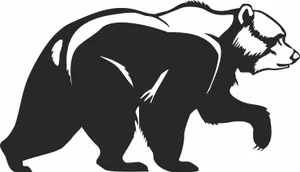
Grizzly Bear Side Profile Wildlife Graphic
Art & Decor6 DL
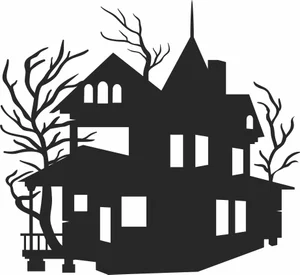
Victorian Haunted Mansion Spooky Bare Trees
Art & Decor6 DL
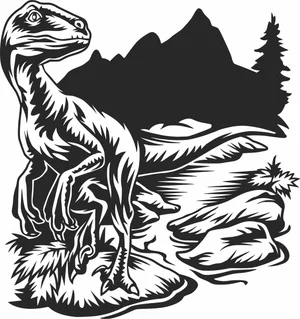
Velociraptor Dinosaur Wildlife Scene
Art & Decor5 DL
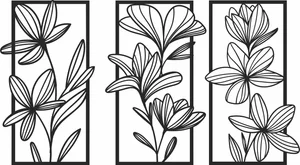
Floral Wall Art Three Panels Flowers
Art & Decor16 DL
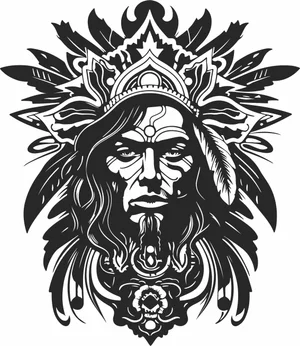
Tribal Chief Warrior Portrait
Art & Decor18 DL
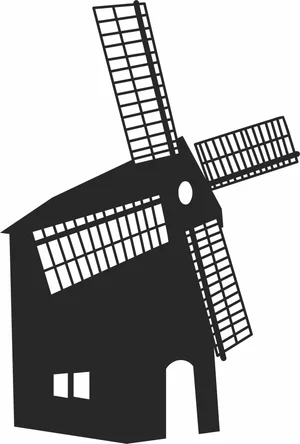
Traditional European Dutch Windmill Millhouse
Architecture7 DL
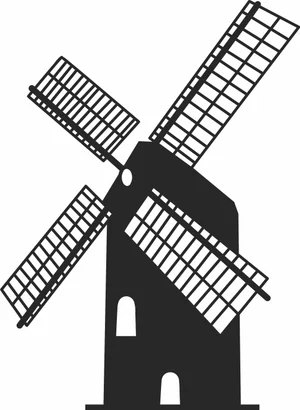
Traditional Dutch Windmill Farm Building Landmark Silhouette
Architecture6 DL
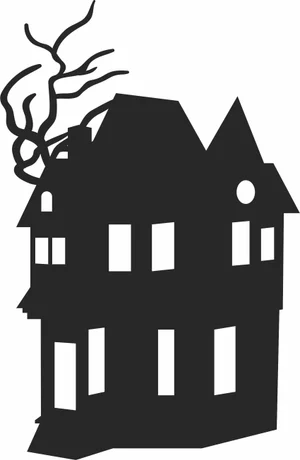
Three Story Haunted Mansion Creepy Bare Tree Branches Silhouette
Art & Decor3 DL
More free laser files
Ortur File FAQ
What file formats work with Ortur?
Ortur machines support SVG, DXF, PNG, JPG, and BMP via LightBurn or LaserGRBL. SVG and DXF are recommended for precision cutting.
Is LightBurn compatible with Ortur?
Yes. All Ortur Laser Master models are compatible with LightBurn — the best software for SVG and DXF files with full layer and speed/power control.
Best format for Ortur engraving?
Use DXF/SVG for cutting. Use PNG with Jarvis dithering in LightBurn for photo engraving.
Are the files free for commercial use?
Yes. Free for personal and commercial use. No attribution required.