

Free Ortur Files – SVG & DXF Laser Cut Designs
Download free SVG and DXF files for Ortur Laser Master 2, Ortur Laser Master 3, Ortur Laser Master Pro, and all Ortur diode laser engravers. Compatible with LightBurn and LaserGRBL. No registration required. Free for commercial use.
Ortur tip: LightBurn with DXF or SVG gives the best cutting results. For photo engraving, use PNG with Jarvis dithering in LightBurn.
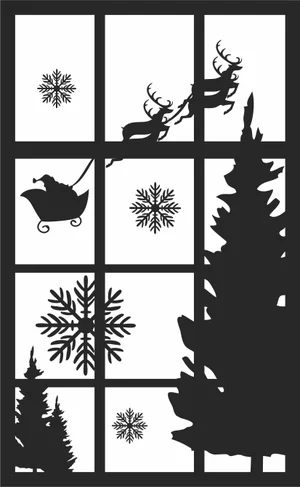
Christmas Santa Sleigh Window Sign
Art & Decor2 DL
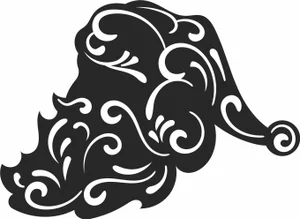
Christmas Santa Profile Beard Sign
Art & Decor1 DL
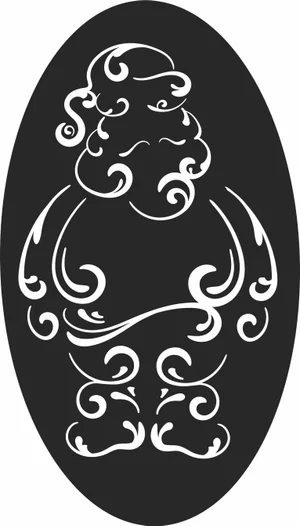
Christmas Oval Santa Claus Sign
Art & Decor2 DL
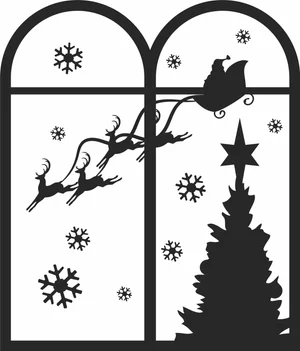
Christmas Flying Santa Reindeer Window Sign
Art & Decor3 DL
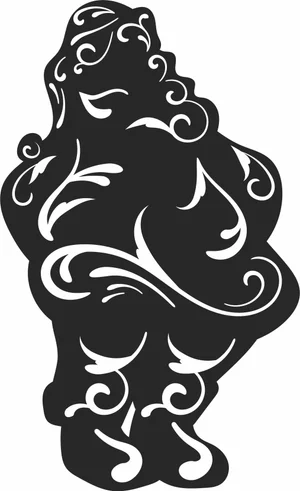
Christmas Flourish Santa Claus Silhouette Sign
Art & Decor1 DL
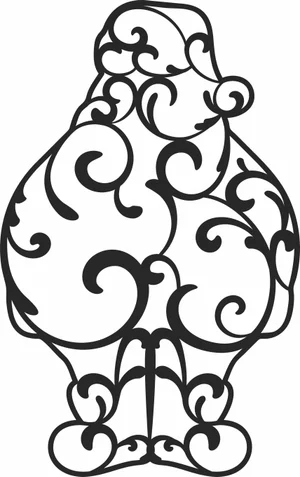
Christmas Filigree Santa Claus Sign
Art & Decor3 DL
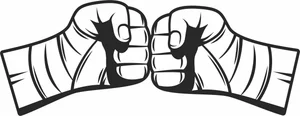
Boxing Fist Bump Hand Wraps Sign
Art & Decor2 DL
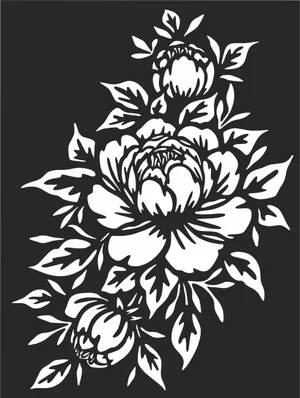
Blooming Peony Floral Cluster Sign
Flowers & Nature15 DL
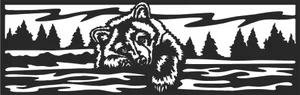
Bear Forest Landscape Border Sign
Art & Decor2 DL
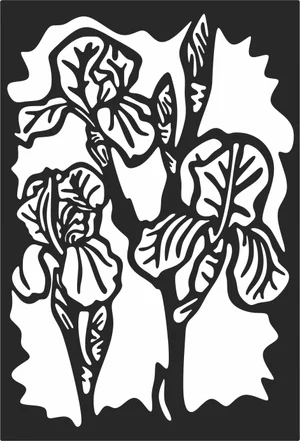
Art Nouveau Iris Flower Panel Sign
Flowers & Nature1 DL
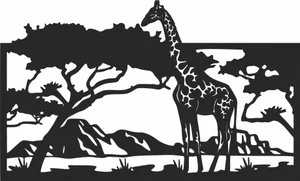
African Giraffe Safari Landscape Sign
Art & Decor6 DL
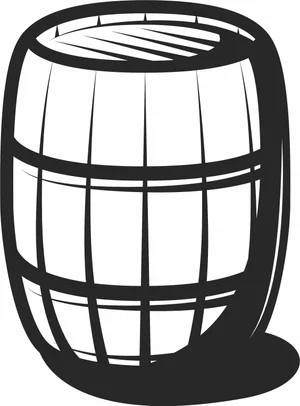
Wooden Barrel Design
Signs & Letters6 DL
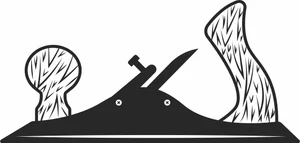
Wood Hand Plane Design
Signs & Letters3 DL
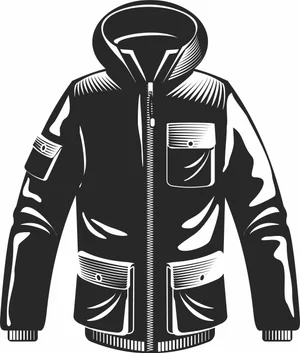
Winter Jacket with Hood Design
Signs & Letters2 DL
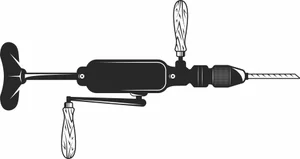
Vintage Hand Crank Drill Design
Signs & Letters3 DL
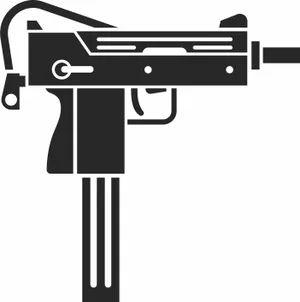
Submachine Gun Design
Signs & Letters4 DL

Street Racers Checkered Flags Sign Design
Signs & Letters2 DL
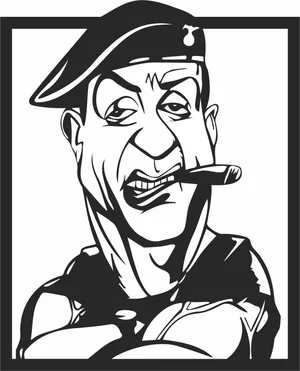
Stallone Caricature Design
Signs & Letters20 DL
Speedrace Motorcycle Tire Sign Design
Vehicles2 DL
Speed Racers Tournament Helmet Sign Design
Signs & Letters1 DL
Snow Skis Design
Signs & Letters1 DL

Sniper Rifle Design
Signs & Letters14 DL
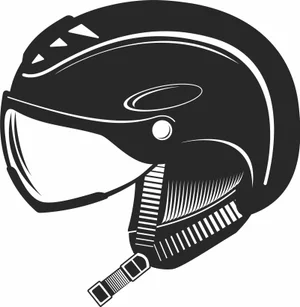
Ski Helmet with Visor Design
Signs & Letters1 DL
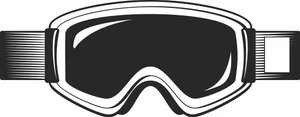
Ski Goggles Design
Signs & Letters1 DL
More free laser files
Ortur File FAQ
What file formats work with Ortur?
Ortur machines support SVG, DXF, PNG, JPG, and BMP via LightBurn or LaserGRBL. SVG and DXF are recommended for precision cutting.
Is LightBurn compatible with Ortur?
Yes. All Ortur Laser Master models are compatible with LightBurn — the best software for SVG and DXF files with full layer and speed/power control.
Best format for Ortur engraving?
Use DXF/SVG for cutting. Use PNG with Jarvis dithering in LightBurn for photo engraving.
Are the files free for commercial use?
Yes. Free for personal and commercial use. No attribution required.