

Free Ortur Files – SVG & DXF Laser Cut Designs
Download free SVG and DXF files for Ortur Laser Master 2, Ortur Laser Master 3, Ortur Laser Master Pro, and all Ortur diode laser engravers. Compatible with LightBurn and LaserGRBL. No registration required. Free for commercial use.
Ortur tip: LightBurn with DXF or SVG gives the best cutting results. For photo engraving, use PNG with Jarvis dithering in LightBurn.
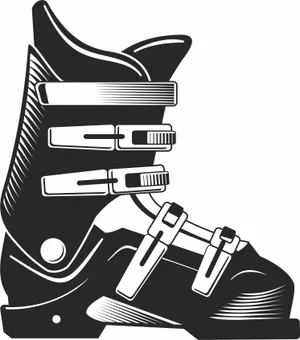
Ski Boot Design
Signs & Letters1 DL
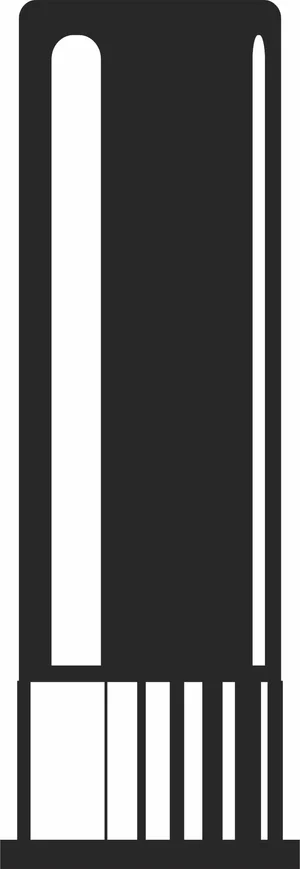
Shotgun Shell Cartridge Design
Signs & Letters1 DL

Shotgun Firearm Design
Signs & Letters4 DL
Shotgun Design
Signs & Letters3 DL

Screwdriver Tool Design
Signs & Letters5 DL
Rocket Launcher Design
Signs & Letters1 DL
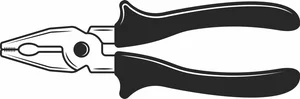
Pliers Hand Tool Design
Signs & Letters9 DL
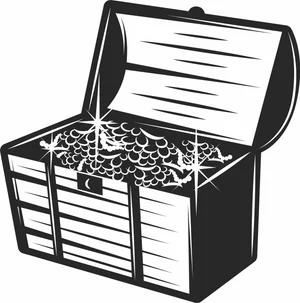
Pirate Treasure Chest Design
Signs & Letters6 DL

Pirate Spyglass Telescope Design
Signs & Letters1 DL
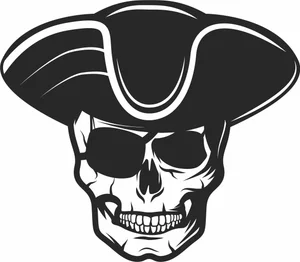
Pirate Skull with Tricorn Hat Design
Signs & Letters16 DL
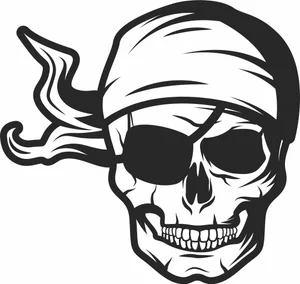
Pirate Skull with Bandana Design
Signs & Letters21 DL
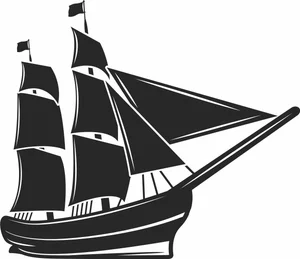
Pirate Ship Design
Signs & Letters11 DL
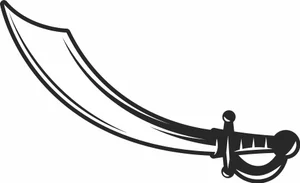
Pirate Cutlass Sword Design
Signs & Letters9 DL
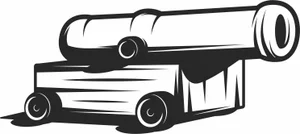
Pirate Cannon Design
Signs & Letters2 DL

Nordic Cross Country Skis Design
Signs & Letters1 DL
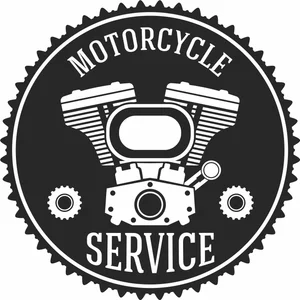
Motorcycle Service Engine Sign Design
Vehicles8 DL
Motorcycle Service Crossed Pistons Design
Vehicles4 DL
Motor Service Garage Sign Design
Signs & Letters3 DL
Machine Gun on Tripod Design
Signs & Letters1 DL
M16 Assault Rifle Design
Signs & Letters7 DL
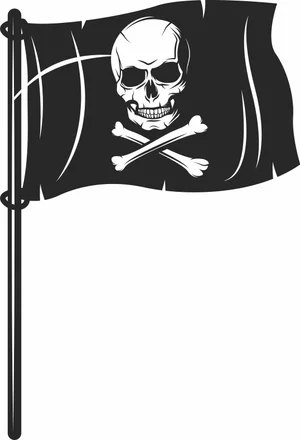
Jolly Roger Pirate Flag Design
Signs & Letters1 DL
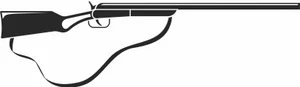
Hunting Rifle with Sling Design
Signs & Letters2 DL
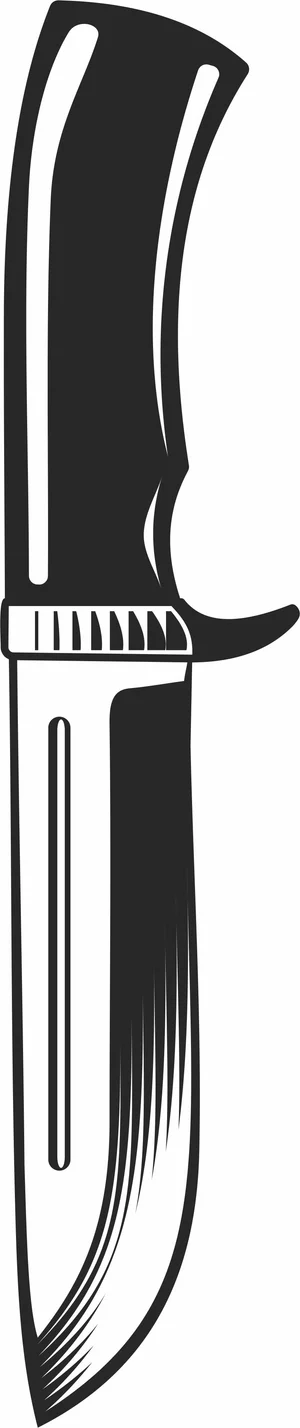
Hunting Knife Design
Signs & Letters9 DL
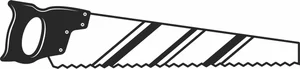
Hand Saw Tool Design
Signs & Letters5 DL
More free laser files
Ortur File FAQ
What file formats work with Ortur?
Ortur machines support SVG, DXF, PNG, JPG, and BMP via LightBurn or LaserGRBL. SVG and DXF are recommended for precision cutting.
Is LightBurn compatible with Ortur?
Yes. All Ortur Laser Master models are compatible with LightBurn — the best software for SVG and DXF files with full layer and speed/power control.
Best format for Ortur engraving?
Use DXF/SVG for cutting. Use PNG with Jarvis dithering in LightBurn for photo engraving.
Are the files free for commercial use?
Yes. Free for personal and commercial use. No attribution required.