

Free Ortur Files – SVG & DXF Laser Cut Designs
Download free SVG and DXF files for Ortur Laser Master 2, Ortur Laser Master 3, Ortur Laser Master Pro, and all Ortur diode laser engravers. Compatible with LightBurn and LaserGRBL. No registration required. Free for commercial use.
Ortur tip: LightBurn with DXF or SVG gives the best cutting results. For photo engraving, use PNG with Jarvis dithering in LightBurn.
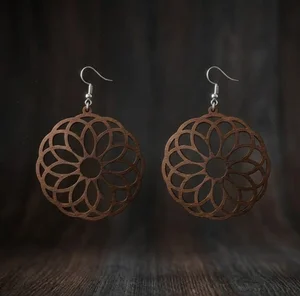
laser-cut wooden mandala earrings
Art & Decor209 DL
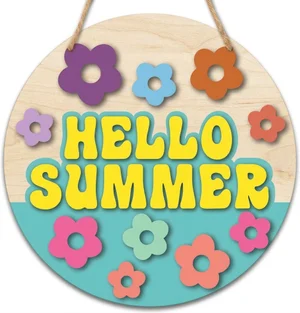
Hello Summer Round Door Hanger
Signs & Letters42 DL
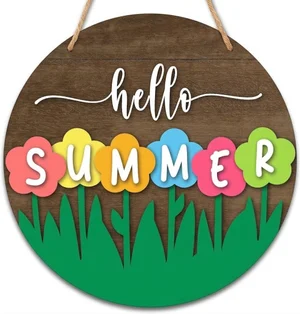
Hello Summer Floral Round Door Hanger
Art & Decor31 DL
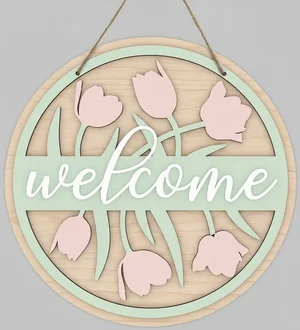
welcome flowers sign
Flowers & Nature112 DL
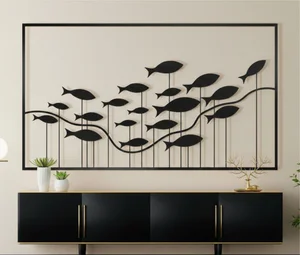
fish wall decor
Art & Decor183 DL
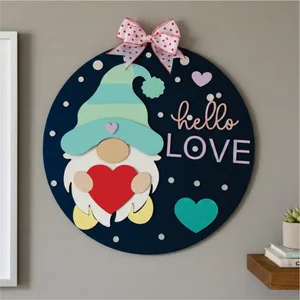
valentines day gnome sign
Art & Decor45 DL
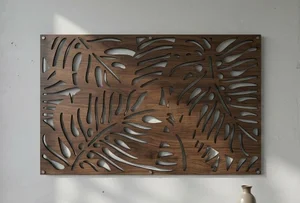
Tropical Monstera Leaf Wall Art
Flowers & Nature126 DL
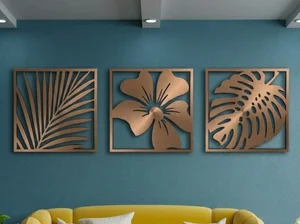
3 Monstera Leaves decor
Flowers & Nature265 DL
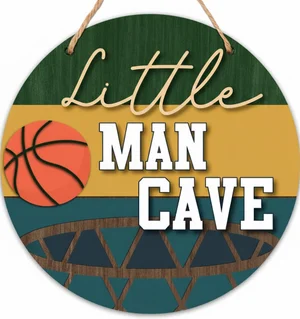
man cave sign
Art & Decor29 DL
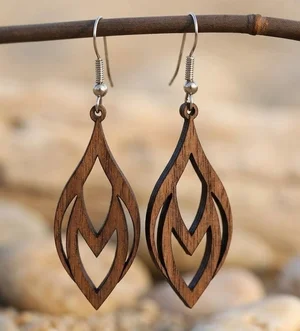
Laser-Cut Wooden Teardrop Earrings
Art & Decor320 DL
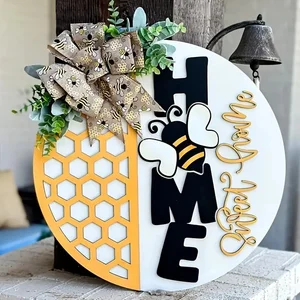
Home Sweet Home Honeycomb Round Door Hanger
Art & Decor63 DL
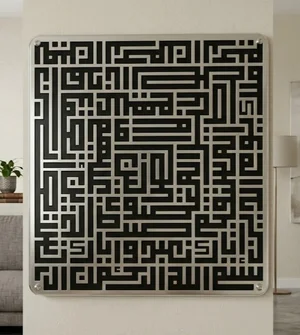
islam sign Al fatiha
Art & Decor121 DL
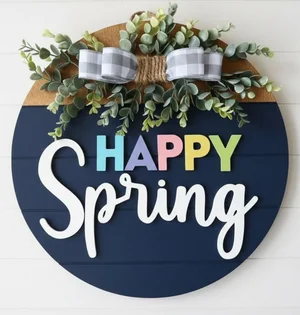
happy spring sign
Art & Decor27 DL
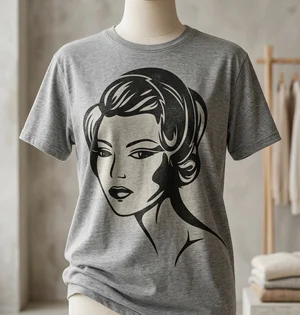
retro Flapper Woman Vector Art
Art & Decor21 DL
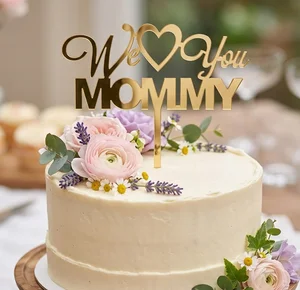
We Love You Mommy Cake Topper Mother Day
Art & Decor29 DL
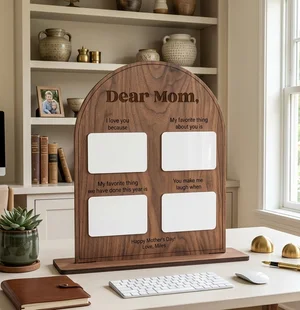
Personalized Arched Mother Day Keepsake Board
Art & Decor71 DL
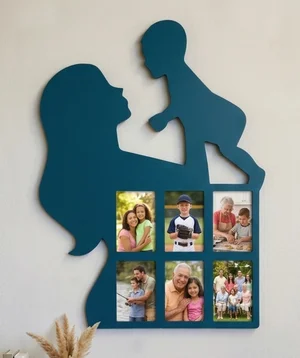
Mother and Child Silhouette Photos Wall Frame
Art & Decor80 DL
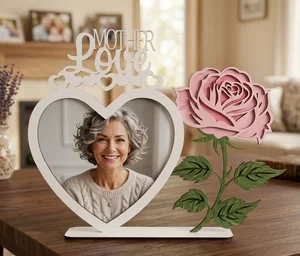
Mother Love Heart Picture Frame Gift
Art & Decor104 DL
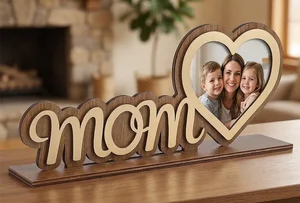
Mother Day Heart Photo Frame Stand
Art & Decor225 DL
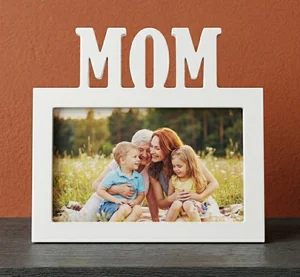
MOM Picture Frame Mother Day Gift
Art & Decor33 DL
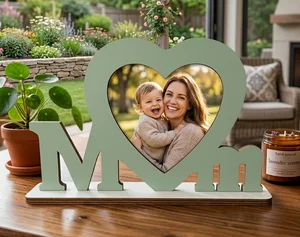
MOM Photo Frame Mother Day Gift
Art & Decor62 DL
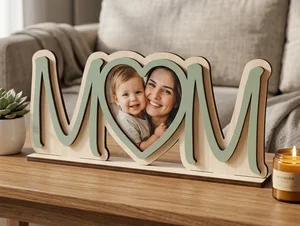
3D Layered Wooden Mom Picture Frame
Art & Decor76 DL
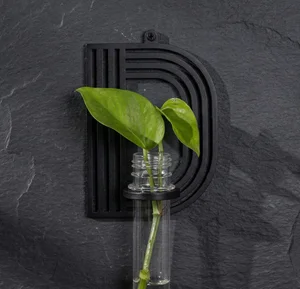
alphabet plant propagation station D
Art & Decor15 DL
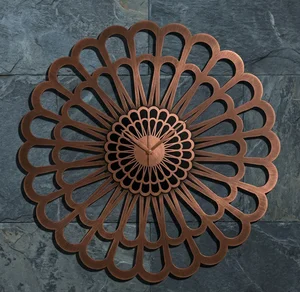
Karlsson Sunflower Large Laser-Cut Floral Decorative Clock
Flowers & Nature174 DL
More free laser files
Ortur File FAQ
What file formats work with Ortur?
Ortur machines support SVG, DXF, PNG, JPG, and BMP via LightBurn or LaserGRBL. SVG and DXF are recommended for precision cutting.
Is LightBurn compatible with Ortur?
Yes. All Ortur Laser Master models are compatible with LightBurn — the best software for SVG and DXF files with full layer and speed/power control.
Best format for Ortur engraving?
Use DXF/SVG for cutting. Use PNG with Jarvis dithering in LightBurn for photo engraving.
Are the files free for commercial use?
Yes. Free for personal and commercial use. No attribution required.