

Free Ortur Files – SVG & DXF Laser Cut Designs
Download free SVG and DXF files for Ortur Laser Master 2, Ortur Laser Master 3, Ortur Laser Master Pro, and all Ortur diode laser engravers. Compatible with LightBurn and LaserGRBL. No registration required. Free for commercial use.
Ortur tip: LightBurn with DXF or SVG gives the best cutting results. For photo engraving, use PNG with Jarvis dithering in LightBurn.
Soaring Bald Eagle Wide Wingspan Flight Silhouette
Art & Decor6 DL
Snowmobile Side View Winter Transport Graphic
Art & Decor4 DL
Snowmobile Rider Front View Winter Motorsport Silhouette
Art & Decor5 DL
Snowmobile Rider Extreme Winter Motorsport Action Graphic
Art & Decor3 DL
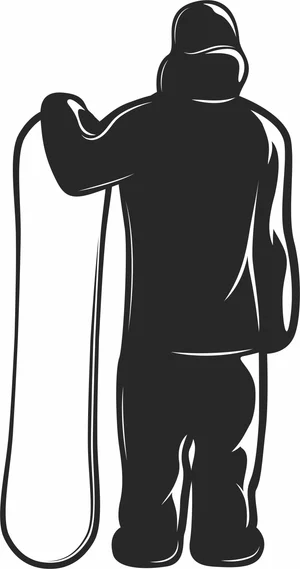
Snowboarder Standing Back View Holding Deck Silhouette
Art & Decor4 DL
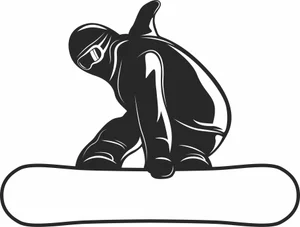
Snowboarder Performing Grab Trick Action Slope Silhouette
Art & Decor5 DL
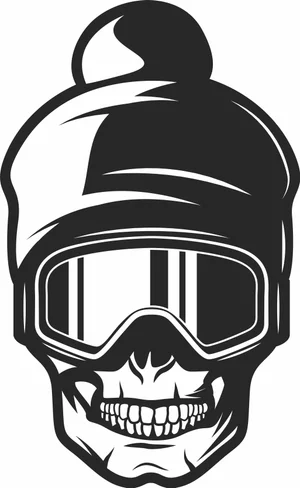
Ski Goggles Winter Beanie Skull Head Illustration
Art & Decor2 DL
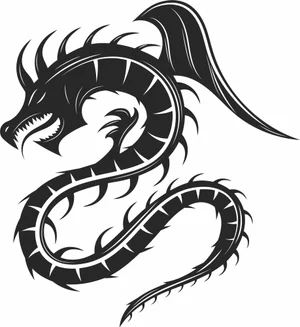
Serpent Dragon
Art & Decor8 DL
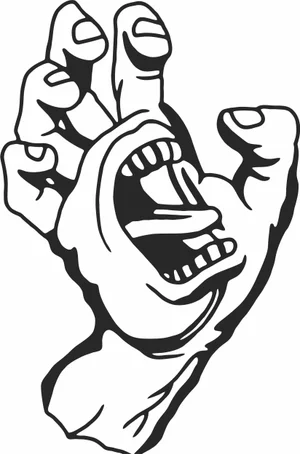
Screaming Hand Monster Mouth Palm Graphic
Art & Decor5 DL
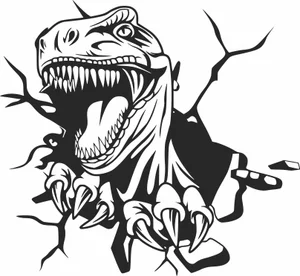
Roaring Dinosaur T Rex Crashing Through Wall Silhouette
Art & Decor17 DL
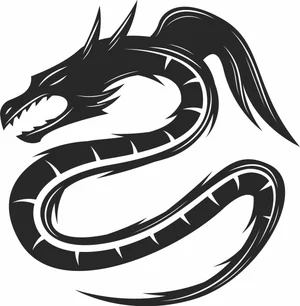
Roaring Coiled Eastern Dragon Silhouette
Art & Decor5 DL
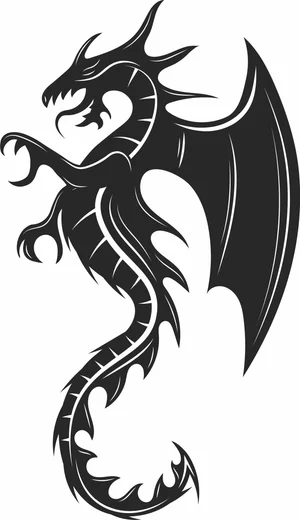
Rearing Winged Spiked Dragon Beast Graphic
Art & Decor7 DL
Raised Fist Holding Wrench Mechanic Tool Clipart
Art & Decor12 DL
Motorcycle Service Helmet and Scooter Circular Retro Badge
Vehicles1 DL
Motorcycle Club Vintage Helmet Banner Circular Insignia
Vehicles1 DL
Motor Shop Motorcycle V Twin Engine Shield Badge
Vehicles2 DL
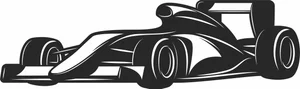
Modern Formula Race Car Open Wheel Motorsport Silhouette
Art & Decor6 DL
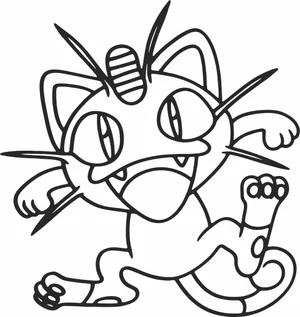
Meowth Anime Cat Character Line Art Silhouette
Art & Decor14 DL

Ice Hockey Goalie Block Position Gear Graphic
Art & Decor3 DL
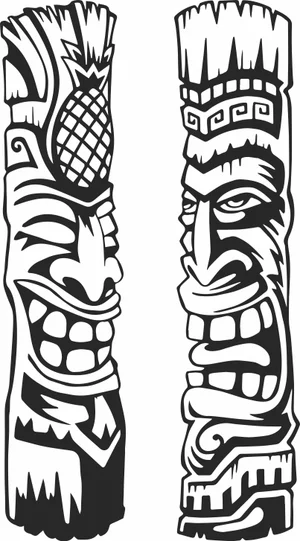
Hawaiian Tiki Totem Poles Pineapple Tribal Face Vector
Art & Decor6 DL
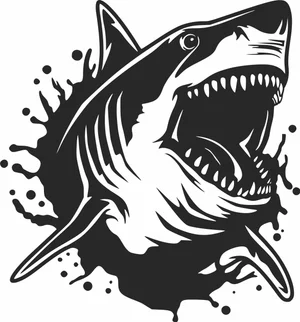
Great White Shark Open Mouth Water Splash Silhouette
Art & Decor9 DL
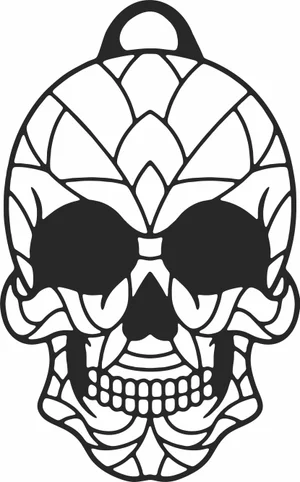
Geometric Mandala Skull Pendant Charm Silhouette
Art & Decor10 DL
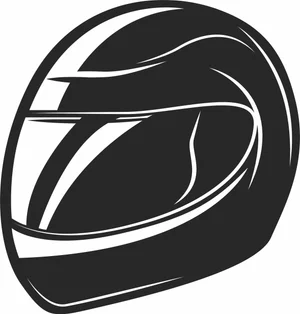
Full Face Racing Helmet Motorcycle Visor Graphic
Vehicles6 DL

Formula Race Car Side Profile Open Wheel Silhouette
Art & Decor3 DL
More free laser files
Ortur File FAQ
What file formats work with Ortur?
Ortur machines support SVG, DXF, PNG, JPG, and BMP via LightBurn or LaserGRBL. SVG and DXF are recommended for precision cutting.
Is LightBurn compatible with Ortur?
Yes. All Ortur Laser Master models are compatible with LightBurn — the best software for SVG and DXF files with full layer and speed/power control.
Best format for Ortur engraving?
Use DXF/SVG for cutting. Use PNG with Jarvis dithering in LightBurn for photo engraving.
Are the files free for commercial use?
Yes. Free for personal and commercial use. No attribution required.