

Free Ortur Files – SVG & DXF Laser Cut Designs
Download free SVG and DXF files for Ortur Laser Master 2, Ortur Laser Master 3, Ortur Laser Master Pro, and all Ortur diode laser engravers. Compatible with LightBurn and LaserGRBL. No registration required. Free for commercial use.
Ortur tip: LightBurn with DXF or SVG gives the best cutting results. For photo engraving, use PNG with Jarvis dithering in LightBurn.
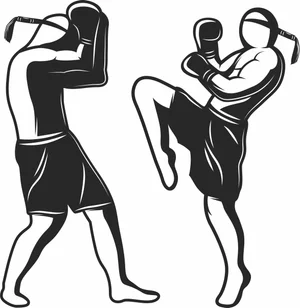
Muay Thai Fighters Sparring Match Sign
Art & Decor2 DL
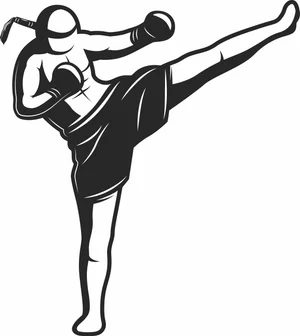
Muay Thai Fighter High Kick Silhouette Sign
Art & Decor3 DL
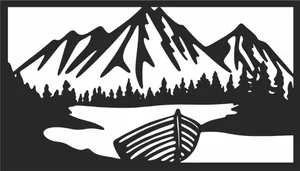
Mountain Lake Boat Landscape Sign
Art & Decor11 DL
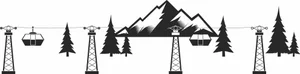
Mountain Cable Car Landscape Sign
Art & Decor2 DL
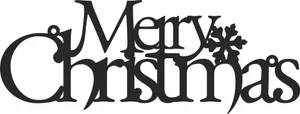
Merry Christmas Snowflake Sign
Art & Decor3 DL
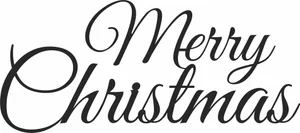
Merry Christmas Script Cursive Sign
Art & Decor2 DL
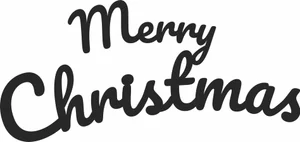
Merry Christmas Modern Script Sign
Art & Decor3 DL
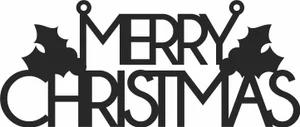
Merry Christmas Holly Sign
Art & Decor3 DL
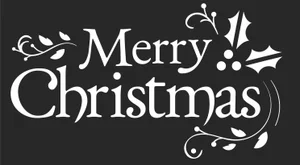
Merry Christmas Flourish Holly Sign
Art & Decor3 DL
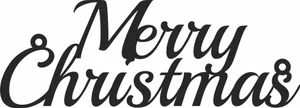
Merry Christmas Elegant Sign
Art & Decor3 DL
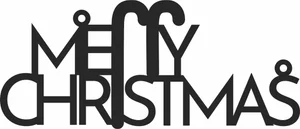
Merry Christmas Candy Cane Sign
Art & Decor1 DL
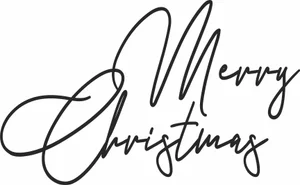
Merry Christmas Calligraphy Lettering Sign
Art & Decor2 DL
Merry Christmas Bold Script Sign
Art & Decor1 DL
Merry Christmas Bauble Ornament
Art & Decor19 DL
Heron Willow Tree Arch Sign
Flowers & Nature5 DL
Heavy Punching Bag Boxing Training Sign
Art & Decor2 DL
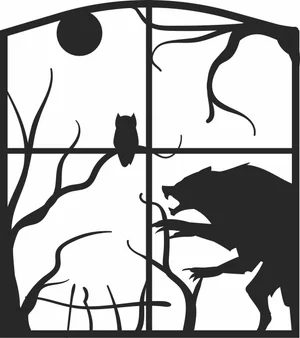
Halloween Werewolf Owl Window Sign
Art & Decor3 DL
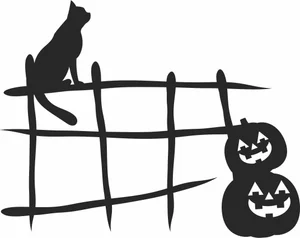
Halloween Watching Cat Fence Sign
Art & Decor2 DL
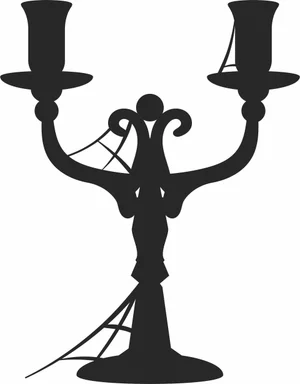
Halloween Twin Candle Candelabra Sign
Art & Decor2 DL
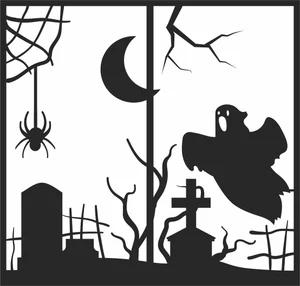
Halloween Spooky Graveyard Ghost Sign
Art & Decor5 DL
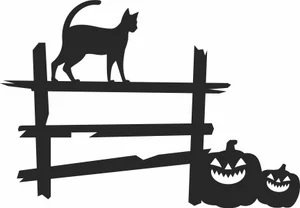
Halloween Spooky Cat Fence Sign
Art & Decor3 DL
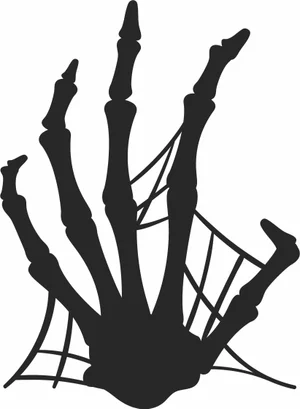
Halloween Skeleton Hand Spiderweb Sign
Art & Decor6 DL

Halloween Skeleton Hand Spider Sign
Art & Decor2 DL
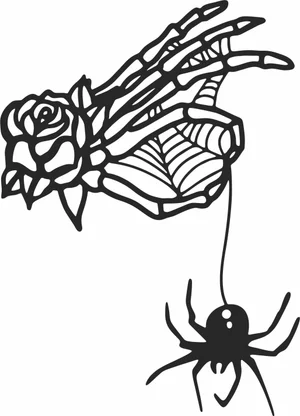
Halloween Skeleton Hand Rose Spider Sign
Art & Decor2 DL
More free laser files
Ortur File FAQ
What file formats work with Ortur?
Ortur machines support SVG, DXF, PNG, JPG, and BMP via LightBurn or LaserGRBL. SVG and DXF are recommended for precision cutting.
Is LightBurn compatible with Ortur?
Yes. All Ortur Laser Master models are compatible with LightBurn — the best software for SVG and DXF files with full layer and speed/power control.
Best format for Ortur engraving?
Use DXF/SVG for cutting. Use PNG with Jarvis dithering in LightBurn for photo engraving.
Are the files free for commercial use?
Yes. Free for personal and commercial use. No attribution required.