

Free Ortur Files – SVG & DXF Laser Cut Designs
Download free SVG and DXF files for Ortur Laser Master 2, Ortur Laser Master 3, Ortur Laser Master Pro, and all Ortur diode laser engravers. Compatible with LightBurn and LaserGRBL. No registration required. Free for commercial use.
Ortur tip: LightBurn with DXF or SVG gives the best cutting results. For photo engraving, use PNG with Jarvis dithering in LightBurn.
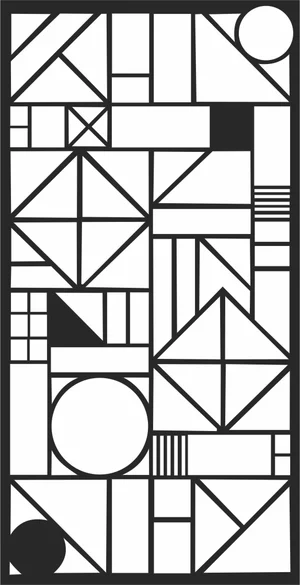
Abstract Geometric Mosaic Bauhaus Pattern
Geometric5 DL
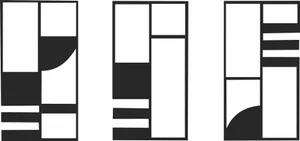
Abstract Geometric Bauhaus Triptych Pattern
Geometric3 DL
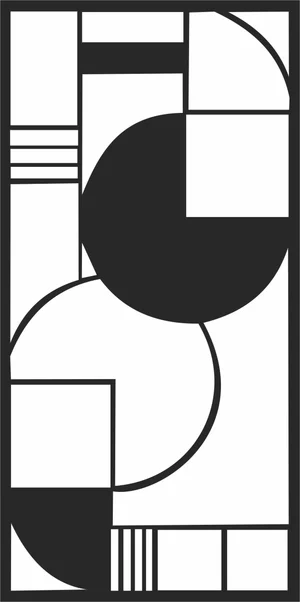
Abstract Geometric Bauhaus Pattern Art
Geometric6 DL
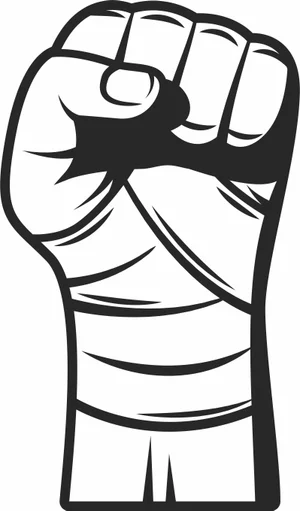
Wrapped Boxing Fist Power Sign
Art & Decor4 DL
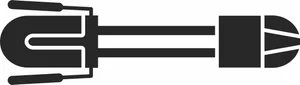
Winter Ski Sled Luge Sign
Art & Decor2 DL
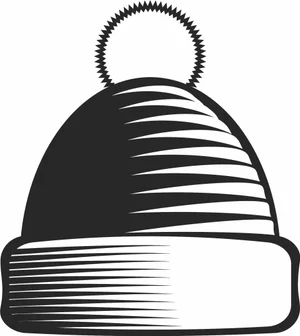
Winter Pom Pom Beanie Hat Sign
Art & Decor1 DL
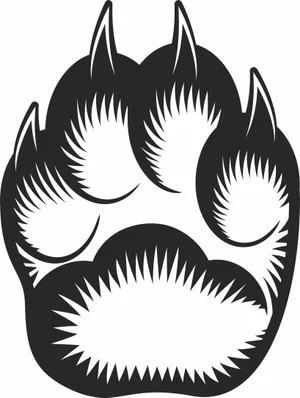
Wild Bear Paw Print Claw Sign
Art & Decor5 DL
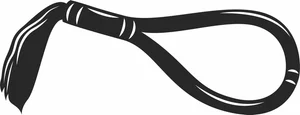
Traditional Muay Thai Mongkhon Headband Sign
Art & Decor1 DL
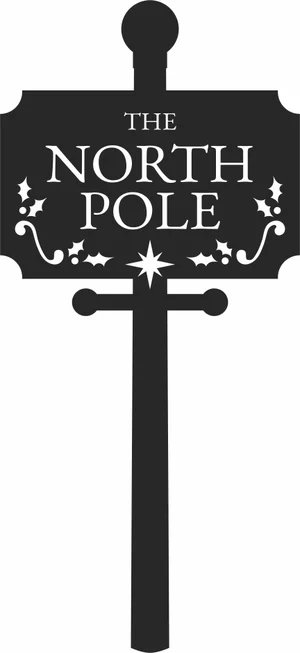
The North Pole Vintage Sign
Art & Decor7 DL
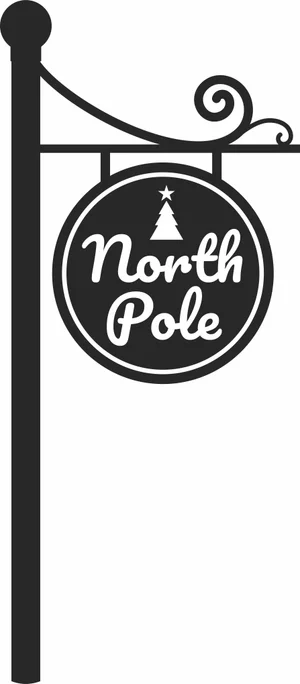
The North Pole Round Hanging Sign
Art & Decor3 DL
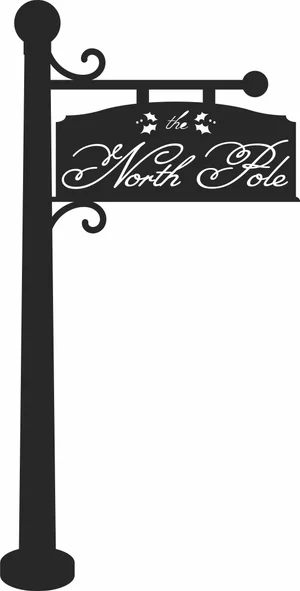
The North Pole Hanging Sign
Art & Decor3 DL
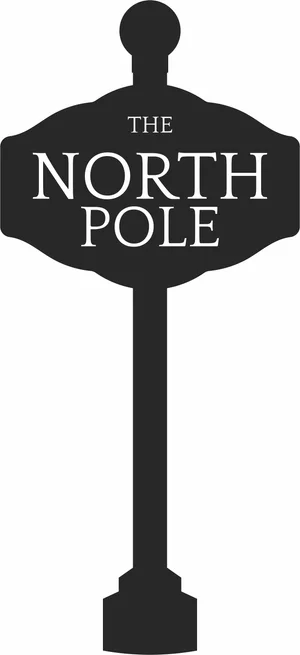
The North Pole Classic Sign
Art & Decor2 DL
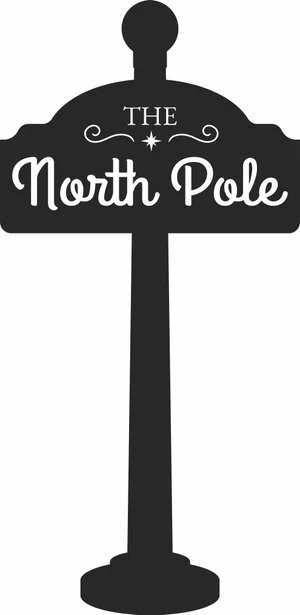
The North Pole Christmas Sign
Art & Decor2 DL
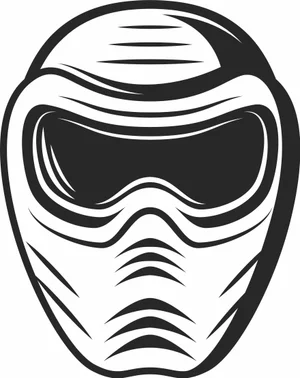
Tactical Paintball Mask Goggles Sign
Art & Decor2 DL
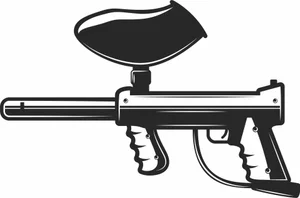
Tactical Paintball Marker Gun Sign
Art & Decor2 DL

Straight Ski Poles Winter Sports Sign
Art & Decor1 DL

Ski Poles Winter Adventure Sign
Art & Decor1 DL
Shooting Target Crosshair Sign
Art & Decor2 DL
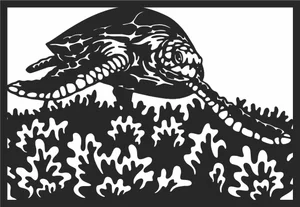
Sea Turtle Coral Reef Ocean Sign
Art & Decor5 DL
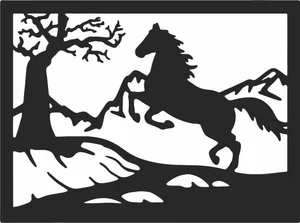
Rearing Horse Mountain Landscape Sign
Art & Decor9 DL
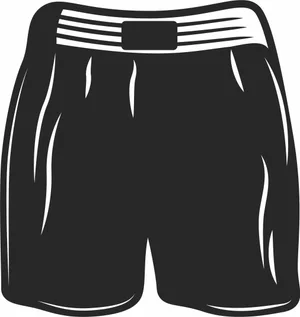
Professional Boxing Shorts Trunks Sign
Art & Decor1 DL
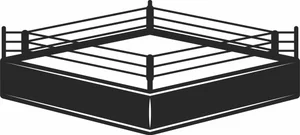
Professional Boxing Ring Arena Sign
Art & Decor1 DL
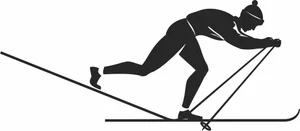
Nordic Skiing Athlete Winter Sign
Art & Decor3 DL
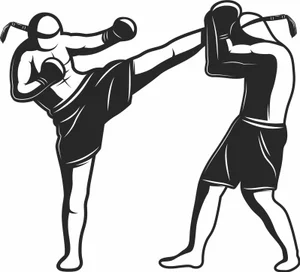
Muay Thai High Kick Sparring Sign
Art & Decor6 DL
More free laser files
Ortur File FAQ
What file formats work with Ortur?
Ortur machines support SVG, DXF, PNG, JPG, and BMP via LightBurn or LaserGRBL. SVG and DXF are recommended for precision cutting.
Is LightBurn compatible with Ortur?
Yes. All Ortur Laser Master models are compatible with LightBurn — the best software for SVG and DXF files with full layer and speed/power control.
Best format for Ortur engraving?
Use DXF/SVG for cutting. Use PNG with Jarvis dithering in LightBurn for photo engraving.
Are the files free for commercial use?
Yes. Free for personal and commercial use. No attribution required.