

Free Ortur Files – SVG & DXF Laser Cut Designs
Download free SVG and DXF files for Ortur Laser Master 2, Ortur Laser Master 3, Ortur Laser Master Pro, and all Ortur diode laser engravers. Compatible with LightBurn and LaserGRBL. No registration required. Free for commercial use.
Ortur tip: LightBurn with DXF or SVG gives the best cutting results. For photo engraving, use PNG with Jarvis dithering in LightBurn.
Kneeling Paintball Player Aiming Gun Illustration
Art & Decor2 DL
Jumping Salmon Trout Fish Illustration
Animals8 DL
Jumping Largemouth Bass Fish Illustration
Animals3 DL
Inflatable Raft Boat with Paddle Illustration
Art & Decor1 DL
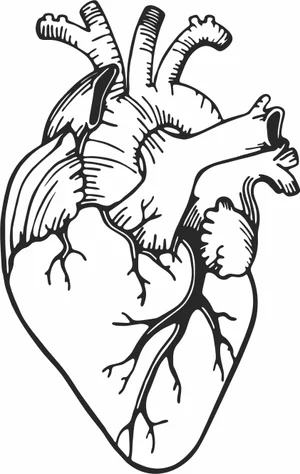
Human Heart Illustration
Vehicles7 DL
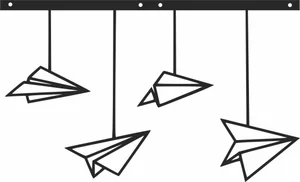
Hanging Paper Airplanes Mobile Illustration
Art & Decor2 DL
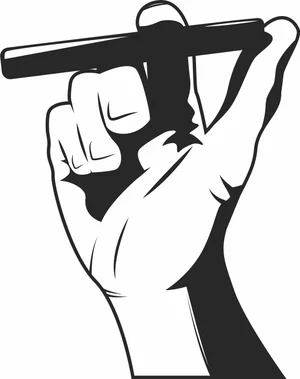
Hand Holding Classic Cigar Illustration
Art & Decor1 DL
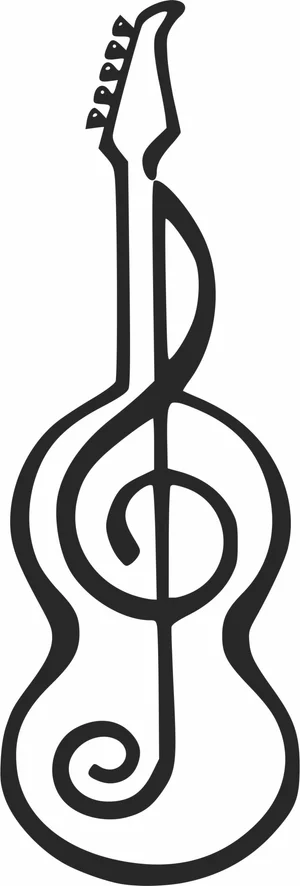
Guitar with Treble Clef Treble Clef Illustration
Art & Decor5 DL
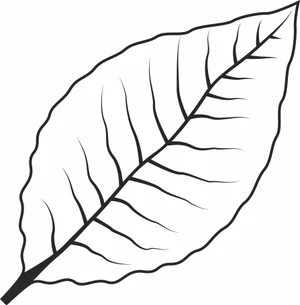
Green Tobacco Leaf Illustration
Flowers & Nature8 DL

Fishing Rod with Reel Illustration
Animals1 DL
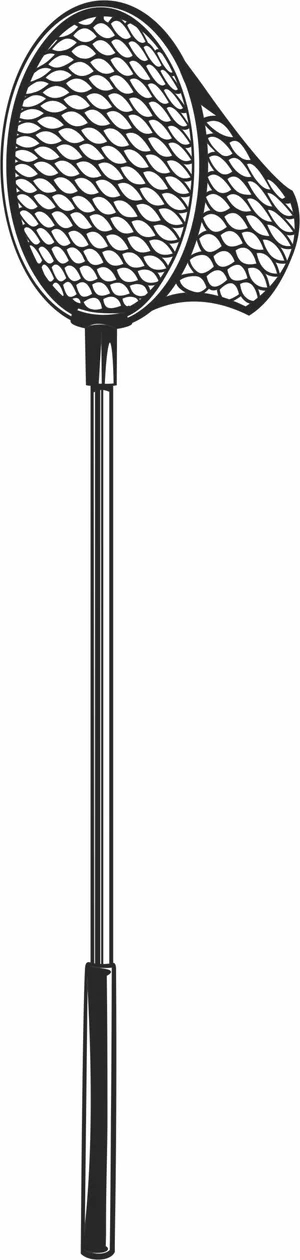
Fishing Landing Net Illustration
Animals2 DL
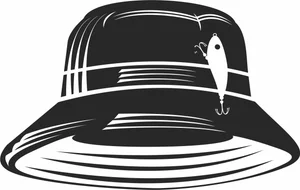
Fishing Bucket Hat with Lure
Animals1 DL

Fishing Bobber Illustration
Animals1 DL
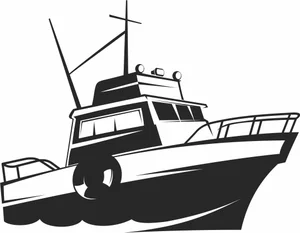
Fishing Boat Illustration
Animals3 DL
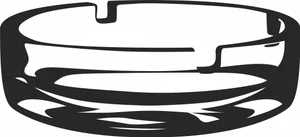
Empty Glass Ashtray Illustration
Art & Decor1 DL

Cute Smiling Pumpkin Face
Art & Decor1 DL

Cute Pumpkin Icon
Art & Decor1 DL

Cute Baby Panda Illustration
Art & Decor8 DL
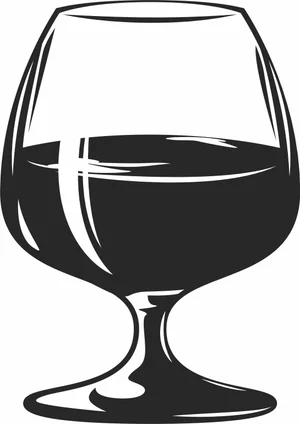
Cognac Snifter Glass Illustration
Art & Decor2 DL
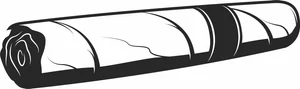
Classic Tobacco Cigar Illustration
Art & Decor2 DL
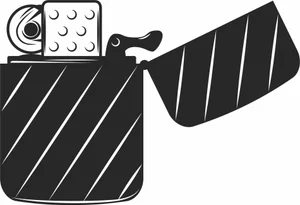
Classic Metal Flip Lighter Illustration
Art & Decor4 DL
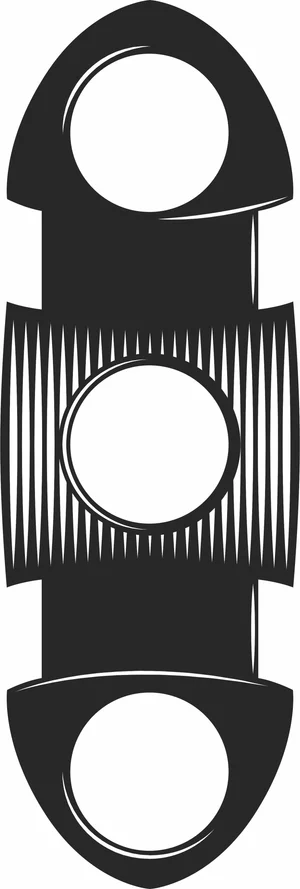
Classic Double Blade Cigar Cutter Illustration
Art & Decor1 DL

Angry Pumpkin Face Illustration
Art & Decor2 DL
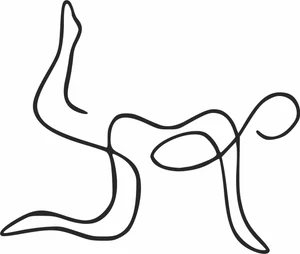
Abstract Yoga Pose Continuous Line Art
Art & Decor1 DL
More free laser files
Ortur File FAQ
What file formats work with Ortur?
Ortur machines support SVG, DXF, PNG, JPG, and BMP via LightBurn or LaserGRBL. SVG and DXF are recommended for precision cutting.
Is LightBurn compatible with Ortur?
Yes. All Ortur Laser Master models are compatible with LightBurn — the best software for SVG and DXF files with full layer and speed/power control.
Best format for Ortur engraving?
Use DXF/SVG for cutting. Use PNG with Jarvis dithering in LightBurn for photo engraving.
Are the files free for commercial use?
Yes. Free for personal and commercial use. No attribution required.