

Free Ortur Files – SVG & DXF Laser Cut Designs
Download free SVG and DXF files for Ortur Laser Master 2, Ortur Laser Master 3, Ortur Laser Master Pro, and all Ortur diode laser engravers. Compatible with LightBurn and LaserGRBL. No registration required. Free for commercial use.
Ortur tip: LightBurn with DXF or SVG gives the best cutting results. For photo engraving, use PNG with Jarvis dithering in LightBurn.
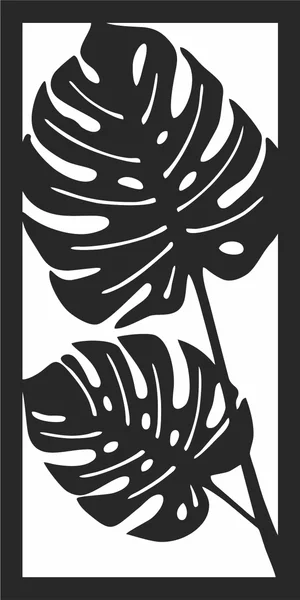
Monstera leaf silhouette wall art
Art & Decor93 DL
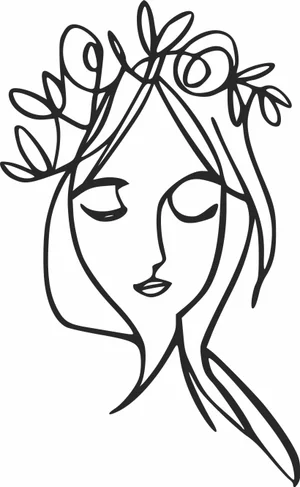
Woman Face with Floral Crown Continuous Line Art
Art & Decor3 DL
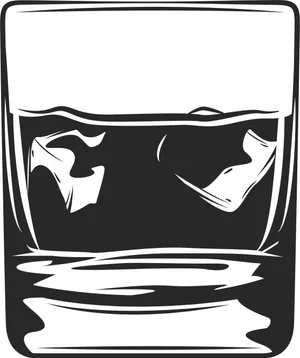
Whiskey Glass with Ice Cubes Illustration
Art & Decor1 DL
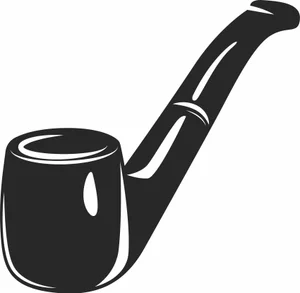
Vintage Tobacco Smoking Pipe Illustration
Art & Decor2 DL
Vintage Spinning Reels Fishing Badge
Animals2 DL
Traditional Hookah Shisha Illustration
Art & Decor5 DL
Tactical Paintball Protective Mask Illustration
Art & Decor5 DL
Sweet Glazed Donut with Sprinkles Illustration
Art & Decor3 DL
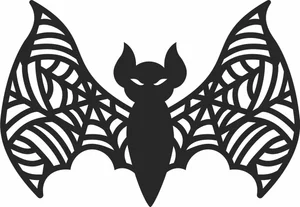
Spooky Bat with Spiderweb Wings
Art & Decor9 DL
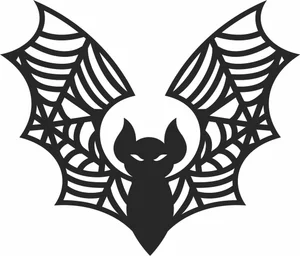
Spooky Bat with Raised Spiderweb Wings
Art & Decor7 DL
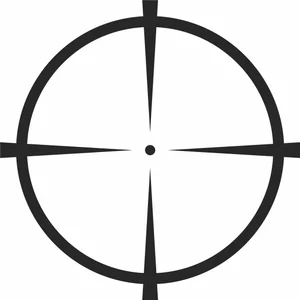
Sniper Crosshair Aim Target Illustration
Art & Decor5 DL
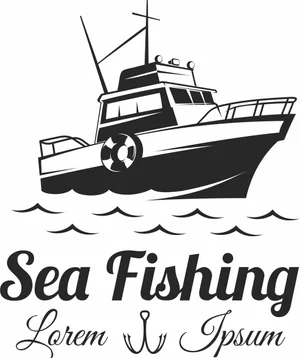
Sea Fishing Vintage Boat Emblem
Animals4 DL
Scary Jack o Lantern Pumpkin
Vehicles6 DL
Private Jet Airplane Silhouette Illustration
Art & Decor9 DL
Paintball Player Shooting Marker Illustration
Art & Decor2 DL
Paintball Player Aiming Marker Illustration
Art & Decor2 DL
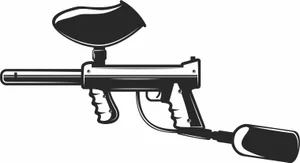
Paintball Marker Gun Illustration
Art & Decor2 DL
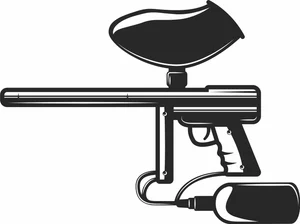
Paintball Gun Marker with Long Barrel Illustration
Art & Decor2 DL
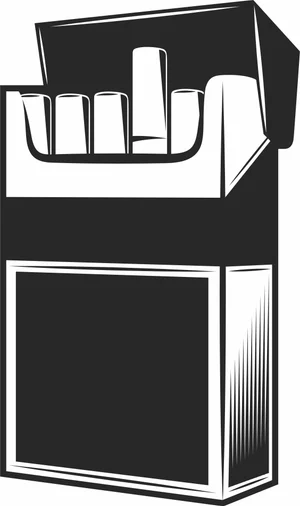
Open Cigarette Pack Illustration
Art & Decor2 DL
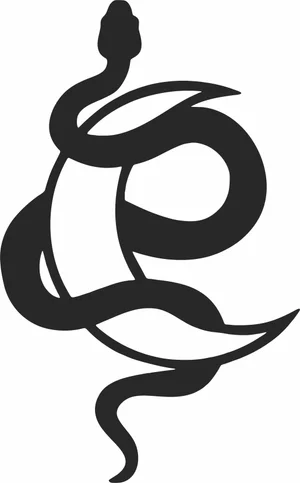
Mystical Snake and Crescent Moon
Art & Decor2 DL
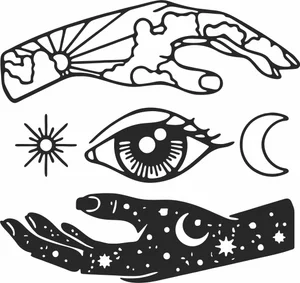
Mystical Hands and Third Eye Elements
Art & Decor10 DL
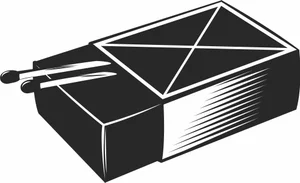
Matchbox with Matches Illustration
Art & Decor3 DL
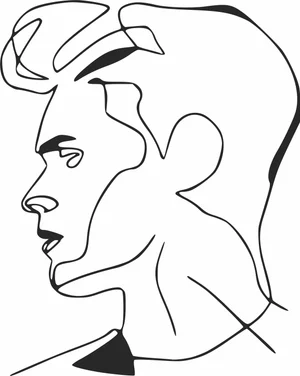
Man Profile Portrait Continuous Line Art
Art & Decor4 DL
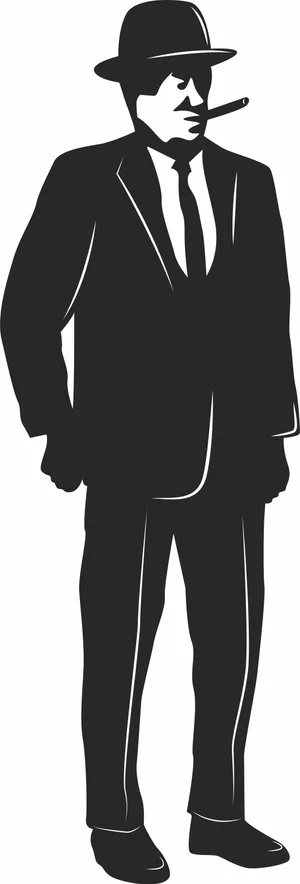
Mafia Mobster Gentleman in Suit Illustration
Art & Decor2 DL
More free laser files
Ortur File FAQ
What file formats work with Ortur?
Ortur machines support SVG, DXF, PNG, JPG, and BMP via LightBurn or LaserGRBL. SVG and DXF are recommended for precision cutting.
Is LightBurn compatible with Ortur?
Yes. All Ortur Laser Master models are compatible with LightBurn — the best software for SVG and DXF files with full layer and speed/power control.
Best format for Ortur engraving?
Use DXF/SVG for cutting. Use PNG with Jarvis dithering in LightBurn for photo engraving.
Are the files free for commercial use?
Yes. Free for personal and commercial use. No attribution required.