

Free LightBurn Files – SVG & DXF Laser Cut Designs
Download free SVG and DXF files ready for LightBurn laser software. All designs import directly into LightBurn — just load, set speed and power, and cut. No registration required. Free for commercial use.
Compatible machines (with LightBurn)
LightBurn tip: Import SVG or DXF via File > Import or drag & drop. Use the layer palette to separate cut lines (red) from engraving (black) for multi-pass.
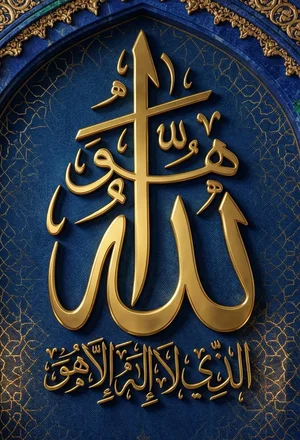
Islamic wall art Allah
Art & Decor90 DL
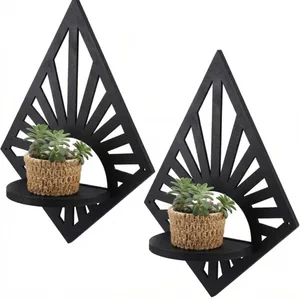
Geometric Diamond Sunburst Floating Wall Shelves
Geometric115 DL
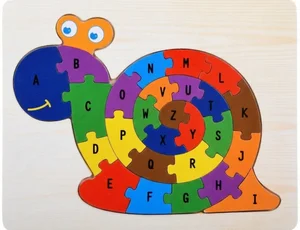
Alphabet Snail Puzzle Learning Jigsaw Toy for Kids
Art & Decor79 DL
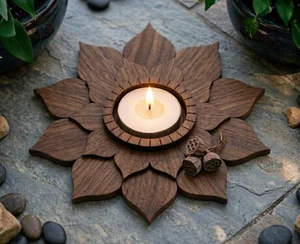
3 Layer Lotus Tealight Candle Holder
Art & Decor165 DL

Hello Summer Popsicle Round Door Hanger
Art & Decor22 DL
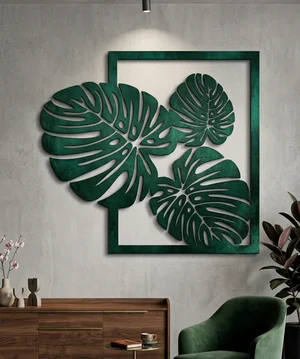
Monstera leaf wall art
Art & Decor91 DL
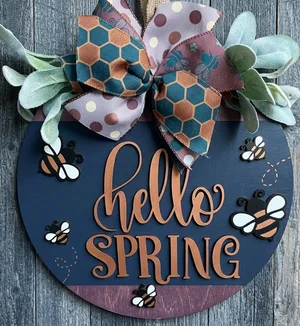
Hello Spring 3D Bumblebee Round Door Hanger
Flowers & Nature11 DL
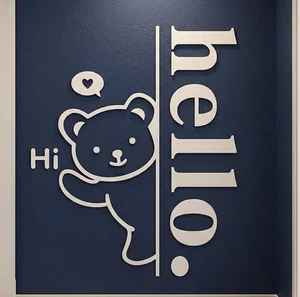
Hello Bear Wall art
Art & Decor53 DL
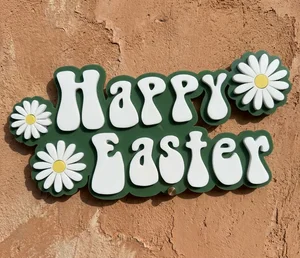
Happy Easter Floral Sign
Signs & Letters16 DL

Layered "Happy Easter Egg Round Door Hanger
Art & Decor9 DL
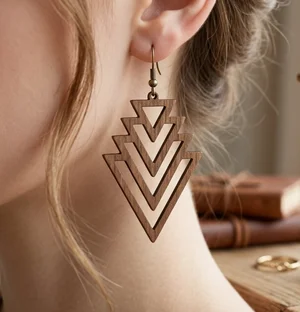
Geometric Art Deco Laser-Cut Wooden Dangle Earrings
Art & Decor68 DL
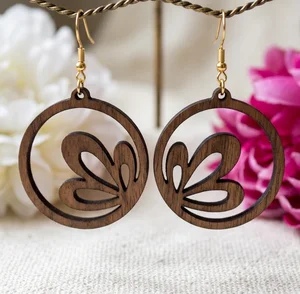
Floral Boho Laser-Cut Wood Dangle Earrings
Art & Decor74 DL
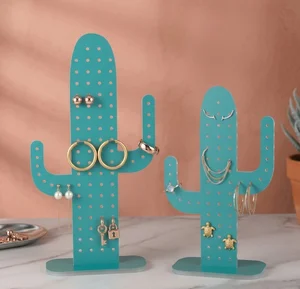
Cactus Acrylic Earring Holder & Jewelry Organizer Display
Art & Decor35 DL
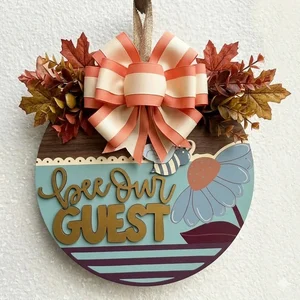
Bee Our Guest Floral Round Door Hanger
Art & Decor3 DL
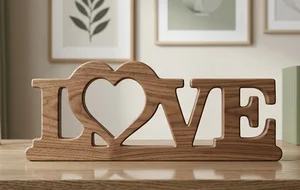
Rustic Freestanding LOVE Heart Sign
Signs & Letters122 DL
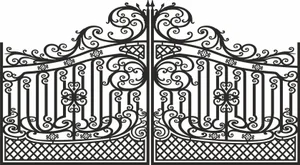
decorative gate
Art & Decor25 DL
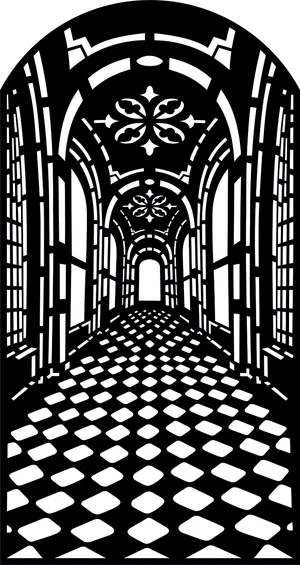
3d door panel
Art & Decor40 DL

Bearded skull with usa flag
Art & Decor78 DL

3d lady girl wall frame decor
Art & Decor56 DL

skeleton hand holding a rolled cigarette
Art & Decor30 DL

islam ramadan sign
Art & Decor17 DL
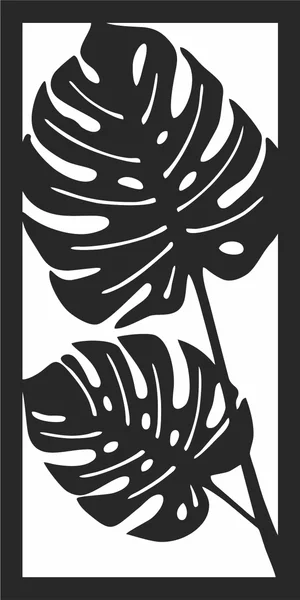
Monstera leaf silhouette wall art
Art & Decor95 DL
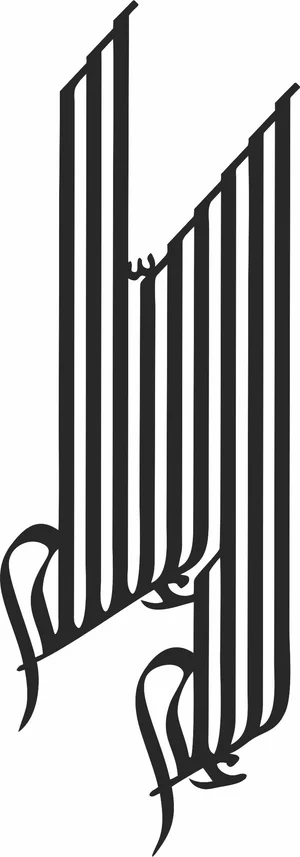
la ilaha ila allah islam sign
Art & Decor13 DL

Retro Smoking Pipe Silhouette
Art & Decor6 DL
More free laser files
LightBurn File FAQ
What formats does LightBurn support?
SVG, DXF, AI, PDF, PNG, JPG, BMP. SVG and DXF are best for vector cutting. All FreeLaserFile designs are LightBurn-ready.
How do I import SVG into LightBurn?
File > Import or drag and drop SVG/DXF. Set cut vs. engrave layers via color palette. No conversion needed.
Which machines work with LightBurn?
xTool, Ortur, Sculpfun, OMTech, Atomstack, LONGER, K40 (with upgrade), and all GRBL/Ruida DSP machines. Not compatible with Glowforge.
Are the files free for commercial use?
Yes. Free for personal and commercial use. No attribution required.