

Free Creality Falcon Files – SVG & DXF Downloads
Design files for Creality Falcon and Falcon2 laser engravers, including the 10W, 22W and 40W modules. Import into LightBurn or LaserGRBL and cut. Every file downloads as SVG and DXF, free for personal and commercial use.
Compatible software & machines

Santa Claus Village Winter Christmas Snowflakes Forest Silhouette
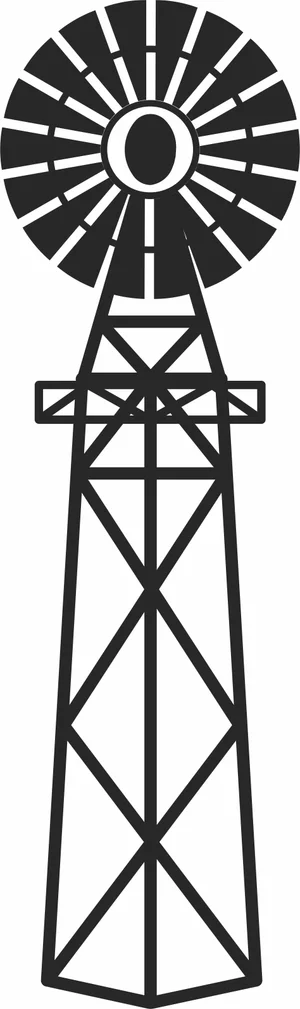
Rustic American Farm Windmill Steel Water Pumping Tower Silhouette

Penguins On Ice Iceberg Arctic Mountain Wildlife Scene

Old Haunted House Tower Balcony Spooky Bare Trees Silhouette
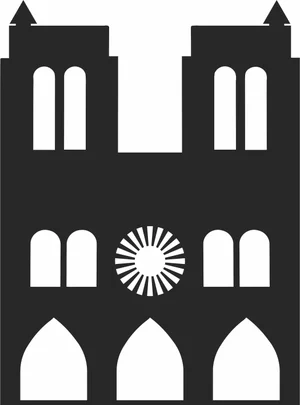
Notre Dame de Paris Gothic Cathedral Architecture Silhouette
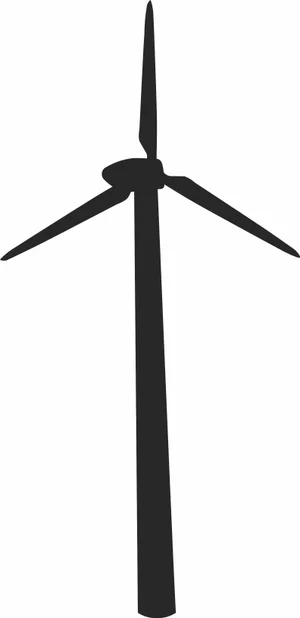
Modern Wind Turbine Renewable Energy Eco Silhouette

Michael Jackson Dancing On Toe Shoes Pose Silhouette

Majestic Red Deer Stag Full Body Large Antlers Vector
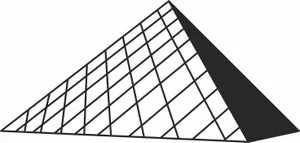
Louvre Pyramid Paris Museum Architecture Silhouette

Kneeling Hunter Aiming Shotgun Rifle Retro Illustration

Ice Skate Boot With Laces And Star Pattern Illustration

Howling Wolves Full Moon Mountain Forest Wilderness Scene

Grizzly Bear Mountain Forest Landscape Frame Scene

Giant Panda Mother Cub Bamboo Forest Nature Scene
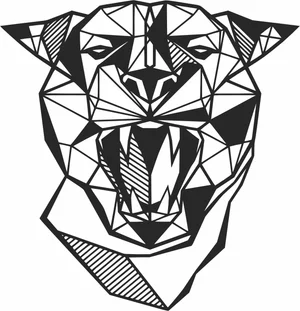
Geometric Roaring Panther Panthera Head Polygonal Line Art
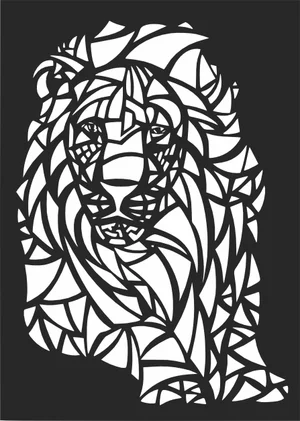
Geometric Abstract Stained Glass Styled Lion Head Mosaic Art

Flying Mallard Duck Pine Forest Horizon Wilderness Scene

Eiffel Tower Paris France Global Landmark Silhouette
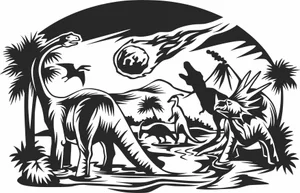
Dinosaurs Extinction Meteor Strike Volcano Landscape Scene

Decorative Ribbon Bow Tied Knot Holiday Graphic

Decorated Christmas Tree Star Topper Baubles Silhouette

Dad Text With Automotive Car Tires And Rims
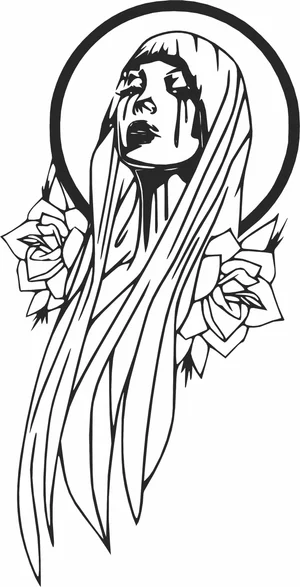
Crying Virgin Mary Crying Tears With Rose Flowers Halo Profile

Crooked Haunted House Spooky Trees Bats Landscape Silhouette
Creality Falcon File FAQ
What software works with the Creality Falcon?
LightBurn is the usual choice and supports the Falcon and Falcon2 over USB. LaserGRBL works as a free Windows alternative, and Creality provides its own Creality Print laser workflow. All import SVG and DXF directly.
How thick can a Falcon2 cut?
The 22W module cuts 3mm plywood in one to two passes and handles 6mm with several. The 40W module cuts 6mm plywood more comfortably and manages 10mm slowly. No diode module, at any wattage, cuts clear acrylic.
Do I need to prepare these files first?
No. Import the SVG or DXF into LightBurn, set your layers for cut and engrave, dial in power and speed, and run it. The paths are closed vectors ready for cutting.
Are the files free for commercial use?
Yes. Free for personal and commercial use with no attribution required. Sell the products you cut; the digital files themselves may not be resold.