

Free Creality Falcon Files – SVG & DXF Downloads
Design files for Creality Falcon and Falcon2 laser engravers, including the 10W, 22W and 40W modules. Import into LightBurn or LaserGRBL and cut. Every file downloads as SVG and DXF, free for personal and commercial use.
Compatible software & machines

Car Wheel Burnout Smoke Drift Graphic

Burning Motors Crossed Wrench and Piston Round Emblem

Bikers Tournament Horned Helmet Motorcycle Circular Emblem
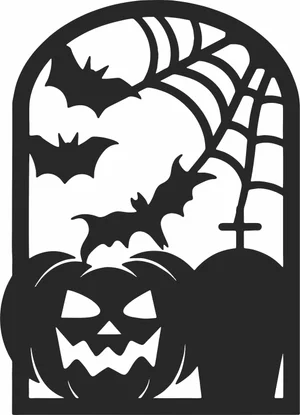
Arched Halloween Window Spooky Pumpkin Bats Graveyard
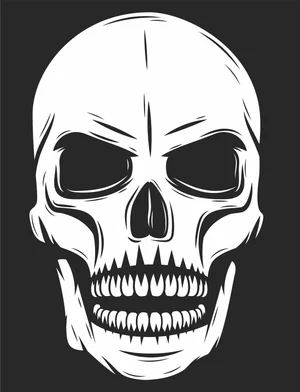
Angry Skull Laser Cut File Engraving Vector Design

Winter Beanie Hat And Snowflake Pattern Scarf Set

Grizzly Bear Side Profile Wildlife Graphic
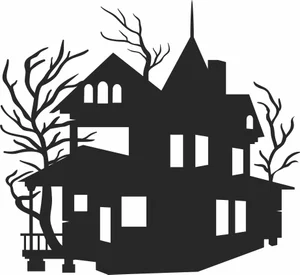
Victorian Haunted Mansion Spooky Bare Trees

Velociraptor Dinosaur Wildlife Scene
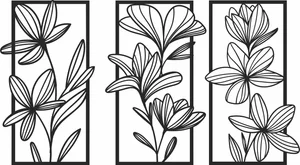
Floral Wall Art Three Panels Flowers
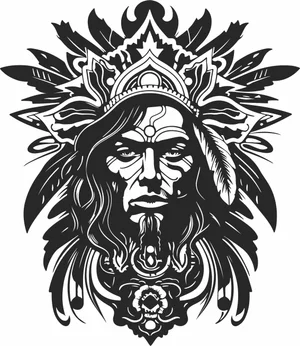
Tribal Chief Warrior Portrait

Traditional European Dutch Windmill Millhouse

Traditional Dutch Windmill Farm Building Landmark Silhouette
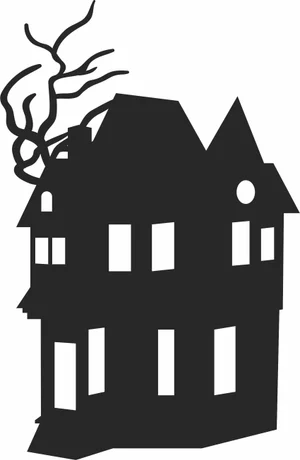
Three Story Haunted Mansion Creepy Bare Tree Branches Silhouette
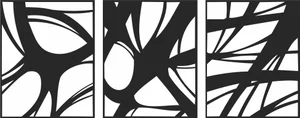
Three Panel Triptych Abstract Overlapping Curved Lines Wall Art
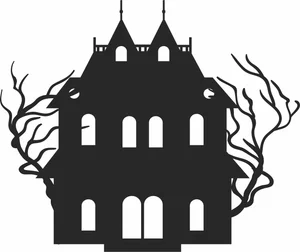
Symmetrical Haunted Mansion Gothic Estate Spooky Bare Trees Silhouette

Spooky Haunted Mansion Castle Bats Gnarled Tree Silhouette

Spooky Haunted House Witch Castle Bats Windswept Trees Silhouette

Spooky Haunted House Flying Bats Gnarled Tree Silhouette
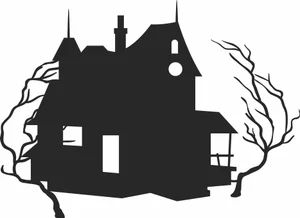
Spooky Haunted House Creepy Bare Trees Silhouette

Spooky Haunted Castle Mansion Creepy Trees Bat Silhouette
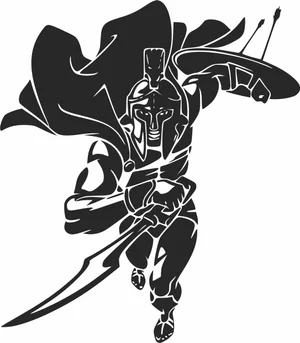
Spartan Warrior Charging With Sword Shield And Waving Cape

Soccer Ball Crashing Through Cracked Wall Graphic

Sea Turtles Underwater Coral Reef Scene Graphic
Creality Falcon File FAQ
What software works with the Creality Falcon?
LightBurn is the usual choice and supports the Falcon and Falcon2 over USB. LaserGRBL works as a free Windows alternative, and Creality provides its own Creality Print laser workflow. All import SVG and DXF directly.
How thick can a Falcon2 cut?
The 22W module cuts 3mm plywood in one to two passes and handles 6mm with several. The 40W module cuts 6mm plywood more comfortably and manages 10mm slowly. No diode module, at any wattage, cuts clear acrylic.
Do I need to prepare these files first?
No. Import the SVG or DXF into LightBurn, set your layers for cut and engrave, dial in power and speed, and run it. The paths are closed vectors ready for cutting.
Are the files free for commercial use?
Yes. Free for personal and commercial use with no attribution required. Sell the products you cut; the digital files themselves may not be resold.