

Free Creality Falcon Files – SVG & DXF Downloads
Design files for Creality Falcon and Falcon2 laser engravers, including the 10W, 22W and 40W modules. Import into LightBurn or LaserGRBL and cut. Every file downloads as SVG and DXF, free for personal and commercial use.
Compatible software & machines

Roaring Coiled Eastern Dragon Silhouette
Rearing Winged Spiked Dragon Beast Graphic

Raised Fist Holding Wrench Mechanic Tool Clipart

Motorcycle Service Helmet and Scooter Circular Retro Badge

Motorcycle Club Vintage Helmet Banner Circular Insignia

Motor Shop Motorcycle V Twin Engine Shield Badge

Modern Formula Race Car Open Wheel Motorsport Silhouette
Meowth Anime Cat Character Line Art Silhouette

Ice Hockey Goalie Block Position Gear Graphic
Hawaiian Tiki Totem Poles Pineapple Tribal Face Vector

Great White Shark Open Mouth Water Splash Silhouette

Geometric Mandala Skull Pendant Charm Silhouette

Full Face Racing Helmet Motorcycle Visor Graphic

Formula Race Car Side Profile Open Wheel Silhouette

Evil Jester Skull Hat Charm Pendant Silhouette
Engine Piston and Connecting Rod Silhouette

Downhill Alpine Skier Speed Racing Slope Silhouette

Crossed Waving Checkered Flags Finish Line Graphics

Cordless Power Drill Hardware Tool Illustration

Coffin Shaped Halloween Scene Pumpkin Bats Graveyard

Circular Tribal Mandala Vector Design
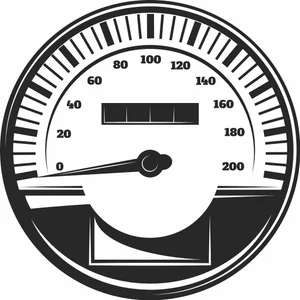
Circular Speedometer Gauge Mileage Odometer Vector

Circular Five Point Tribal Star Emblem
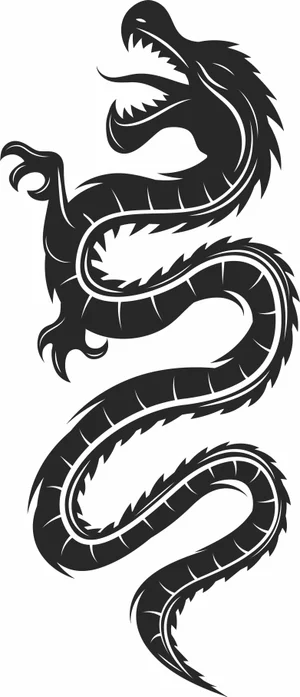
Chinese Dragon Asian Serpent Art
Creality Falcon File FAQ
What software works with the Creality Falcon?
LightBurn is the usual choice and supports the Falcon and Falcon2 over USB. LaserGRBL works as a free Windows alternative, and Creality provides its own Creality Print laser workflow. All import SVG and DXF directly.
How thick can a Falcon2 cut?
The 22W module cuts 3mm plywood in one to two passes and handles 6mm with several. The 40W module cuts 6mm plywood more comfortably and manages 10mm slowly. No diode module, at any wattage, cuts clear acrylic.
Do I need to prepare these files first?
No. Import the SVG or DXF into LightBurn, set your layers for cut and engrave, dial in power and speed, and run it. The paths are closed vectors ready for cutting.
Are the files free for commercial use?
Yes. Free for personal and commercial use with no attribution required. Sell the products you cut; the digital files themselves may not be resold.