

Free Atomstack Laser Files – SVG & DXF Downloads
Design files for Atomstack diode engravers — A5 Pro, S10 Pro, X20 Pro, X30 Pro and the A10 series. Import into LightBurn or LaserGRBL and cut. Every file downloads as SVG and DXF, free for personal and commercial use.
Compatible software & machines
Machines these files work with
Some links on this page are affiliate links. If you buy through them, we may earn a commission at no extra cost to you. It does not influence which machines we list — the files on this site stay free either way.
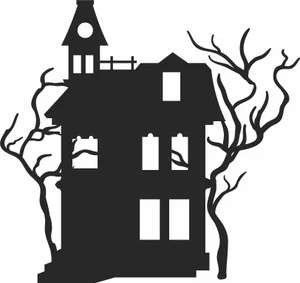
Old Haunted House Tower Balcony Spooky Bare Trees Silhouette
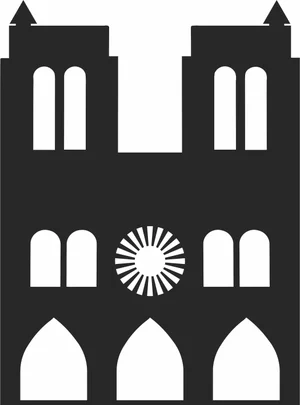
Notre Dame de Paris Gothic Cathedral Architecture Silhouette
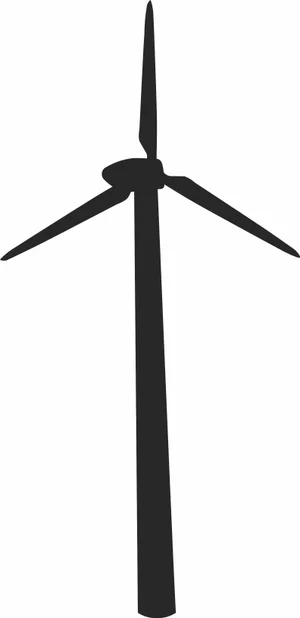
Modern Wind Turbine Renewable Energy Eco Silhouette

Michael Jackson Dancing On Toe Shoes Pose Silhouette
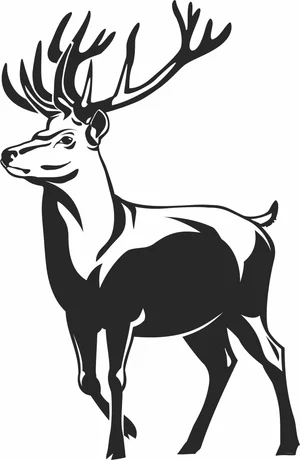
Majestic Red Deer Stag Full Body Large Antlers Vector
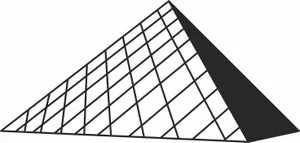
Louvre Pyramid Paris Museum Architecture Silhouette

Kneeling Hunter Aiming Shotgun Rifle Retro Illustration

Ice Skate Boot With Laces And Star Pattern Illustration
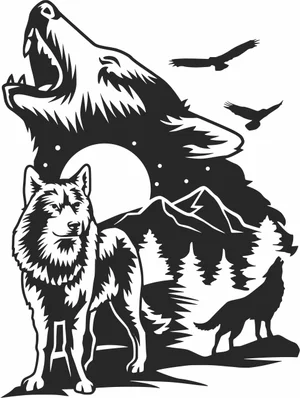
Howling Wolves Full Moon Mountain Forest Wilderness Scene

Grizzly Bear Mountain Forest Landscape Frame Scene

Giant Panda Mother Cub Bamboo Forest Nature Scene
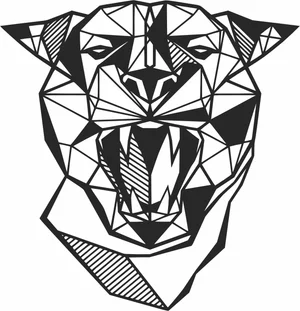
Geometric Roaring Panther Panthera Head Polygonal Line Art
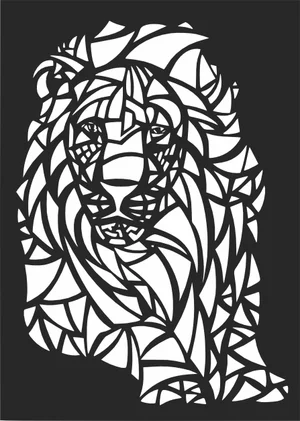
Geometric Abstract Stained Glass Styled Lion Head Mosaic Art
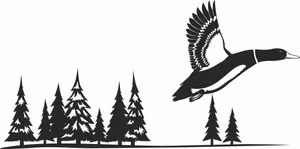
Flying Mallard Duck Pine Forest Horizon Wilderness Scene
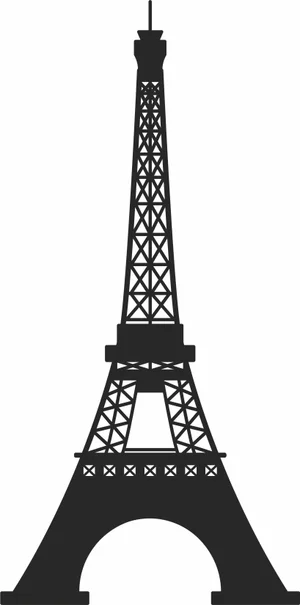
Eiffel Tower Paris France Global Landmark Silhouette
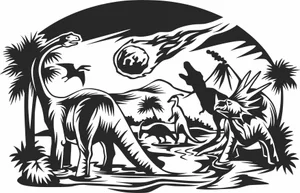
Dinosaurs Extinction Meteor Strike Volcano Landscape Scene

Decorative Ribbon Bow Tied Knot Holiday Graphic

Decorated Christmas Tree Star Topper Baubles Silhouette

Dad Text With Automotive Car Tires And Rims
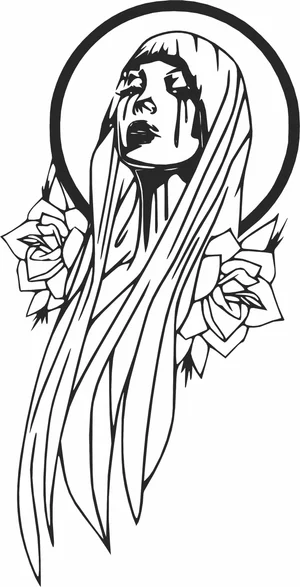
Crying Virgin Mary Crying Tears With Rose Flowers Halo Profile

Crooked Haunted House Spooky Trees Bats Landscape Silhouette

Circular Wild Bison Mountain Forest Nature Scene

Circular Gemini Zodiac Sign Twins Female Profiles Emblem

Christmas Deer Head Antlers With Pearl Beads Necklaces
More free laser files
Atomstack Laser File FAQ
What software works with Atomstack lasers?
LightBurn is the recommended choice and supports every GRBL-based Atomstack machine. LaserGRBL is a free alternative on Windows. Atomstack also ships its own Atomstack Studio. All three import the SVG and DXF files from this site.
Can an Atomstack cut through 3mm plywood?
Yes, with multiple passes on most modules. A 5W optical module typically needs three to four passes at low speed; 10W modules usually manage two; the 20W and higher modules on the X20 and X30 often cut 3mm plywood in a single slow pass. Air assist makes a large difference to edge quality.
Do these files need converting for Atomstack?
No. Import the SVG or DXF directly into LightBurn or LaserGRBL. The paths are closed vectors, so the software generates cut paths without cleanup or redrawing.
Are the files free for commercial use?
Yes. Free for personal and commercial use with no attribution required. You can sell what you cut. You cannot resell the digital files themselves.