

Free Atomstack Laser Files – SVG & DXF Downloads
Design files for Atomstack diode engravers — A5 Pro, S10 Pro, X20 Pro, X30 Pro and the A10 series. Import into LightBurn or LaserGRBL and cut. Every file downloads as SVG and DXF, free for personal and commercial use.
Compatible software & machines
Machines these files work with
Some links on this page are affiliate links. If you buy through them, we may earn a commission at no extra cost to you. It does not influence which machines we list — the files on this site stay free either way.
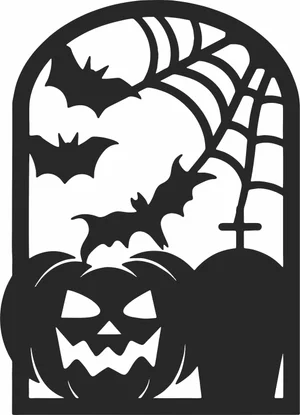
Arched Halloween Window Spooky Pumpkin Bats Graveyard
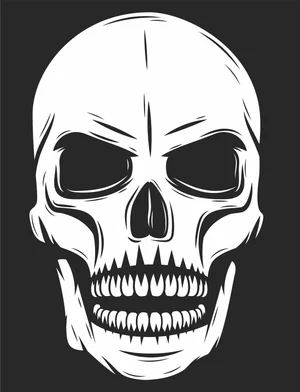
Angry Skull Laser Cut File Engraving Vector Design

Winter Beanie Hat And Snowflake Pattern Scarf Set

Grizzly Bear Side Profile Wildlife Graphic
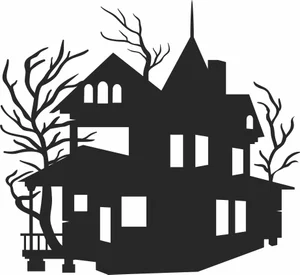
Victorian Haunted Mansion Spooky Bare Trees
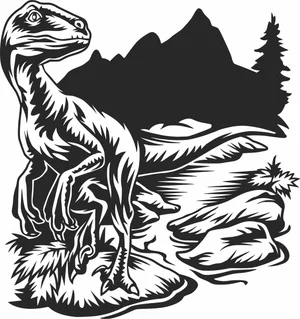
Velociraptor Dinosaur Wildlife Scene
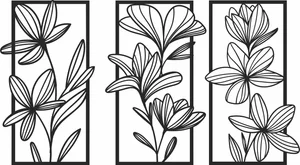
Floral Wall Art Three Panels Flowers
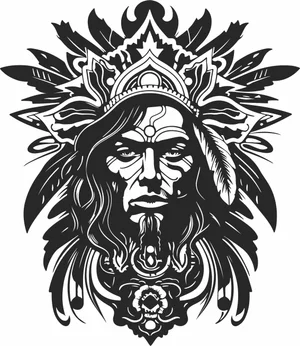
Tribal Chief Warrior Portrait
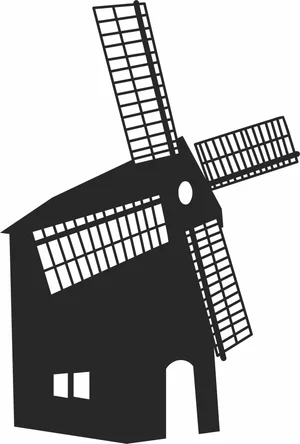
Traditional European Dutch Windmill Millhouse
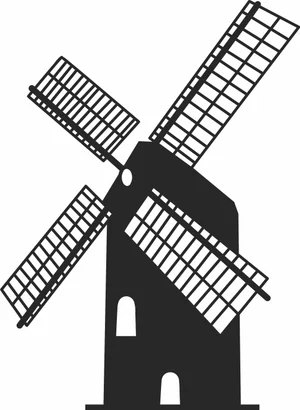
Traditional Dutch Windmill Farm Building Landmark Silhouette
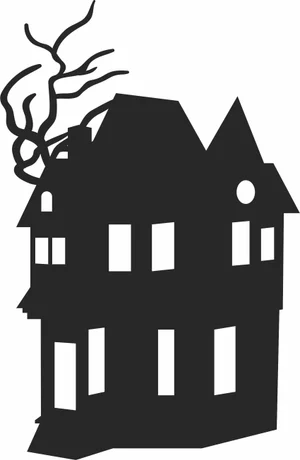
Three Story Haunted Mansion Creepy Bare Tree Branches Silhouette

Three Panel Triptych Abstract Overlapping Curved Lines Wall Art
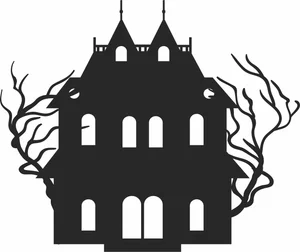
Symmetrical Haunted Mansion Gothic Estate Spooky Bare Trees Silhouette
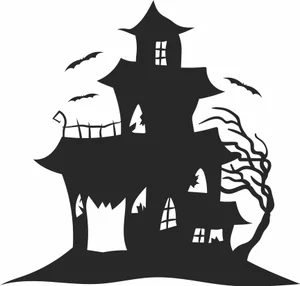
Spooky Haunted Mansion Castle Bats Gnarled Tree Silhouette
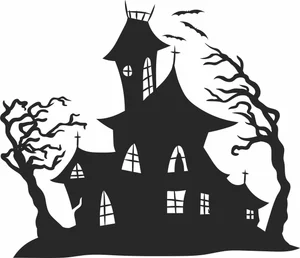
Spooky Haunted House Witch Castle Bats Windswept Trees Silhouette
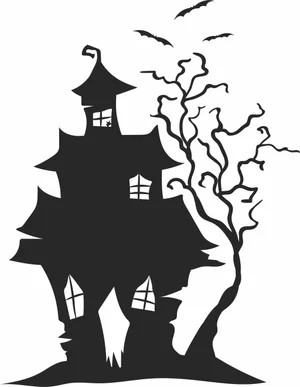
Spooky Haunted House Flying Bats Gnarled Tree Silhouette
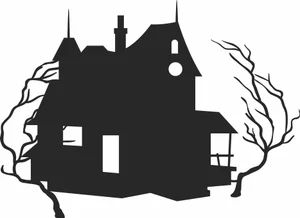
Spooky Haunted House Creepy Bare Trees Silhouette
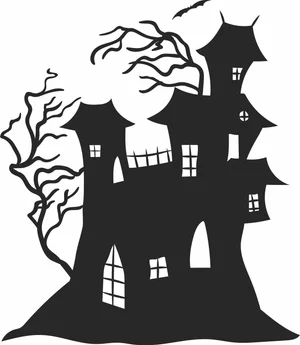
Spooky Haunted Castle Mansion Creepy Trees Bat Silhouette
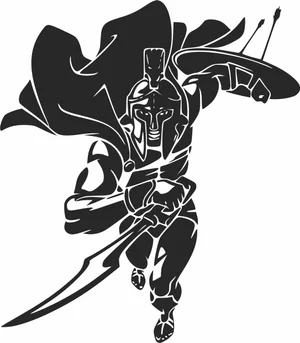
Spartan Warrior Charging With Sword Shield And Waving Cape

Soccer Ball Crashing Through Cracked Wall Graphic
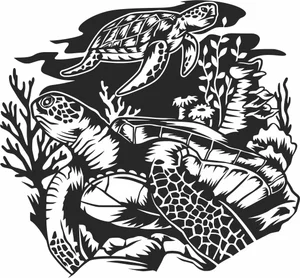
Sea Turtles Underwater Coral Reef Scene Graphic

Santa Claus Village Winter Christmas Snowflakes Forest Silhouette
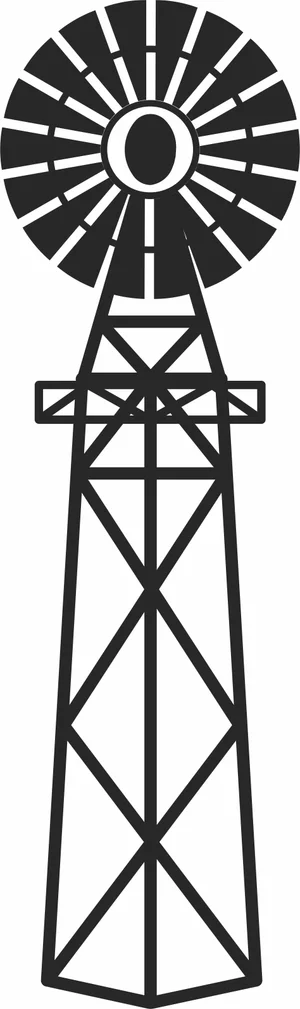
Rustic American Farm Windmill Steel Water Pumping Tower Silhouette

Penguins On Ice Iceberg Arctic Mountain Wildlife Scene
More free laser files
Atomstack Laser File FAQ
What software works with Atomstack lasers?
LightBurn is the recommended choice and supports every GRBL-based Atomstack machine. LaserGRBL is a free alternative on Windows. Atomstack also ships its own Atomstack Studio. All three import the SVG and DXF files from this site.
Can an Atomstack cut through 3mm plywood?
Yes, with multiple passes on most modules. A 5W optical module typically needs three to four passes at low speed; 10W modules usually manage two; the 20W and higher modules on the X20 and X30 often cut 3mm plywood in a single slow pass. Air assist makes a large difference to edge quality.
Do these files need converting for Atomstack?
No. Import the SVG or DXF directly into LightBurn or LaserGRBL. The paths are closed vectors, so the software generates cut paths without cleanup or redrawing.
Are the files free for commercial use?
Yes. Free for personal and commercial use with no attribution required. You can sell what you cut. You cannot resell the digital files themselves.