

Free xTool Files – SVG & DXF Laser Cut Designs
Download free SVG and DXF files for xTool D1, xTool M1, xTool P2, xTool S1, and all xTool laser machines. Compatible with xTool Creative Space and LightBurn. No registration required. Free for commercial use.
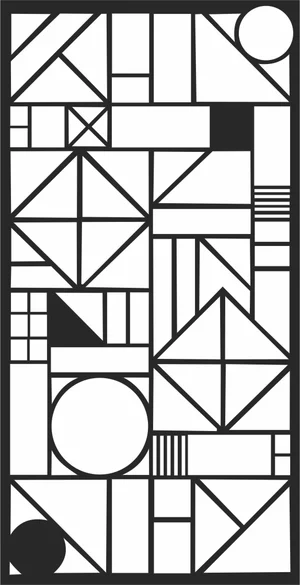
Abstract Geometric Mosaic Bauhaus Pattern
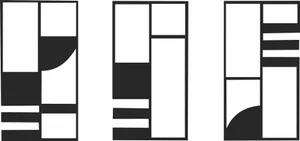
Abstract Geometric Bauhaus Triptych Pattern

Abstract Geometric Bauhaus Pattern Art

Wrapped Boxing Fist Power Sign

Winter Ski Sled Luge Sign

Winter Pom Pom Beanie Hat Sign

Wild Bear Paw Print Claw Sign

Traditional Muay Thai Mongkhon Headband Sign
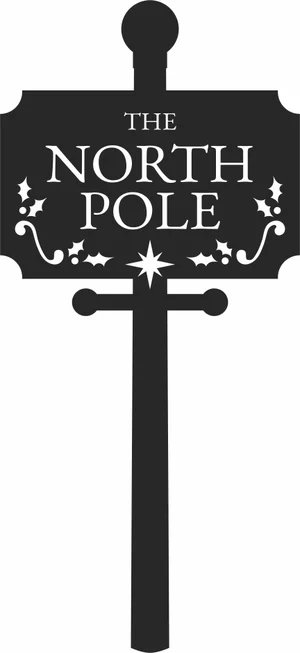
The North Pole Vintage Sign

The North Pole Round Hanging Sign
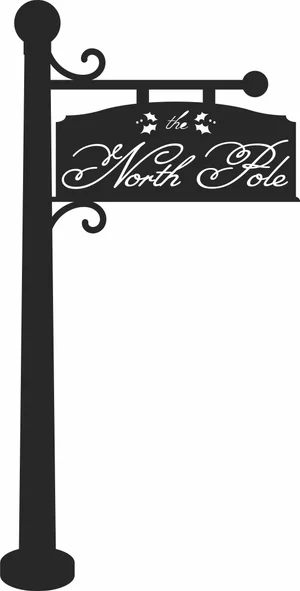
The North Pole Hanging Sign

The North Pole Classic Sign
The North Pole Christmas Sign

Tactical Paintball Mask Goggles Sign

Tactical Paintball Marker Gun Sign

Straight Ski Poles Winter Sports Sign

Ski Poles Winter Adventure Sign

Shooting Target Crosshair Sign

Sea Turtle Coral Reef Ocean Sign
Rearing Horse Mountain Landscape Sign

Professional Boxing Shorts Trunks Sign
Professional Boxing Ring Arena Sign

Nordic Skiing Athlete Winter Sign

Muay Thai High Kick Sparring Sign
More free laser files
xTool software: Creative Space vs. LightBurn
Camera preview, autofocus, and framing are xTool-software-only
xTool's own software — xTool Creative Space, and its 2026 successor xTool Studio — is the only option that reads your machine's built-in camera to preview material placement, auto-focuses the laser, and frames a job before cutting. LightBurn doesn't support those features on xTool hardware: you measure your material and position your design manually instead. If you rely on camera placement for engraving onto irregular objects, stick with xTool's own app.
LightBurn wins for multi-brand shops and heavier vector editing
LightBurn is third-party software that runs xTool machines — including the D1, M1, P2, and S1, plus accessories like the RA2 Pro rotary — alongside diode, CO2, and fiber lasers from other brands, which helps if your shop isn't all-xTool. It also has deeper vector-editing tools, including image tracing, that xTool's software doesn't match. The tradeoff is a one-time paid license instead of a free app.
Creative Space is being retired in favor of xTool Studio
xTool Creative Space stopped receiving updates after version 2.7 in June 2025. xTool Studio is now the actively developed app, and any xTool machine released since August 2025 works only with Studio, not the legacy Creative Space. SVG and DXF files from this site import the same way into either version.
xTool File FAQ
What file formats work with xTool?
xTool machines support SVG, DXF, PNG, JPG, and BMP via xTool Creative Space. SVG and DXF are best for cutting. All files here are xTool-compatible.
Do these files work with xTool Creative Space?
Yes. Import SVG or DXF directly into xTool Creative Space. Works with xTool D1, M1, P2, S1.
Can I use LightBurn with these files on xTool?
Yes. All DXF and SVG files are fully compatible with LightBurn, which works with all xTool machines.
Are the files free for commercial use?
Yes. All files are free for personal and commercial use. No attribution required.