

Free xTool Files – SVG & DXF Laser Cut Designs
Download free SVG and DXF files for xTool D1, xTool M1, xTool P2, xTool S1, and all xTool laser machines. Compatible with xTool Creative Space and LightBurn. No registration required. Free for commercial use.

Kneeling Paintball Player Aiming Gun Illustration

Jumping Salmon Trout Fish Illustration

Jumping Largemouth Bass Fish Illustration

Inflatable Raft Boat with Paddle Illustration

Human Heart Illustration

Hanging Paper Airplanes Mobile Illustration

Hand Holding Classic Cigar Illustration

Guitar with Treble Clef Treble Clef Illustration

Green Tobacco Leaf Illustration

Fishing Rod with Reel Illustration
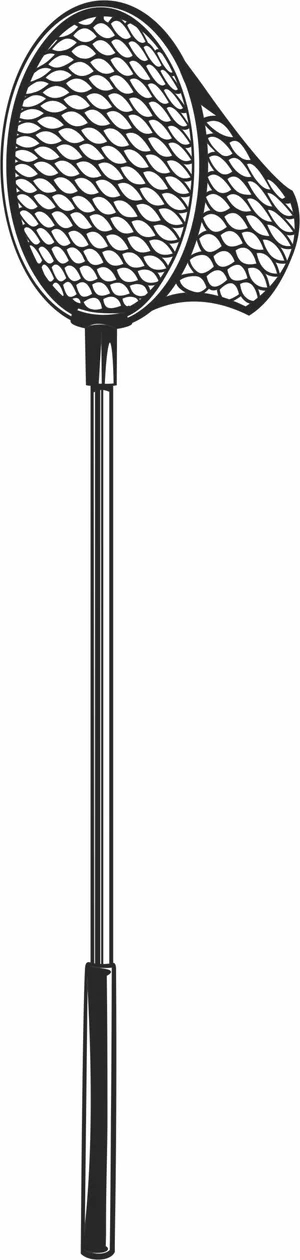
Fishing Landing Net Illustration

Fishing Bucket Hat with Lure

Fishing Bobber Illustration

Fishing Boat Illustration

Empty Glass Ashtray Illustration

Cute Smiling Pumpkin Face

Cute Pumpkin Icon

Cute Baby Panda Illustration

Cognac Snifter Glass Illustration

Classic Tobacco Cigar Illustration

Classic Metal Flip Lighter Illustration

Classic Double Blade Cigar Cutter Illustration

Angry Pumpkin Face Illustration

Abstract Yoga Pose Continuous Line Art
More free laser files
xTool software: Creative Space vs. LightBurn
Camera preview, autofocus, and framing are xTool-software-only
xTool's own software — xTool Creative Space, and its 2026 successor xTool Studio — is the only option that reads your machine's built-in camera to preview material placement, auto-focuses the laser, and frames a job before cutting. LightBurn doesn't support those features on xTool hardware: you measure your material and position your design manually instead. If you rely on camera placement for engraving onto irregular objects, stick with xTool's own app.
LightBurn wins for multi-brand shops and heavier vector editing
LightBurn is third-party software that runs xTool machines — including the D1, M1, P2, and S1, plus accessories like the RA2 Pro rotary — alongside diode, CO2, and fiber lasers from other brands, which helps if your shop isn't all-xTool. It also has deeper vector-editing tools, including image tracing, that xTool's software doesn't match. The tradeoff is a one-time paid license instead of a free app.
Creative Space is being retired in favor of xTool Studio
xTool Creative Space stopped receiving updates after version 2.7 in June 2025. xTool Studio is now the actively developed app, and any xTool machine released since August 2025 works only with Studio, not the legacy Creative Space. SVG and DXF files from this site import the same way into either version.
xTool File FAQ
What file formats work with xTool?
xTool machines support SVG, DXF, PNG, JPG, and BMP via xTool Creative Space. SVG and DXF are best for cutting. All files here are xTool-compatible.
Do these files work with xTool Creative Space?
Yes. Import SVG or DXF directly into xTool Creative Space. Works with xTool D1, M1, P2, S1.
Can I use LightBurn with these files on xTool?
Yes. All DXF and SVG files are fully compatible with LightBurn, which works with all xTool machines.
Are the files free for commercial use?
Yes. All files are free for personal and commercial use. No attribution required.