

Free Ortur Files – SVG & DXF Laser Cut Designs
Download free SVG and DXF files for Ortur Laser Master 2, Ortur Laser Master 3, Ortur Laser Master Pro, and all Ortur diode laser engravers. Compatible with LightBurn and LaserGRBL. No registration required. Free for commercial use.
Machines these files work with
Some links on this page are affiliate links. If you buy through them, we may earn a commission at no extra cost to you. It does not influence which machines we list — the files on this site stay free either way.
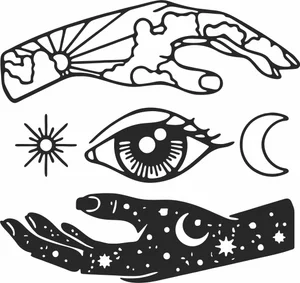
Mystical Hands and Third Eye Elements
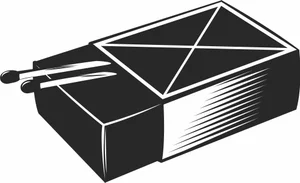
Matchbox with Matches Illustration
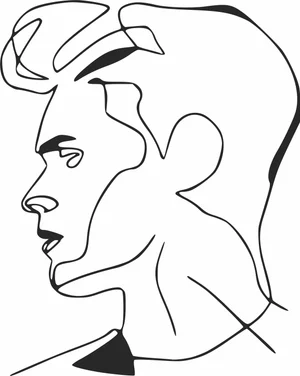
Man Profile Portrait Continuous Line Art
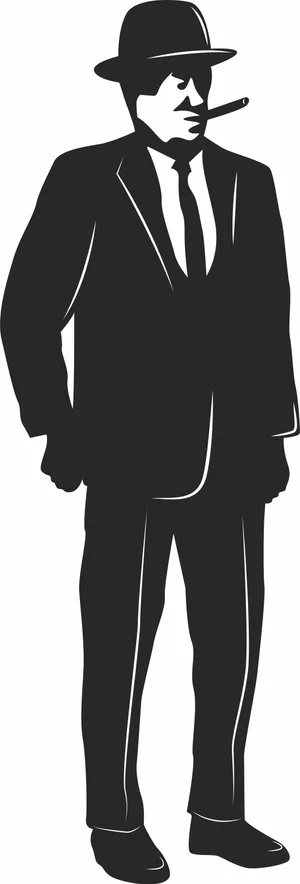
Mafia Mobster Gentleman in Suit Illustration
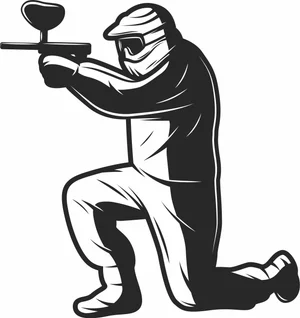
Kneeling Paintball Player Aiming Gun Illustration
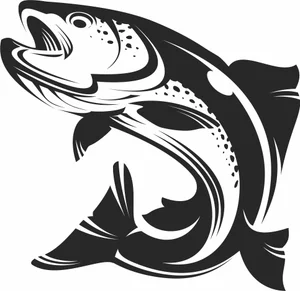
Jumping Salmon Trout Fish Illustration
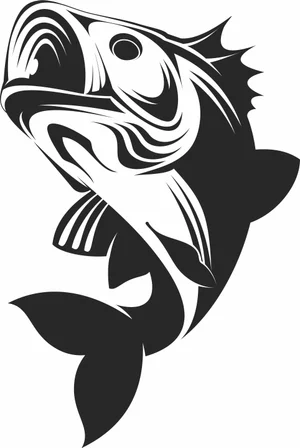
Jumping Largemouth Bass Fish Illustration
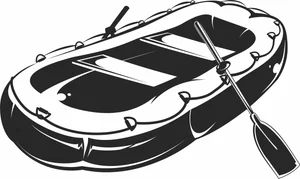
Inflatable Raft Boat with Paddle Illustration
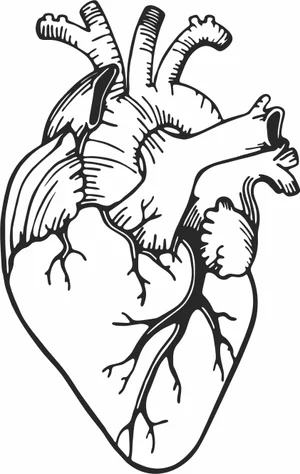
Human Heart Illustration
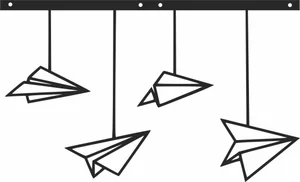
Hanging Paper Airplanes Mobile Illustration
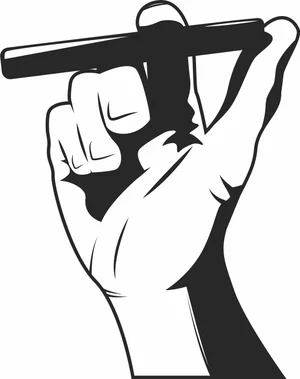
Hand Holding Classic Cigar Illustration
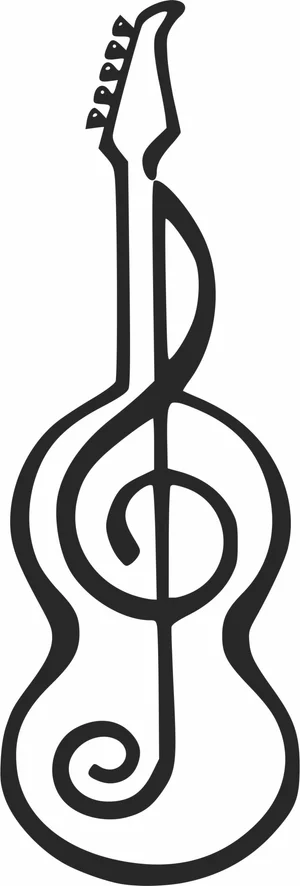
Guitar with Treble Clef Treble Clef Illustration
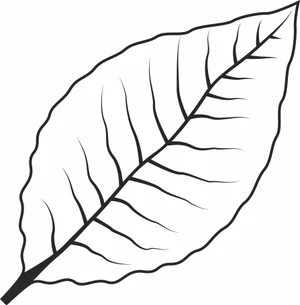
Green Tobacco Leaf Illustration

Fishing Rod with Reel Illustration
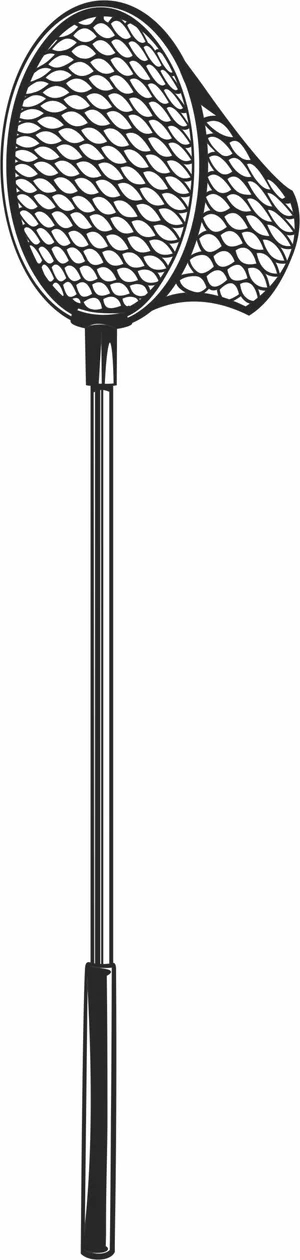
Fishing Landing Net Illustration
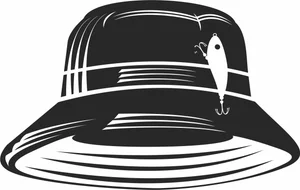
Fishing Bucket Hat with Lure

Fishing Bobber Illustration
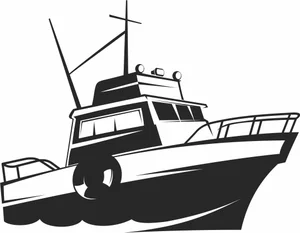
Fishing Boat Illustration
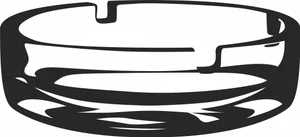
Empty Glass Ashtray Illustration

Cute Smiling Pumpkin Face

Cute Pumpkin Icon

Cute Baby Panda Illustration
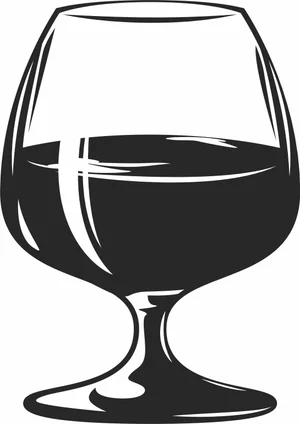
Cognac Snifter Glass Illustration
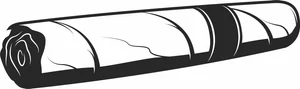
Classic Tobacco Cigar Illustration
More free laser files
Ortur File FAQ
What file formats work with Ortur?
Ortur machines support SVG, DXF, PNG, JPG, and BMP via LightBurn or LaserGRBL. SVG and DXF are recommended for precision cutting.
Is LightBurn compatible with Ortur?
Yes. All Ortur Laser Master models are compatible with LightBurn — the best software for SVG and DXF files with full layer and speed/power control.
Best format for Ortur engraving?
Use DXF/SVG for cutting. Use PNG with Jarvis dithering in LightBurn for photo engraving.
Are the files free for commercial use?
Yes. Free for personal and commercial use. No attribution required.