

Free Ortur Files – SVG & DXF Laser Cut Designs
Download free SVG and DXF files for Ortur Laser Master 2, Ortur Laser Master 3, Ortur Laser Master Pro, and all Ortur diode laser engravers. Compatible with LightBurn and LaserGRBL. No registration required. Free for commercial use.
Ortur tip: LightBurn with DXF or SVG gives the best cutting results. For photo engraving, use PNG with Jarvis dithering in LightBurn.
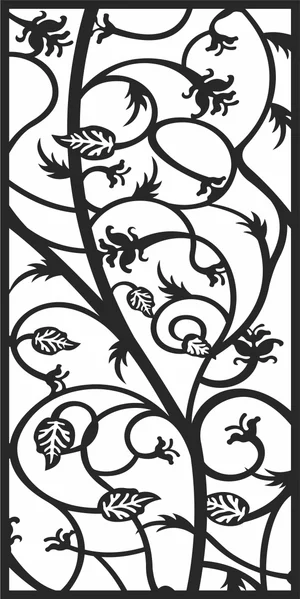
floral panel
Art & Decor16 DL
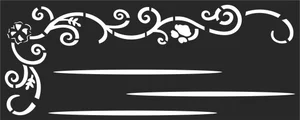
panel woth flower
Art & Decor6 DL
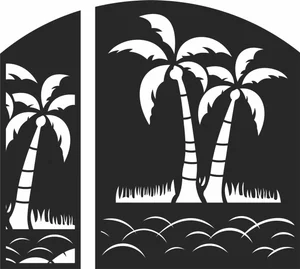
geometric panel
Art & Decor14 DL
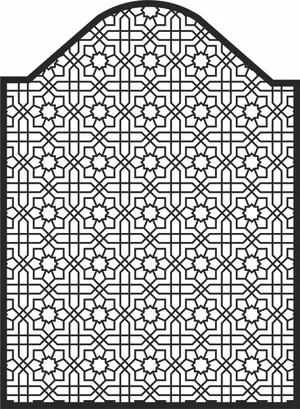
decorative panel
Art & Decor10 DL
decorative panel
Art & Decor3 DL
Vector Line Pattern Design
Art & Decor4 DL
Geometric Door Gate
Art & Decor11 DL
Young Versace medusa
Art & Decor104 DL
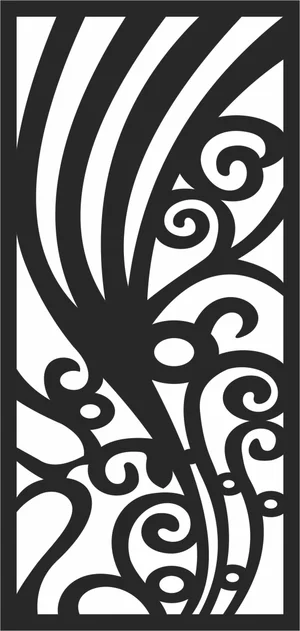
Panel Screen Decorative
Art & Decor3 DL
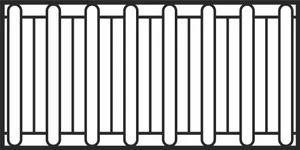
decorative gate Railing
Art & Decor5 DL

floral Ornamental Border
Art & Decor9 DL
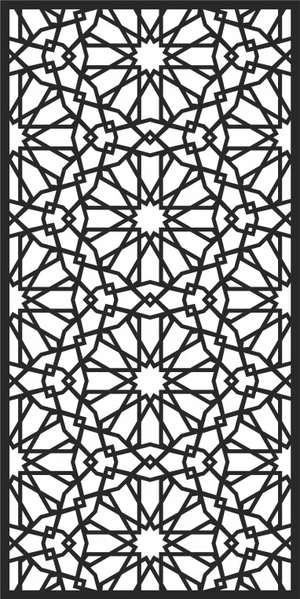
arabic Islamic pattern
Art & Decor18 DL
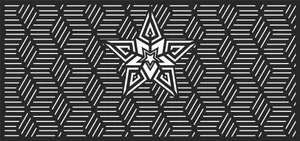
door Seamless geometric
Art & Decor8 DL
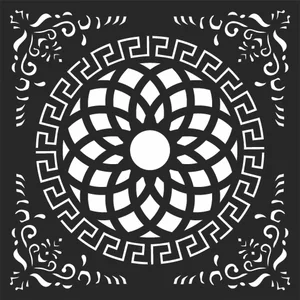
geometric circle pattern
Art & Decor17 DL

Tiger Eyes wall art
Art & Decor25 DL
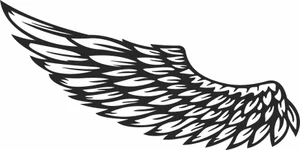
angel wing
Art & Decor28 DL
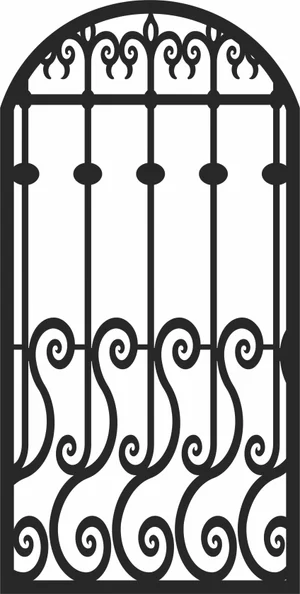
decorative gate
Art & Decor4 DL
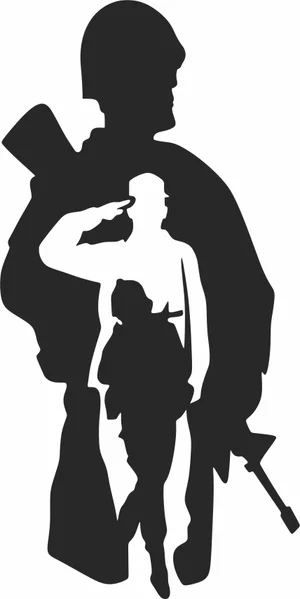
Us Soldier silhouette
Art & Decor15 DL
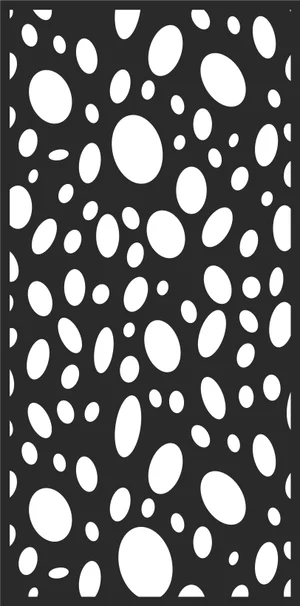
Abstract seamless pattern
Art & Decor11 DL
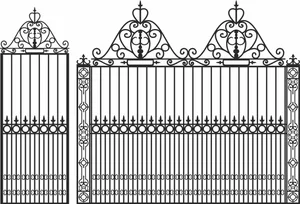
decorative Fence gate
Art & Decor2 DL
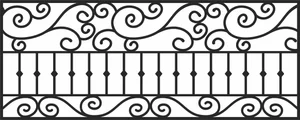
Decorative Fence
Art & Decor5 DL
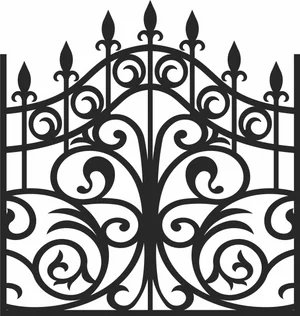
Wrought Gate Fence
Art & Decor5 DL
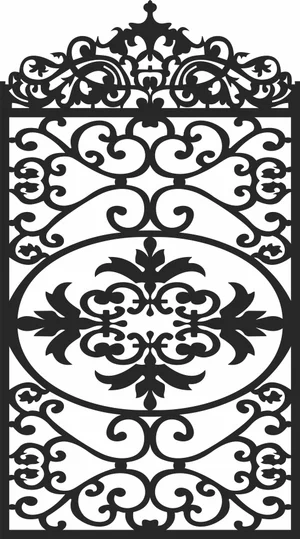
Wrought Gate Fence
Art & Decor3 DL
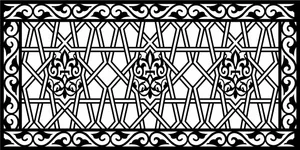
Islamic Pattern
Art & Decor8 DL
More free laser files
Ortur File FAQ
What file formats work with Ortur?
Ortur machines support SVG, DXF, PNG, JPG, and BMP via LightBurn or LaserGRBL. SVG and DXF are recommended for precision cutting.
Is LightBurn compatible with Ortur?
Yes. All Ortur Laser Master models are compatible with LightBurn — the best software for SVG and DXF files with full layer and speed/power control.
Best format for Ortur engraving?
Use DXF/SVG for cutting. Use PNG with Jarvis dithering in LightBurn for photo engraving.
Are the files free for commercial use?
Yes. Free for personal and commercial use. No attribution required.