

Free LightBurn Files – SVG & DXF Laser Cut Designs
Download free SVG and DXF files ready for LightBurn laser software. All designs import directly into LightBurn — just load, set speed and power, and cut. No registration required. Free for commercial use.
Compatible machines (with LightBurn)
Machines these files work with
Some links on this page are affiliate links. If you buy through them, we may earn a commission at no extra cost to you. It does not influence which machines we list — the files on this site stay free either way.
- xToolView
Diode and infrared machines aimed at hobbyists and small shops.
- OMTechView
CO2 laser cutters with larger beds, for thicker material and production work.
- AtomstackView
Entry-level diode engravers at the low end of the price range.
- Creality FalconView
Diode engravers from a established 3D-printing manufacturer.
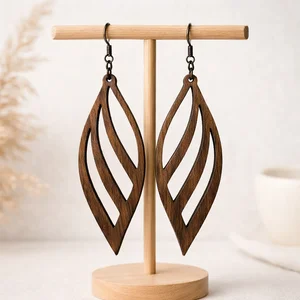
Lightweight Teardrop Dangle Earing
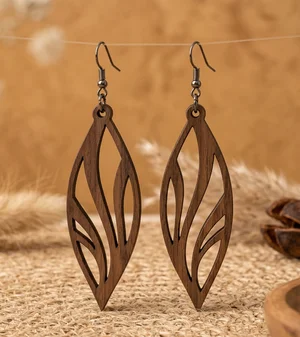
Lightweight Boho Teardrop Dangle Earing

Leaf Wall Clock with Deer Silhouettes and Typography
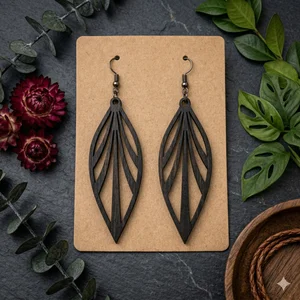
Leaf Dangle Earrings Lightweight Boho Teardrop
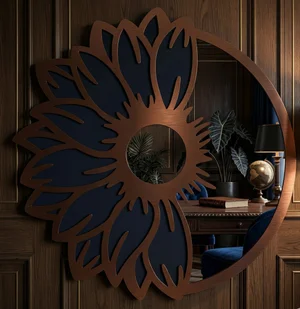
Large Sunflower Silhouette Mirror
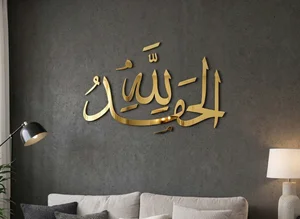
Islamic wall art Alhamdulillah
Hasbi Allah islamic Calligraphy Wall Art
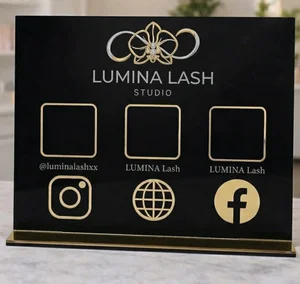
Custom Social Media and QR Code Business Sign
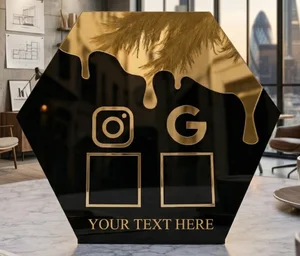
Custom Hexagon Social Media Sign
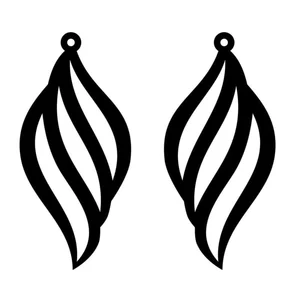
Curly Teardrop Dangle Boho Earrings
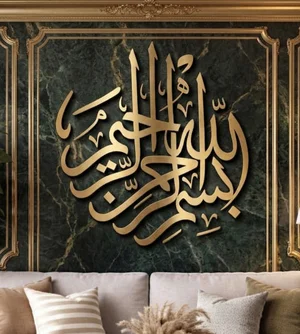
Bismillah Islamic Wall Art
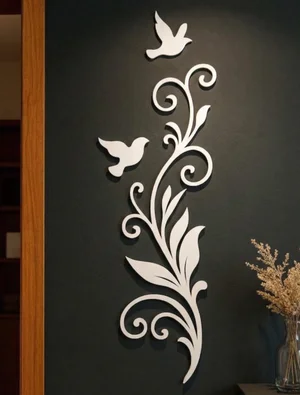
Bird and Floral Vine Vertical Wall Decor
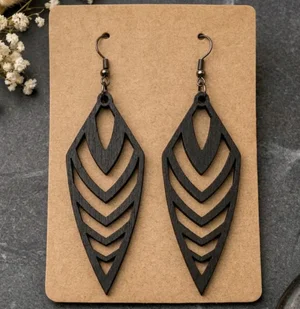
Arrowhead Geometric Leaf Dangle Earrings
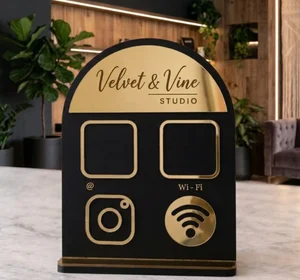
Arched QR Code Social Media and Wi-Fi Business Sign
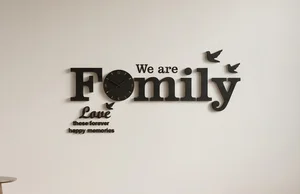
3D family wall clock

monstera leaf silhouettes decor
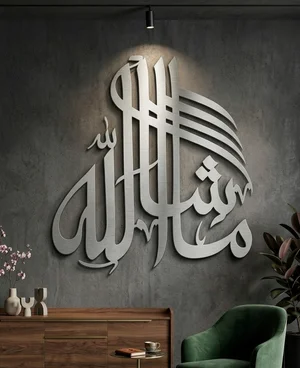
Islamic wall decor machaallah
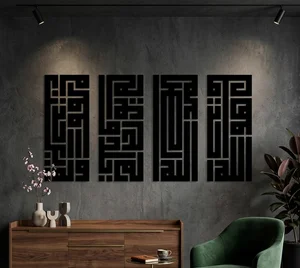
Islamic wall decor Ayat al-Kursi
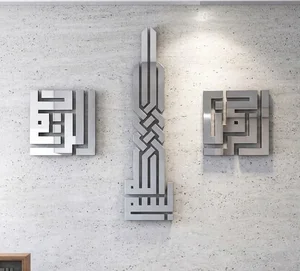
Modern Square Kufic Islamic Wall Art Set
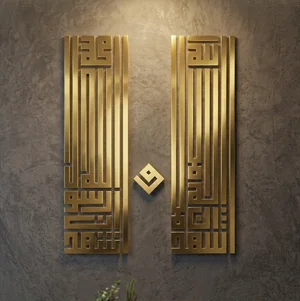
Kufic islam Shahada Wall Art Set
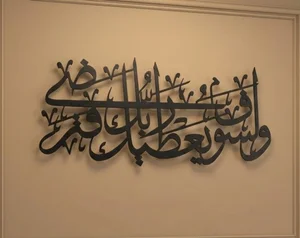
Arabic Thuluth islamic Calligraphy Wall Art
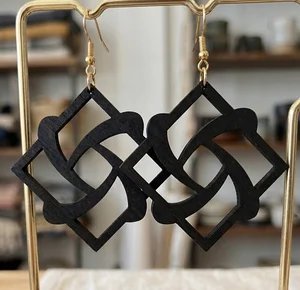
Geometric Laser-Cut Wooden Earrings

Cartoon Honeybee Wall Art Decor
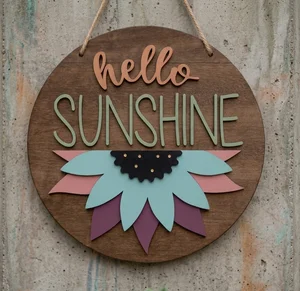
Hello Sunshine Layered Sunflower Round Door Hanger
More free laser files
LightBurn File FAQ
What formats does LightBurn support?
SVG, DXF, AI, PDF, PNG, JPG, BMP. SVG and DXF are best for vector cutting. All FreeLaserFile designs are LightBurn-ready.
How do I import SVG into LightBurn?
File > Import or drag and drop SVG/DXF. Set cut vs. engrave layers via color palette. No conversion needed.
Which machines work with LightBurn?
xTool, Ortur, Sculpfun, OMTech, Atomstack, LONGER, K40 (with upgrade), and all GRBL/Ruida DSP machines. Not compatible with Glowforge.
Are the files free for commercial use?
Yes. Free for personal and commercial use. No attribution required.