

Free LightBurn Files – SVG & DXF Laser Cut Designs
Download free SVG and DXF files ready for LightBurn laser software. All designs import directly into LightBurn — just load, set speed and power, and cut. No registration required. Free for commercial use.
Compatible machines (with LightBurn)
Machines these files work with
Some links on this page are affiliate links. If you buy through them, we may earn a commission at no extra cost to you. It does not influence which machines we list — the files on this site stay free either way.
- xToolView
Diode and infrared machines aimed at hobbyists and small shops.
- OMTechView
CO2 laser cutters with larger beds, for thicker material and production work.
- AtomstackView
Entry-level diode engravers at the low end of the price range.
- Creality FalconView
Diode engravers from a established 3D-printing manufacturer.
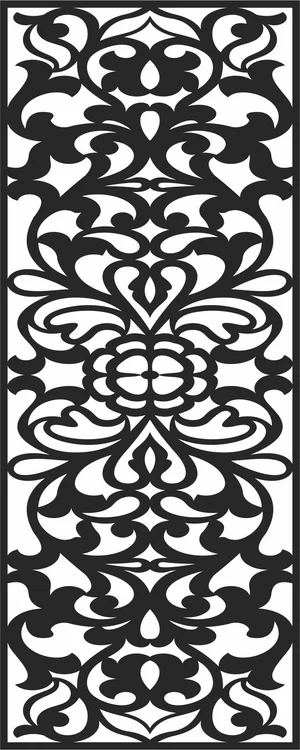
Ornate Baroque Floral Pattern
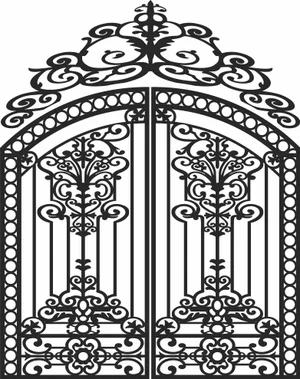
Ornate Double Swing Wrought Gate
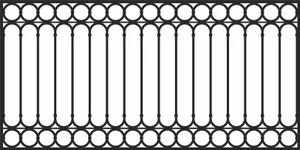
Ornate Double Swing Wrought Gate
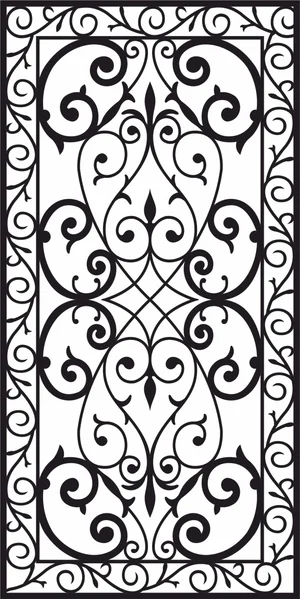
Victorian Scrollwork Panel Decorative Wrought
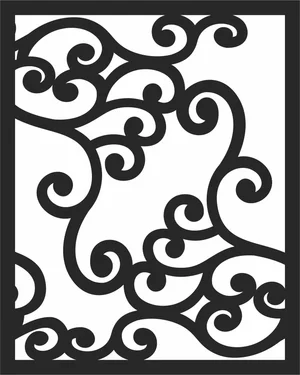
Modern Abstract Scrollwork Decorative Panel
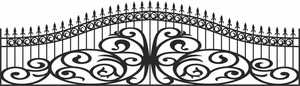
Wrought Driveway Gate with Spear Top
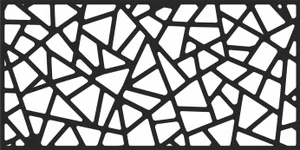
Modern Abstract Geometric Panel
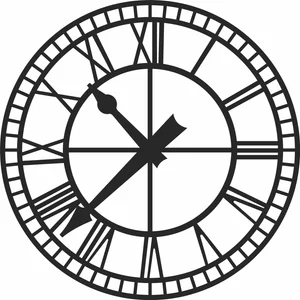
Vintage Wall Clock with Roman Numerals
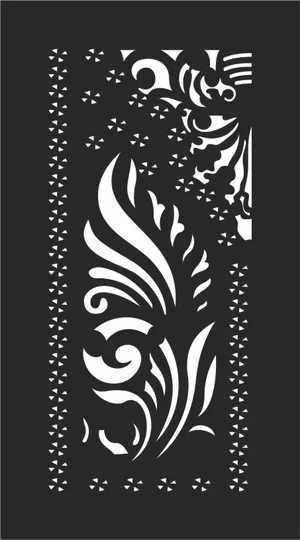
Floral Jali Pattern Decorative Privacy Screen
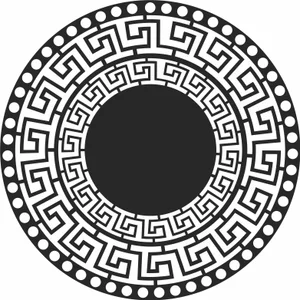
Ornate Greek Key Circular Meander Medallion
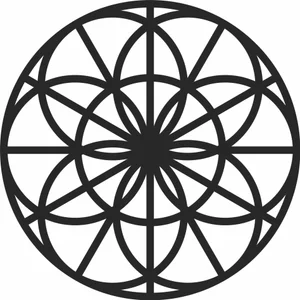
Geometry Seed of Life Circular

Floral Vine Scroll Pattern
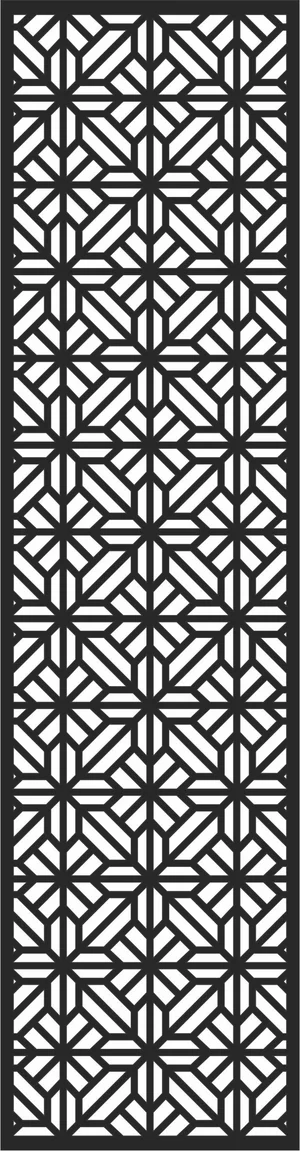
Modern Geometric Privacy Screen Panel
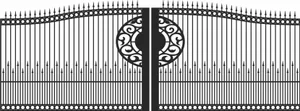
Arched Double Iron Gate with Spear Medallion
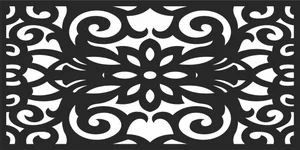
Decorative Ornate Floral Privacy Screen Panel
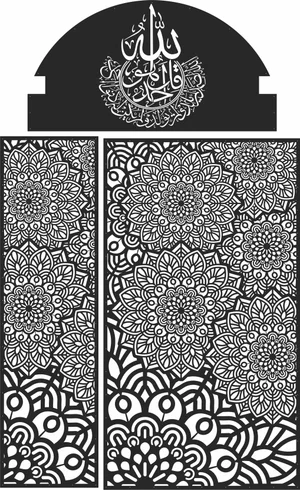
Islamic Arch Frame with Arabic Calligraphy

Geometric Jali Decorative Privacy Screen Panel
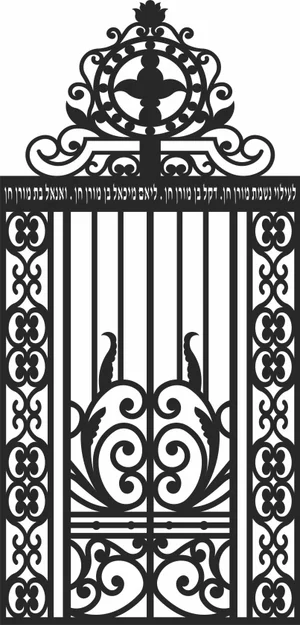
gate with Hebrew Inscription
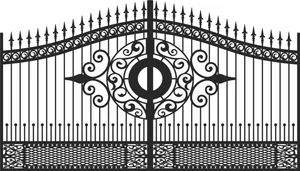
Arched Double Gate with Central Medallion
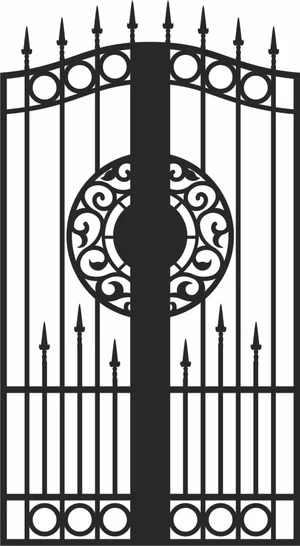
Arched Double Gate with Central Medallion
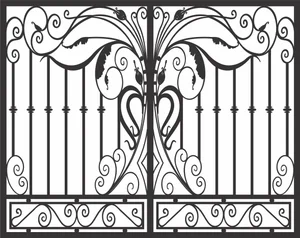
Double Wrought Gate Design
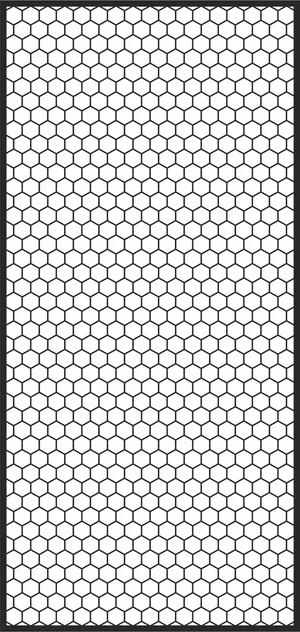
Honeycomb Hexagon Decorative Privacy Panel

Circular Islamic Calligraphy - Allah Word Art
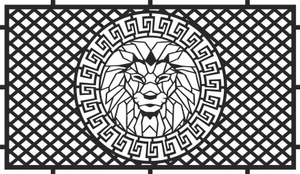
Geometric Lion Decorative Privacy Screen Panel
More free laser files
LightBurn File FAQ
What formats does LightBurn support?
SVG, DXF, AI, PDF, PNG, JPG, BMP. SVG and DXF are best for vector cutting. All FreeLaserFile designs are LightBurn-ready.
How do I import SVG into LightBurn?
File > Import or drag and drop SVG/DXF. Set cut vs. engrave layers via color palette. No conversion needed.
Which machines work with LightBurn?
xTool, Ortur, Sculpfun, OMTech, Atomstack, LONGER, K40 (with upgrade), and all GRBL/Ruida DSP machines. Not compatible with Glowforge.
Are the files free for commercial use?
Yes. Free for personal and commercial use. No attribution required.