

Free Glowforge Files – SVG & DXF Laser Cut Designs
Download free SVG and DXF files ready for your Glowforge laser cutter. All designs are Glowforge-compatible — simply upload to app.glowforge.com and start cutting. No registration required. Free for commercial use.
Glowforge tip: Download the SVG format for best results. SVG files support both cut lines and engraving in a single file.
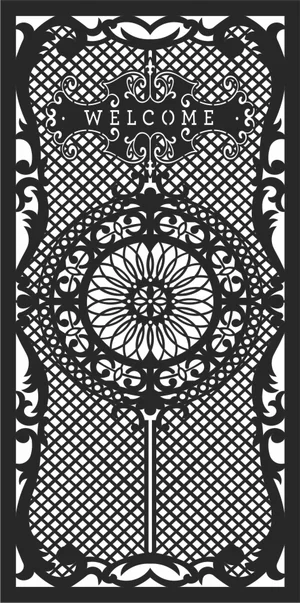
decorative doors wall screens
Art & Decor5 DL
seamless horizontal lines pattern
Art & Decor1 DL

decorative laser-cut panel
Art & Decor3 DL
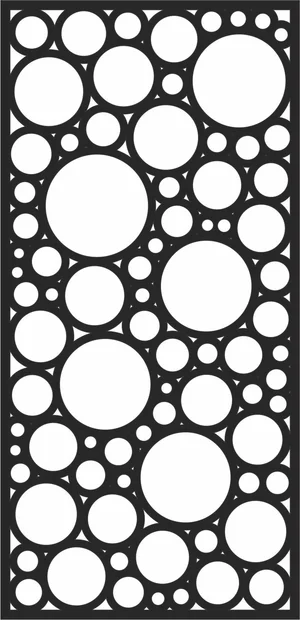
privacy screen bubble room divider
Art & Decor6 DL
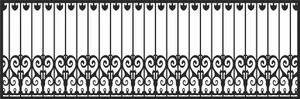
decorative wrought railing fence
Art & Decor0 DL
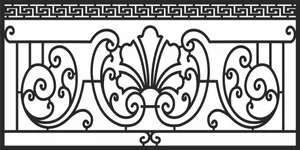
wrought balcony railing
Art & Decor3 DL
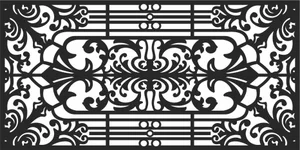
decorative gate fence
Art & Decor4 DL
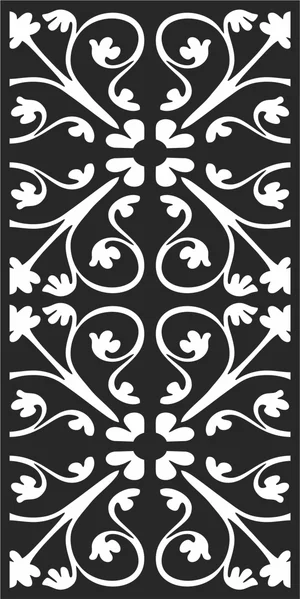
decorative pattern
Art & Decor2 DL
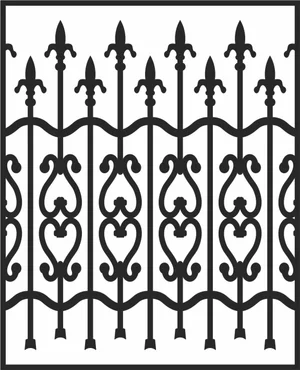
decorative wrought fence
Art & Decor0 DL
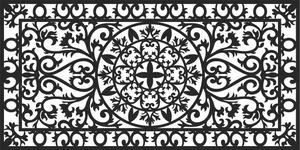
decorative wrought pattern
Art & Decor5 DL
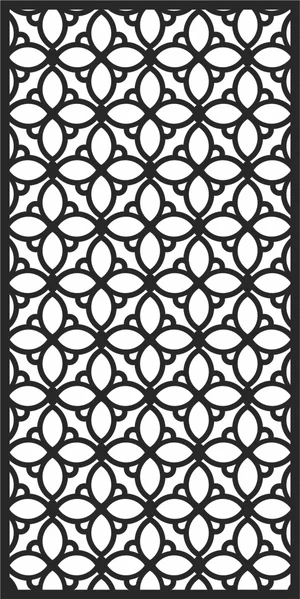
decorative wrought door
Art & Decor3 DL
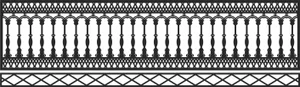
decorative wrought fence
Art & Decor3 DL

decorative border ornamental divider
Art & Decor6 DL

border ornamental divider
Art & Decor0 DL

border ornamental divider
Art & Decor3 DL
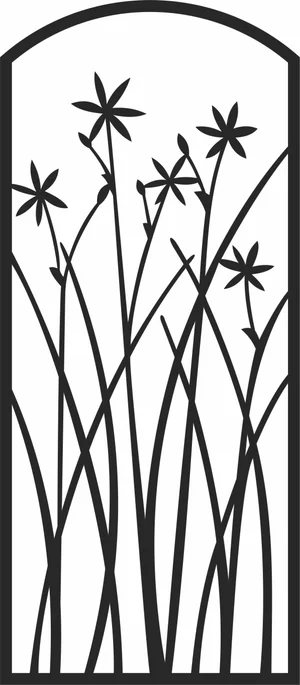
Orchid flower gate
Art & Decor5 DL
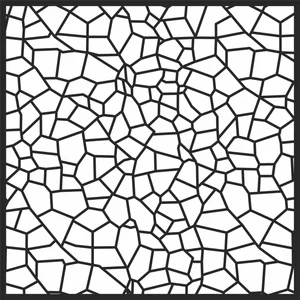
Seamless Pattern
Art & Decor8 DL

decorative border ornamental divider
Art & Decor0 DL

decorative floral pattern
Art & Decor4 DL
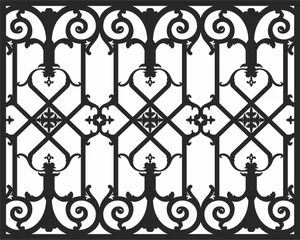
wrought decorative fencing
Art & Decor0 DL
decorative wrought driveway gate
Art & Decor0 DL
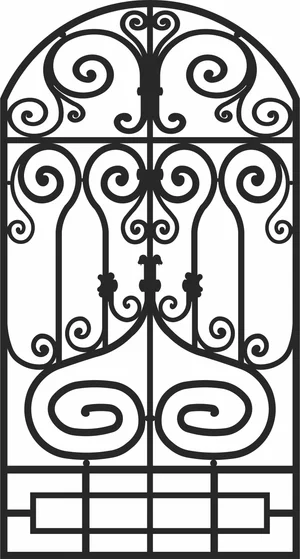
Arched Top Decorative Wrought Side Gate
Art & Decor0 DL
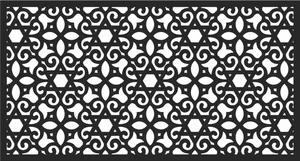
Arabic Geometric Islamic Pattern
Art & Decor5 DL
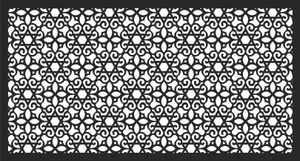
Arabic Geometric Islamic Pattern
Art & Decor2 DL
Glowforge File FAQ
What file formats work with Glowforge?
Glowforge supports SVG, PDF, PNG, and JPG. SVG is the recommended format — it supports both cut lines and engraving in one file. All SVG files here are Glowforge-ready.
How do I upload a file to Glowforge?
Download the SVG file, open app.glowforge.com, click “+” to create a new design, and upload your file. It will appear ready to cut or engrave immediately.
Are these files free for commercial use?
Yes. All files on FreeLaserFile are free for both personal and commercial use. No attribution required.