

Free Glowforge Files – SVG & DXF Laser Cut Designs
Download free SVG and DXF files for your Glowforge laser cutter. SVG files upload directly to app.glowforge.com and are ready to cut — DXF files need a quick SVG conversion first (see below). No registration required. Free for commercial use.
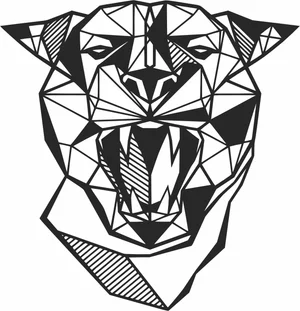
Geometric Roaring Panther Panthera Head Polygonal Line Art
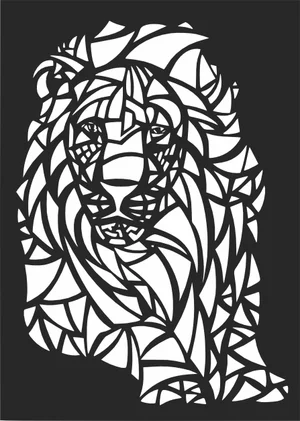
Geometric Abstract Stained Glass Styled Lion Head Mosaic Art
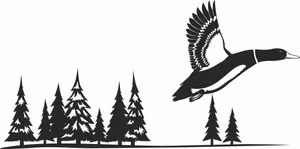
Flying Mallard Duck Pine Forest Horizon Wilderness Scene
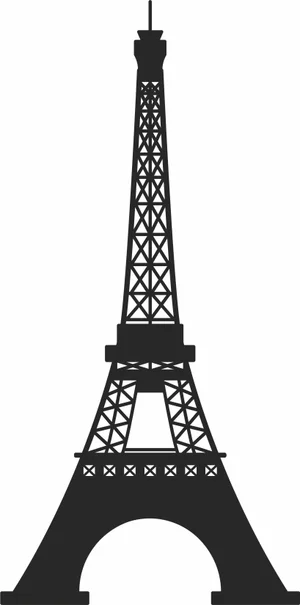
Eiffel Tower Paris France Global Landmark Silhouette
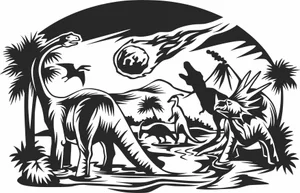
Dinosaurs Extinction Meteor Strike Volcano Landscape Scene
Decorative Ribbon Bow Tied Knot Holiday Graphic
Decorated Christmas Tree Star Topper Baubles Silhouette
Dad Text With Automotive Car Tires And Rims
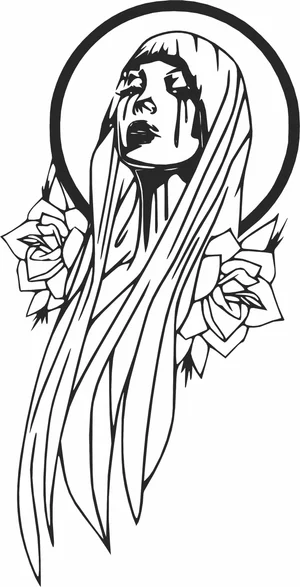
Crying Virgin Mary Crying Tears With Rose Flowers Halo Profile
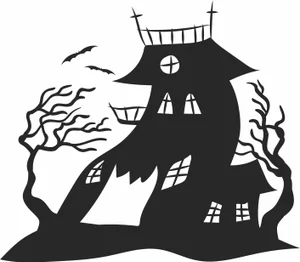
Crooked Haunted House Spooky Trees Bats Landscape Silhouette
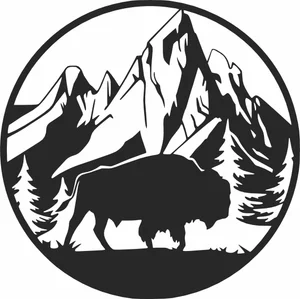
Circular Wild Bison Mountain Forest Nature Scene
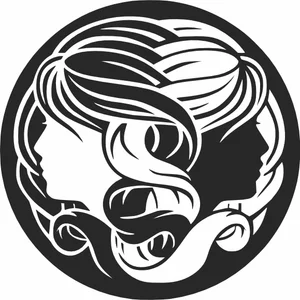
Circular Gemini Zodiac Sign Twins Female Profiles Emblem
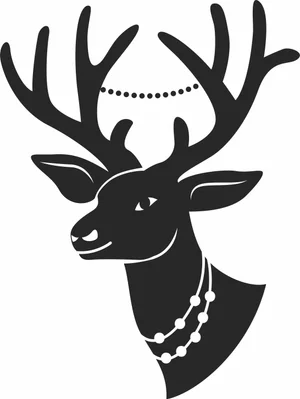
Christmas Deer Head Antlers With Pearl Beads Necklaces
Bonjour Script Cursive Typography French Greeting Word
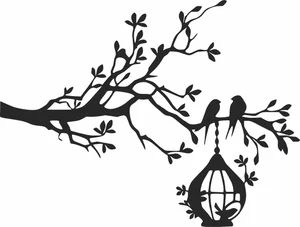
Birds Sitting On Tree Branch With Hanging Birdcage Silhouette
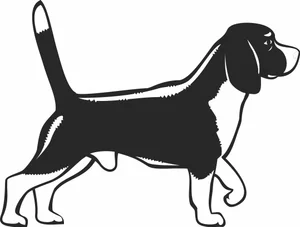
Beagle Dog Standing Side Profile Hound Breed Silhouette
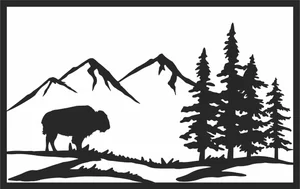
American Bison Buffalo Mountain Pine Forest Panel
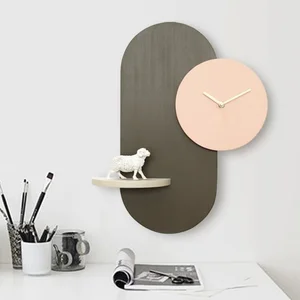
Wall Clock with Display Shelf Design
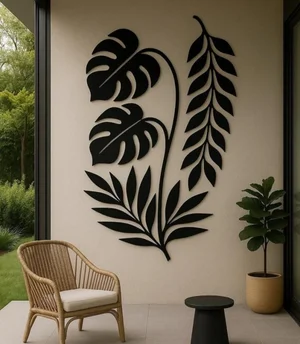
Tropical Monstera and Palm Leaf Wall Art Design
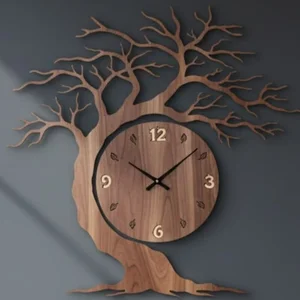
Tree of Life Silhouette Wall Clock

Time For Coffee LED Backlit Wall Clock

Swan Silhouette Vinyl Record Wall Clock
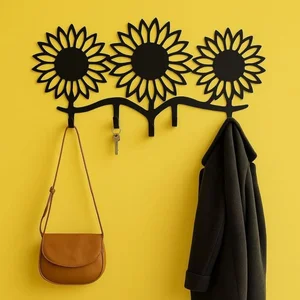
Sunflower Silhouette Key and Coat Wall Rack
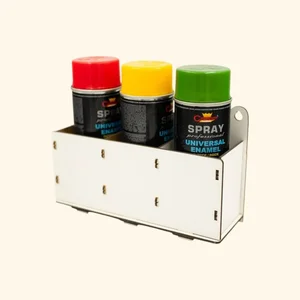
Spray Paint Bottle Storage Rack
More free laser files
Glowforge file compatibility: SVG vs. DXF, Proofgrade vs. custom settings
Glowforge only imports SVG, PDF, PNG, and JPG
The Glowforge app (app.glowforge.com) does not accept DXF files directly — DXF isn't one of its supported import formats. If you download a DXF file from this site for a Glowforge, open it in a free vector editor like Inkscape and use File → Save As → Plain SVG (or Illustrator's Export As → SVG) before uploading. Any SVG file on this site can be uploaded to the Glowforge app as-is.
Proofgrade materials vs. everything else
Glowforge's own Proofgrade materials have a QR-coded backing sticker that the machine's camera reads automatically, loading a pre-calibrated speed, power, and focus setting for that exact material and thickness. Any other material — plywood, acrylic, or leather bought elsewhere, including material cut with the free designs on this site — is "non-Proofgrade": you enter your own speed/power/focus settings manually in the app's material step, and Glowforge doesn't guarantee the cut since it hasn't calibrated for that specific batch. Treat any settings you find (including the starting-point table on our free laser cut files hub) as a starting point for a test cut, not a guarantee.
Glowforge File FAQ
What file formats work with Glowforge?
Glowforge supports SVG, PDF, PNG, and JPG. SVG is the recommended format — it supports both cut lines and engraving in one file. All SVG files here are Glowforge-ready.
How do I upload a file to Glowforge?
Download the SVG file, open app.glowforge.com, click “+” to create a new design, and upload your file. It will appear ready to cut or engrave immediately.
Are these files free for commercial use?
Yes. All files on FreeLaserFile are free for both personal and commercial use. No attribution required.