

Free Glowforge Files – SVG & DXF Laser Cut Designs
Download free SVG and DXF files for your Glowforge laser cutter. SVG files upload directly to app.glowforge.com and are ready to cut — DXF files need a quick SVG conversion first (see below). No registration required. Free for commercial use.
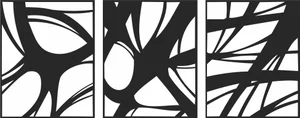
Three Panel Triptych Abstract Overlapping Curved Lines Wall Art
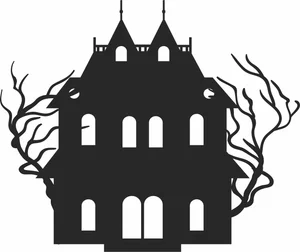
Symmetrical Haunted Mansion Gothic Estate Spooky Bare Trees Silhouette
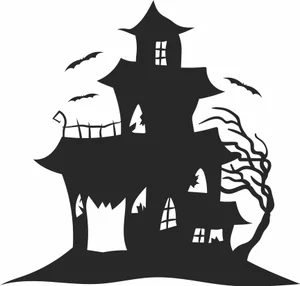
Spooky Haunted Mansion Castle Bats Gnarled Tree Silhouette
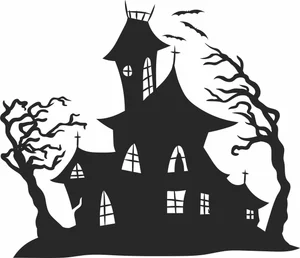
Spooky Haunted House Witch Castle Bats Windswept Trees Silhouette
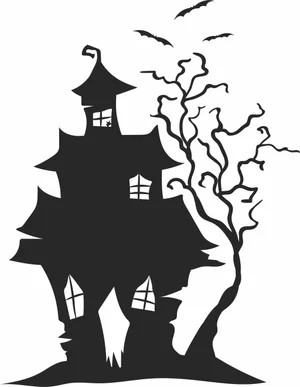
Spooky Haunted House Flying Bats Gnarled Tree Silhouette
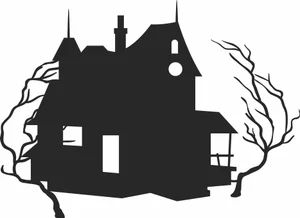
Spooky Haunted House Creepy Bare Trees Silhouette
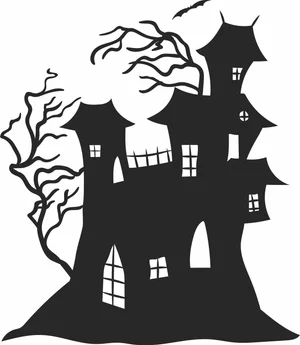
Spooky Haunted Castle Mansion Creepy Trees Bat Silhouette
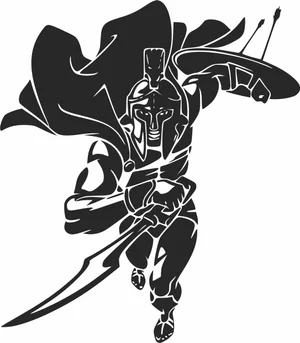
Spartan Warrior Charging With Sword Shield And Waving Cape
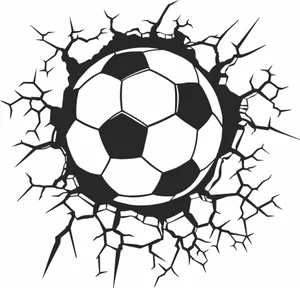
Soccer Ball Crashing Through Cracked Wall Graphic
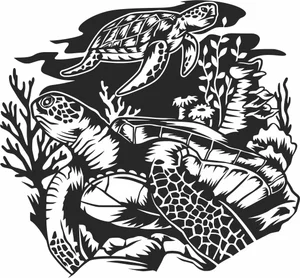
Sea Turtles Underwater Coral Reef Scene Graphic
Santa Claus Village Winter Christmas Snowflakes Forest Silhouette
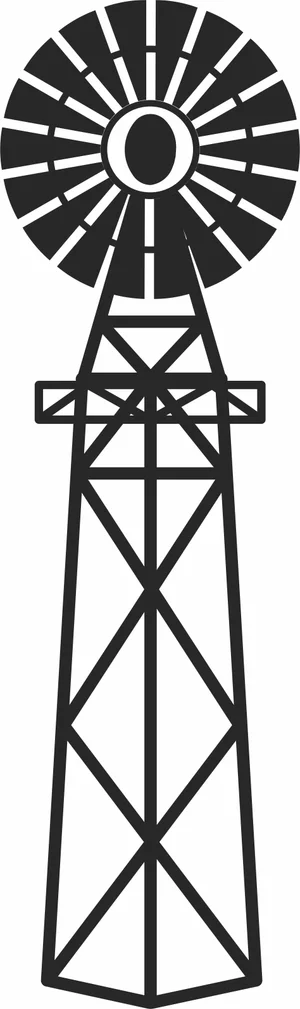
Rustic American Farm Windmill Steel Water Pumping Tower Silhouette
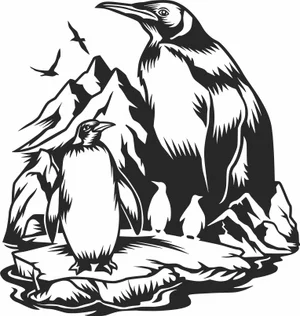
Penguins On Ice Iceberg Arctic Mountain Wildlife Scene
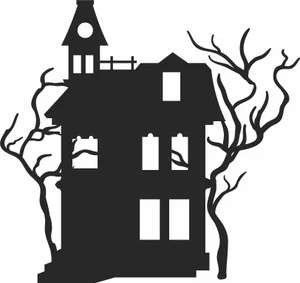
Old Haunted House Tower Balcony Spooky Bare Trees Silhouette
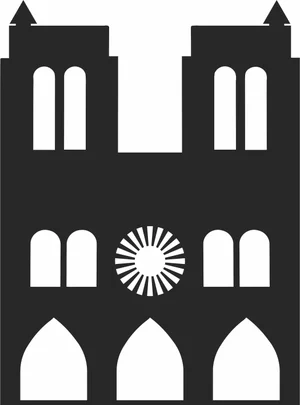
Notre Dame de Paris Gothic Cathedral Architecture Silhouette
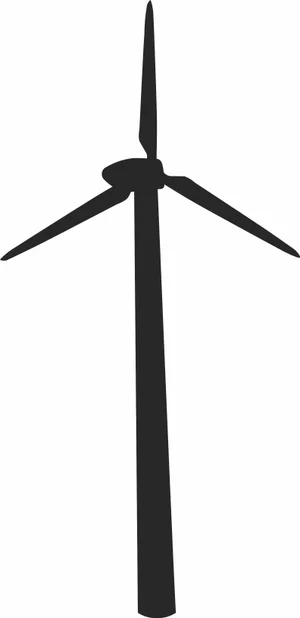
Modern Wind Turbine Renewable Energy Eco Silhouette
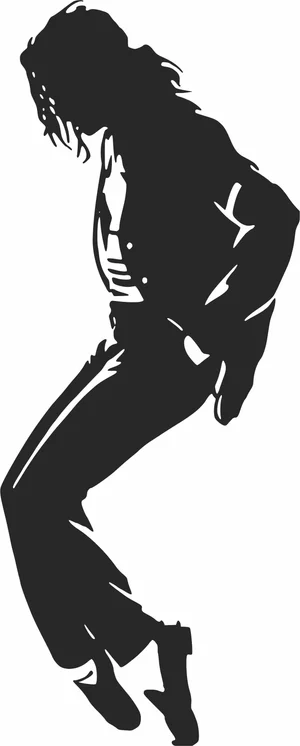
Michael Jackson Dancing On Toe Shoes Pose Silhouette
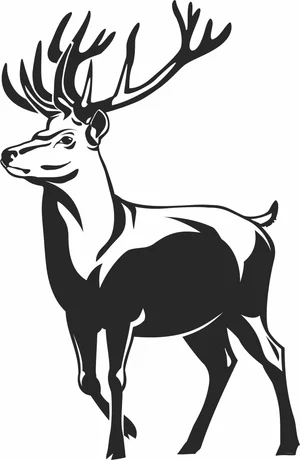
Majestic Red Deer Stag Full Body Large Antlers Vector
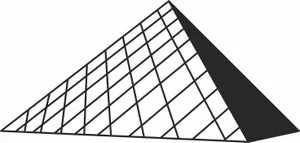
Louvre Pyramid Paris Museum Architecture Silhouette
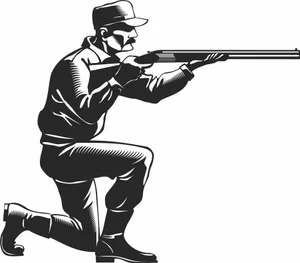
Kneeling Hunter Aiming Shotgun Rifle Retro Illustration
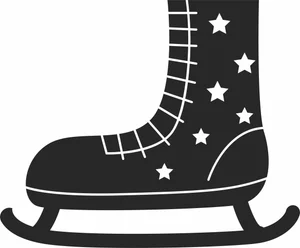
Ice Skate Boot With Laces And Star Pattern Illustration
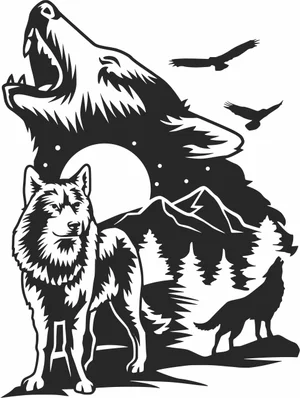
Howling Wolves Full Moon Mountain Forest Wilderness Scene
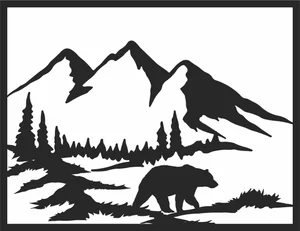
Grizzly Bear Mountain Forest Landscape Frame Scene
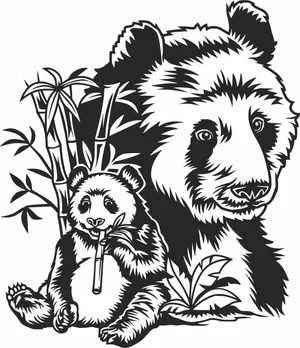
Giant Panda Mother Cub Bamboo Forest Nature Scene
More free laser files
Glowforge file compatibility: SVG vs. DXF, Proofgrade vs. custom settings
Glowforge only imports SVG, PDF, PNG, and JPG
The Glowforge app (app.glowforge.com) does not accept DXF files directly — DXF isn't one of its supported import formats. If you download a DXF file from this site for a Glowforge, open it in a free vector editor like Inkscape and use File → Save As → Plain SVG (or Illustrator's Export As → SVG) before uploading. Any SVG file on this site can be uploaded to the Glowforge app as-is.
Proofgrade materials vs. everything else
Glowforge's own Proofgrade materials have a QR-coded backing sticker that the machine's camera reads automatically, loading a pre-calibrated speed, power, and focus setting for that exact material and thickness. Any other material — plywood, acrylic, or leather bought elsewhere, including material cut with the free designs on this site — is "non-Proofgrade": you enter your own speed/power/focus settings manually in the app's material step, and Glowforge doesn't guarantee the cut since it hasn't calibrated for that specific batch. Treat any settings you find (including the starting-point table on our free laser cut files hub) as a starting point for a test cut, not a guarantee.
Glowforge File FAQ
What file formats work with Glowforge?
Glowforge supports SVG, PDF, PNG, and JPG. SVG is the recommended format — it supports both cut lines and engraving in one file. All SVG files here are Glowforge-ready.
How do I upload a file to Glowforge?
Download the SVG file, open app.glowforge.com, click “+” to create a new design, and upload your file. It will appear ready to cut or engrave immediately.
Are these files free for commercial use?
Yes. All files on FreeLaserFile are free for both personal and commercial use. No attribution required.