

Free SVG Files for Laser Cutting & Engraving
SVG is what Glowforge, Cricut and most web-based laser apps expect. Every SVG here uses real units, closed paths and colour-separated layers so cut, score and engrave map straight onto machine operations. No account, free for personal and commercial use.
Most downloaded free SVG files
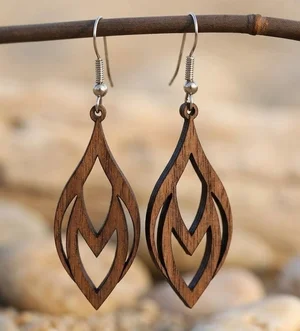
Laser-Cut Wooden Teardrop Earrings
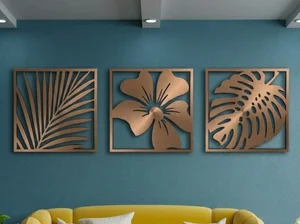
3 Monstera Leaves decor
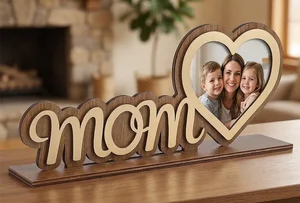
Mother Day Heart Photo Frame Stand
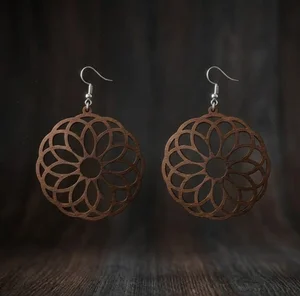
laser-cut wooden mandala earrings
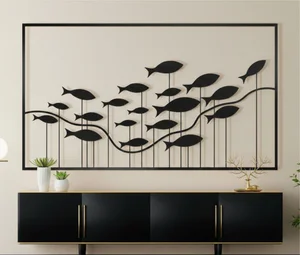
fish wall decor
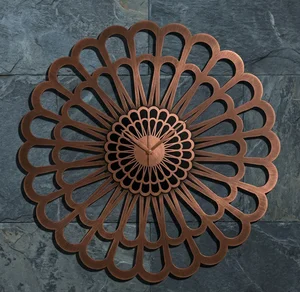
Karlsson Sunflower Large Laser-Cut Floral Decorative Clock
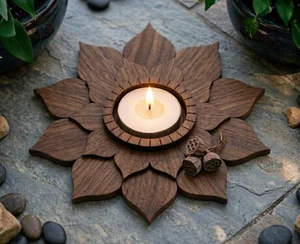
3 Layer Lotus Tealight Candle Holder
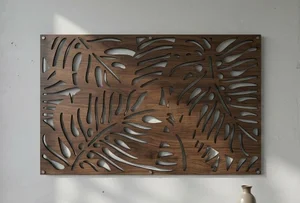
Tropical Monstera Leaf Wall Art
Browse all free SVG files
laser-cut wooden mandala earrings
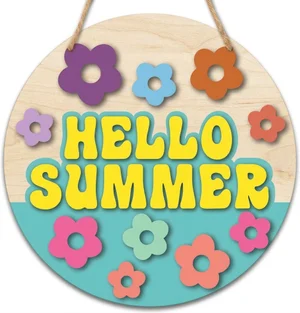
Hello Summer Round Door Hanger
Tropical Monstera Leaf Wall Art
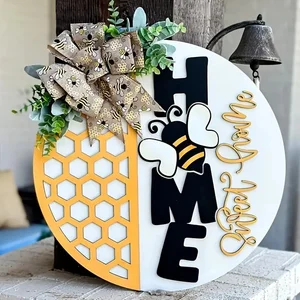
Home Sweet Home Honeycomb Round Door Hanger

happy spring sign
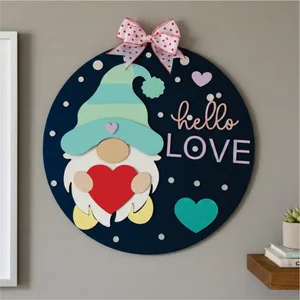
valentines day gnome sign
3 Monstera Leaves decor
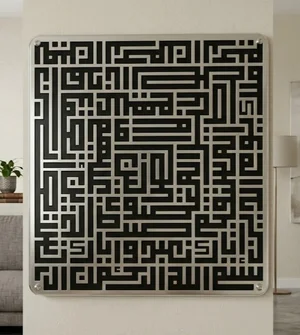
islam sign Al fatiha
Laser-Cut Wooden Teardrop Earrings
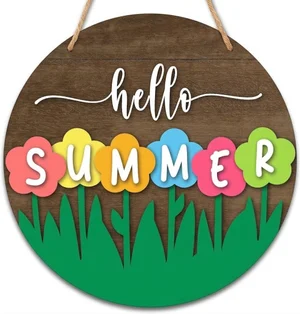
Hello Summer Floral Round Door Hanger
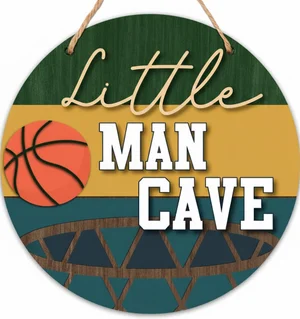
man cave sign
fish wall decor
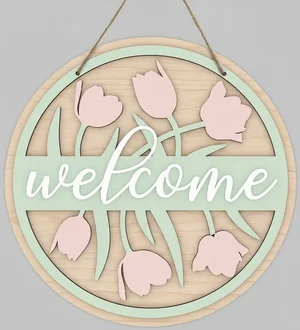
welcome flowers sign
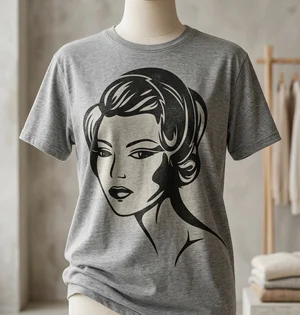
retro Flapper Woman Vector Art
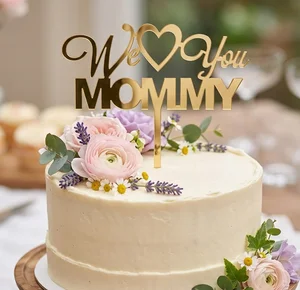
We Love You Mommy Cake Topper Mother Day
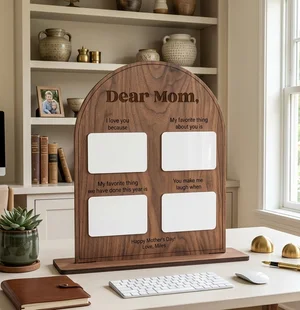
Personalized Arched Mother Day Keepsake Board
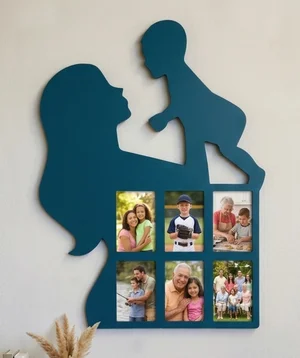
Mother and Child Silhouette Photos Wall Frame

Mother Love Heart Picture Frame Gift
Mother Day Heart Photo Frame Stand
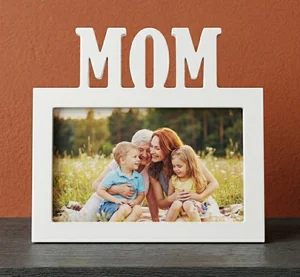
MOM Picture Frame Mother Day Gift
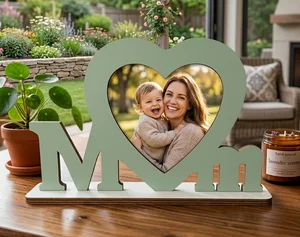
MOM Photo Frame Mother Day Gift
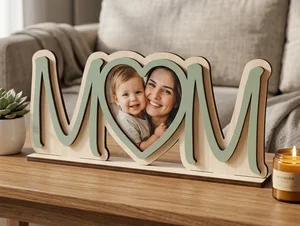
3D Layered Wooden Mom Picture Frame
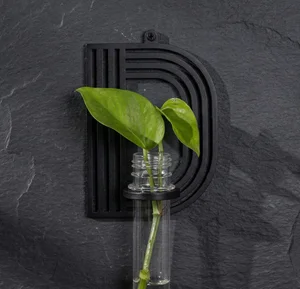
alphabet plant propagation station D
Karlsson Sunflower Large Laser-Cut Floral Decorative Clock
What an SVG file is, and when to use it
SVG (Scalable Vector Graphics) is an open web vector format. Like DXF it stores paths as maths rather than pixels, so it scales cleanly — but unlike DXF it has real units baked in and it carries colour and stroke information, which laser software uses to separate cut, score and engrave passes.
Use SVG when you cut on a Glowforge (its app takes SVG or PNG only), when you drive the machine from a browser, or when the same file also needs to work with Cricut or Silhouette. Use DXF instead for LightBurn-first, CNC or plasma workflows.
Because SVG carries colour, a well-built file assigns one colour per operation: for example black outlines to cut, blue to score, grey fills to engrave. Map those colours to layers in your software and set power and speed per layer.
Which machines take SVG directly?
| Machine / software | SVG support |
|---|---|
| Glowforge | Yes — SVG or PNG, nothing else. |
| xTool Creative Space | Yes, native. |
| LightBurn | Yes; colours become layers automatically. |
| Cricut Design Space | Yes. |
| Silhouette Studio | SVG needs the paid Designer Edition; DXF works in the free version. |
| LaserGRBL | No direct SVG — convert to G-code or use LightBurn. |
| CNC router / plasma software | Usually not — export DXF for these. |
Preparing an SVG for a clean cut
- Check the units — open the SVG and confirm the artboard is in mm or inches, not pixels, so it lands at the intended size.
- One colour per operation — separate cut, score and engrave onto distinct stroke colours before importing.
- Outline all strokes and text — convert strokes to filled paths and text to outlines so line weight and fonts do not shift between programs.
- Ungroup and weld overlaps — union overlapping shapes that should cut as one, so the laser does not trace a buried internal line.
- Remove the bounding rectangle — many free SVGs include a full-size frame; delete it unless you actually want that border cut.
Common SVG problems and how to fix them
- Everything imports as one colour — the file uses fills only, no distinct strokes. Assign stroke colours per operation in your editor before cutting.
- Hairline vs hairline-plus-fill — a shape with both a stroke and a fill can cut the outline and engrave the interior. Decide which you want and remove the other.
- Tiny scale on Glowforge — the SVG was saved in pixels at 96 DPI. Re-save with a mm artboard, or scale up by the ratio of your target size to what landed.
- Text turned to boxes — a font was referenced but not embedded. Files here ship with text as outlines; if you edit, convert text to a path.
- Open paths — a shape whose start and end node do not meet. The laser treats it as a line, not a fillable outline, so it will not cut a closed part. In LightBurn, Edit → Select open shapes highlights them; Auto-join enabled paths (tolerance ~0.05 mm) closes small gaps.
- Overlapping or duplicate lines — two segments stacked on the same path make the laser cut or score twice, widening the kerf and scorching the edge. Run "Delete Duplicates" / "Remove overlapping lines" before cutting.
How this library is tested
Designs are added by hand through the site's admin tools, not accepted as an open public upload — every file has a person behind the decision to publish it. On upload, the server checks both file extension and MIME type against a whitelist (SVG, DXF, AI, CDR, EPS, PDF) and enforces a 50 MB size limit, so the wrong file type or a broken upload does not make it into storage.
What is not automated yet is a geometry check — there is no code in this project that opens an SVG and verifies its paths are closed, its strokes are separated into one colour per operation, or its artboard uses real units instead of pixels. That review is manual today. Treat the checklist above as your own pass before cutting, not something already done for you in the background.
SVG files by machine, material and category
Free SVG Files — FAQ
Are these SVG files free for commercial use?
Yes. Every SVG on FreeLaserFile is free for personal and commercial use with no attribution required. Cut the design and sell the finished product; you just cannot resell the digital file.
Do these SVG files work with Glowforge?
Yes. The Glowforge app accepts SVG (and PNG). Import the SVG at app.glowforge.com, then assign each colour to cut, score or engrave. The files here keep operations on separate colours so that mapping is quick.
Can I use these SVG files with Cricut?
Yes, they upload to Cricut Design Space. Note that designs here are built for laser cutting, so intricate internal detail that a laser handles easily may be fragile when cut from vinyl or cardstock on a Cricut.
SVG or DXF for my laser?
SVG if you use a Glowforge, xTool Creative Space, Cricut, or a browser-based controller. DXF if you work in LightBurn, on a CNC router, or on a plasma table. Most designs here include both.
Why did my SVG import tiny?
It was saved with a pixel artboard at 96 DPI, so a 300 px design lands as roughly 79 mm — or much smaller in some apps. Re-save with a millimetre artboard, or scale up by the ratio between your intended size and the imported size.