

Free DXF Files — Laser, CNC & Plasma Ready
DXF is the format CNC and plasma tables read natively, and the one LightBurn and RDWorks handle best. Every DXF here has closed, connected paths with no duplicate lines, so it loads and cuts without editing. No account, free for personal and commercial use.
Most downloaded free DXF files
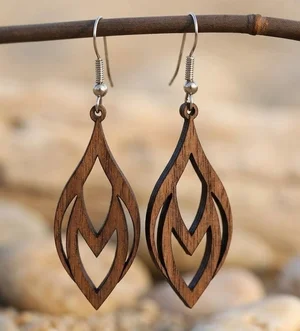
Laser-Cut Wooden Teardrop Earrings
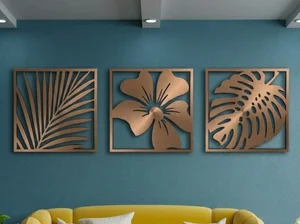
3 Monstera Leaves decor
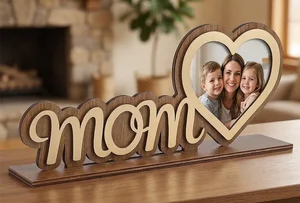
Mother Day Heart Photo Frame Stand
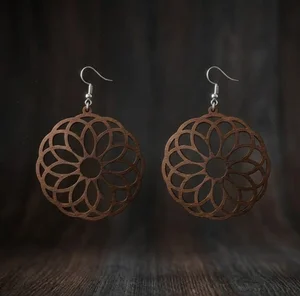
laser-cut wooden mandala earrings
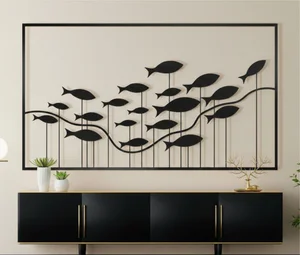
fish wall decor
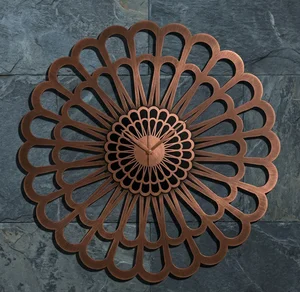
Karlsson Sunflower Large Laser-Cut Floral Decorative Clock
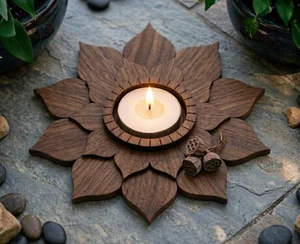
3 Layer Lotus Tealight Candle Holder
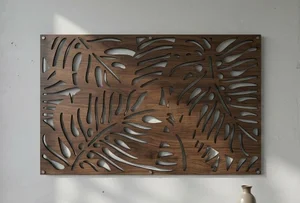
Tropical Monstera Leaf Wall Art
Browse all free DXF files
fish wall decor
laser-cut wooden mandala earrings

happy spring sign
3 Monstera Leaves decor
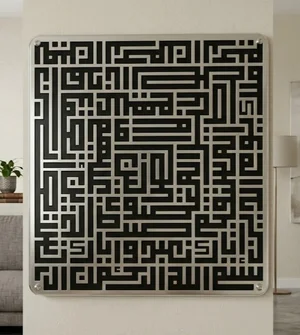
islam sign Al fatiha
Tropical Monstera Leaf Wall Art
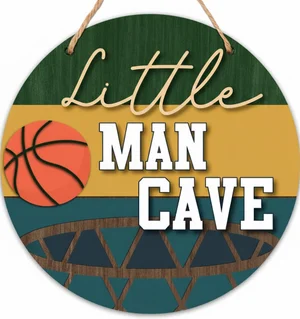
man cave sign
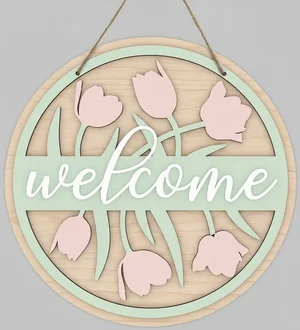
welcome flowers sign
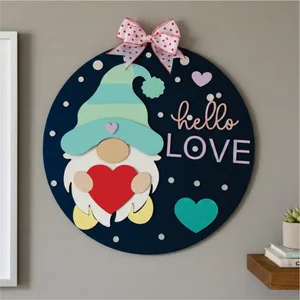
valentines day gnome sign
Laser-Cut Wooden Teardrop Earrings
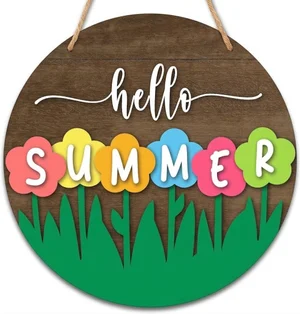
Hello Summer Floral Round Door Hanger

Hello Summer Round Door Hanger
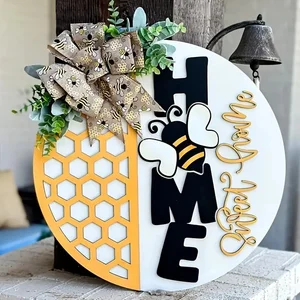
Home Sweet Home Honeycomb Round Door Hanger

retro Flapper Woman Vector Art
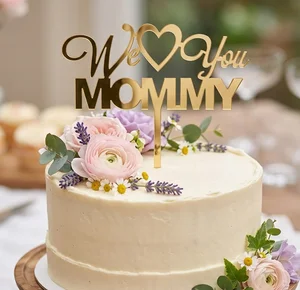
We Love You Mommy Cake Topper Mother Day
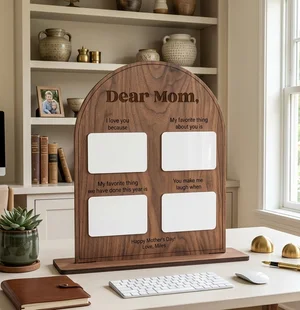
Personalized Arched Mother Day Keepsake Board
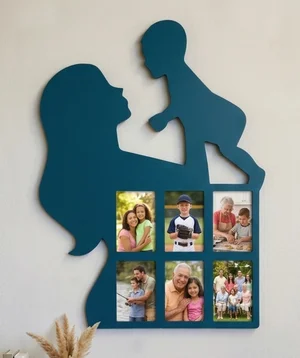
Mother and Child Silhouette Photos Wall Frame

Mother Love Heart Picture Frame Gift
Mother Day Heart Photo Frame Stand
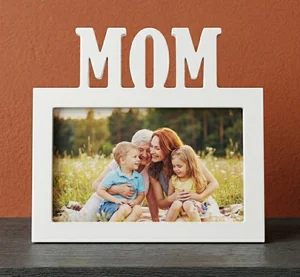
MOM Picture Frame Mother Day Gift
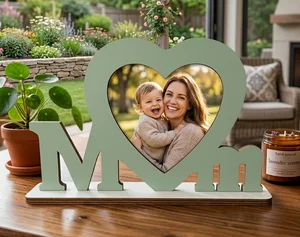
MOM Photo Frame Mother Day Gift
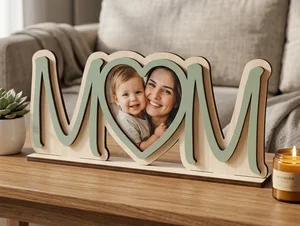
3D Layered Wooden Mom Picture Frame
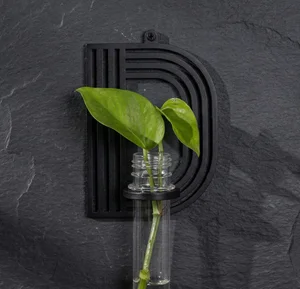
alphabet plant propagation station D
Karlsson Sunflower Large Laser-Cut Floral Decorative Clock
What a DXF file is, and when to use it
DXF (Drawing Exchange Format) is a vector format Autodesk published in 1982 so CAD programs could exchange geometry. It stores lines, arcs, circles, polylines and splines as coordinates — no pixels — so a machine can follow the paths at any size without quality loss.
Reach for DXF when your toolchain is CAD- or CNC-oriented: LightBurn, RDWorks, AutoCAD, Fusion 360, QCAD, SheetCAM and every plasma or router post-processor take DXF directly. Reach for SVG instead when you cut on a Glowforge or drive the machine from a web app — those expect SVG.
The one thing to watch: a DXF file has no built-in unit. The number "10" could mean 10 mm or 10 inches depending on who drew it. Always set the unit on import and sanity-check one dimension.
Which format does your machine want?
| Machine / software | Best input |
|---|---|
| Glowforge (app.glowforge.com) | SVG or PNG only — no DXF. Use the SVG download. |
| xTool Creative Space | SVG or DXF; DXF import prompts for units. |
| LightBurn (xTool, Ortur, Sculpfun, OMTech, Atomstack…) | DXF or SVG; DXF is the more predictable import. |
| RDWorks / Ruida CO2 lasers | DXF. |
| CNC router (VCarve, Fusion 360, Carbide Create) | DXF. |
| Plasma table (SheetCAM, FireControl) | DXF. |
| Cricut / Silhouette | SVG. |
Importing a DXF without surprises
- Set the unit first — pick millimetres (or inches) in the import dialog before the geometry lands, then measure one feature you know to confirm the scale.
- Close the paths — run auto-join / close open shapes so each part is a fillable outline, not a set of loose lines.
- Remove duplicates — DXF exports often stack two identical segments; delete them so the laser does not cut the line twice.
- Assign layers to operations — put cut, score and engrave geometry on separate layers or colours and set power/speed per layer.
- Do a test cut — on an offcut of the real material, at the real thickness, before committing the full sheet.
Common DXF import errors and how to fix them
- Open paths — a shape whose start and end node do not meet. The laser treats it as a line, not a fillable outline, so it will not cut a closed part. In LightBurn, Edit → Select open shapes highlights them; Auto-join enabled paths (tolerance ~0.05 mm) closes small gaps.
- Overlapping or duplicate lines — two segments stacked on the same path make the laser cut or score twice, widening the kerf and scorching the edge. Run "Delete Duplicates" / "Remove overlapping lines" before cutting.
- Wrong scale on DXF import — DXF carries no unit, so a file drawn in millimetres can land as inches (25.4× too big) or vice versa. Set the import unit explicitly and check one known dimension against a ruler.
- Live text instead of paths — if the design uses a font you do not have installed, the text reflows or disappears. Files here ship with text already converted to outlines; if you edit text, convert it to a path before cutting.
- Stray nodes and tiny artefacts — single points or sub-millimetre shapes left over from tracing. They register as pierce points and leave burn marks. Delete anything smaller than your beam diameter.
How this library is tested
Every design here is added by hand through the site's own admin tools, not accepted as an open public upload — so nothing reaches the library without a person choosing to publish it. The upload step enforces a server-side whitelist on both file extension and MIME type (DXF, SVG, AI, CDR, EPS, PDF) and a 50 MB size cap per file, which rejects the wrong file type or a corrupted upload before it is stored.
What this does not include yet: an automated geometry check for open paths, duplicate lines or wrong scale. There is no such checker in the codebase today — that class of problem is caught by eye during upload, not by software. Run the DXF import checklist above (or the vector-checking steps in your own editor) as your real safety net, especially on anything you plan to cut unattended.
DXF files by machine, material and category
Free DXF Files — FAQ
Where can I download free DXF files for laser cutting?
FreeLaserFile hosts hundreds of free DXF files for laser cutting, CNC routing and plasma cutting. Every file downloads without an account, is licensed for personal and commercial use, and has been checked for closed paths and duplicate lines so it cuts without cleanup.
What software opens a DXF file?
LightBurn, AutoCAD, Fusion 360, QCAD (free), LibreCAD (free), Inkscape (free, with an extension), CorelDRAW, Adobe Illustrator, SheetCAM, VCarve and Carbide Create all open DXF. Glowforge and Cricut do not — use the SVG version for those.
Why does my DXF import at the wrong size?
DXF stores no unit, so the importing program guesses — usually millimetres or inches. If your part is 25.4 times too big or too small, the wrong unit was assumed. Re-import and set the unit explicitly, or scale by 25.4 (or 1/25.4) to correct it.
Are these DXF files really free for commercial use?
Yes. Every DXF on FreeLaserFile is free for personal and commercial projects with no attribution required. You can cut the design and sell the finished product. You cannot resell the digital file itself.
DXF or SVG — which should I download?
Download DXF if you cut from LightBurn, a CNC router or a plasma table. Download SVG if you use a Glowforge, Cricut, or drive your machine from a web app. Most designs here offer both; when in doubt, DXF is the safer choice for laser and CNC work.