
Free Atomstack Laser Files – SVG & DXF Downloads
Design files for Atomstack diode engravers — A5 Pro, S10 Pro, X20 Pro, X30 Pro and the A10 series. Import into LightBurn or LaserGRBL and cut. Every file downloads as SVG and DXF, free for personal and commercial use.
Compatible software & machines
Machines these files work with
Our files work with machines like these. Pick one, then come back for the files.
182 sponsored-link clicks from FreeLaserFile in the 30 days to 18 Nov 2026.
Some links on this page are affiliate links. If you buy through them, we may earn a commission at no extra cost to you. It does not influence which machines we list — the files on this site stay free either way.





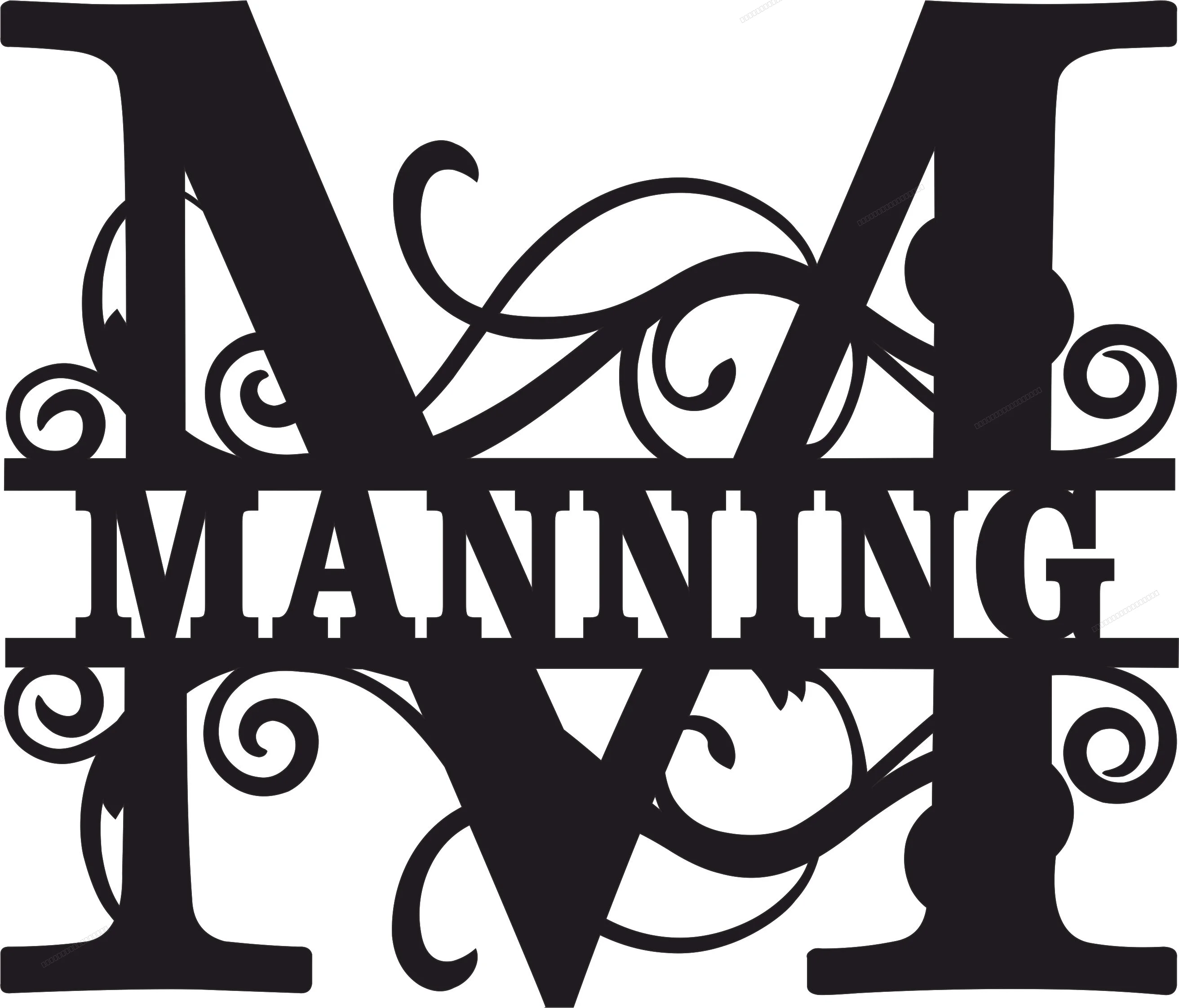

















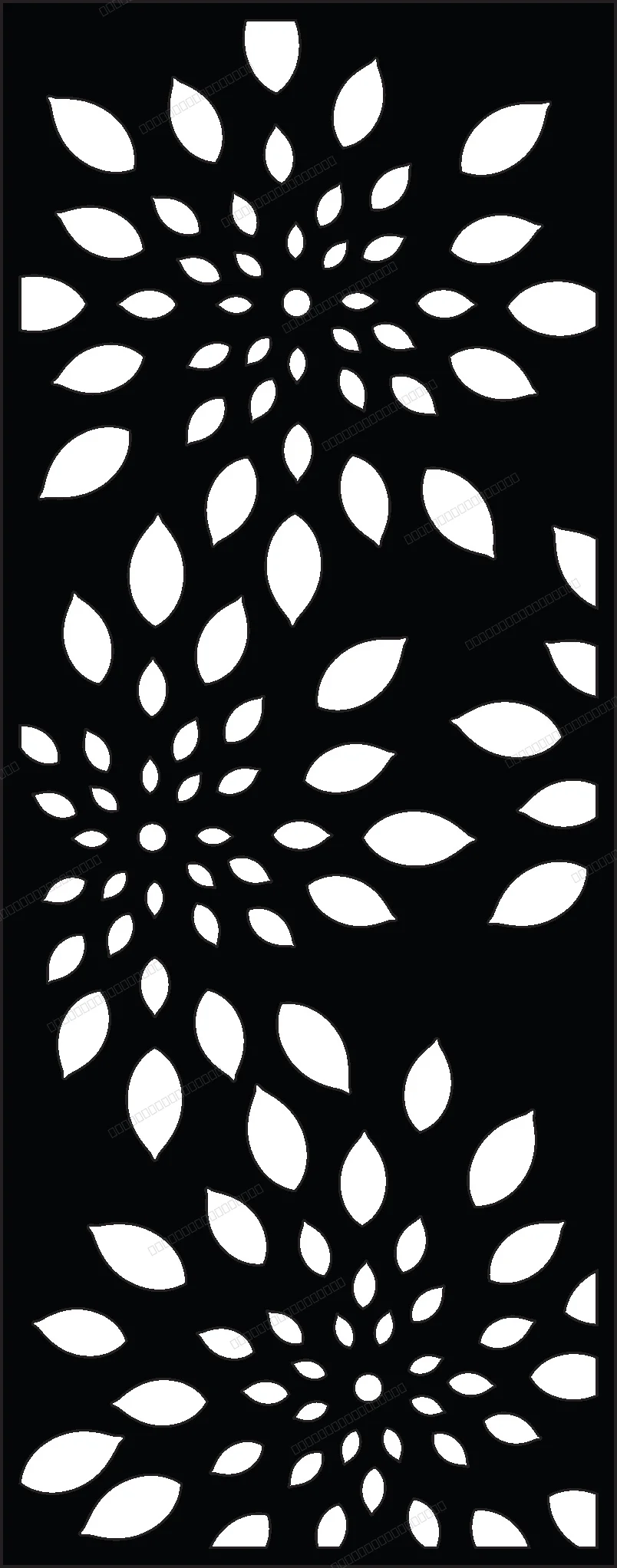
More free laser files
Atomstack Laser File FAQ
What software works with Atomstack lasers?
LightBurn is the recommended choice and supports every GRBL-based Atomstack machine. LaserGRBL is a free alternative on Windows. Atomstack also ships its own Atomstack Studio. All three import the SVG and DXF files from this site.
Can an Atomstack cut through 3mm plywood?
Yes, with multiple passes on most modules. A 5W optical module typically needs three to four passes at low speed; 10W modules usually manage two; the 20W and higher modules on the X20 and X30 often cut 3mm plywood in a single slow pass. Air assist makes a large difference to edge quality.
Do these files need converting for Atomstack?
No. Import the SVG or DXF directly into LightBurn or LaserGRBL. The paths are closed vectors, so the software generates cut paths without cleanup or redrawing.
Are the files free for commercial use?
Yes. Free for personal and commercial use with no attribution required. You can sell what you cut. You cannot resell the digital files themselves.
 AskChatGPT