

Free xTool Files – SVG & DXF Laser Cut Designs
Download free SVG and DXF files for xTool D1, xTool M1, xTool P2, xTool S1, and all xTool laser machines. Compatible with xTool Creative Space and LightBurn. No registration required. Free for commercial use.
Machines these files work with
Some links on this page are affiliate links. If you buy through them, we may earn a commission at no extra cost to you. It does not influence which machines we list — the files on this site stay free either way.
- xToolView
Diode and infrared machines aimed at hobbyists and small shops.
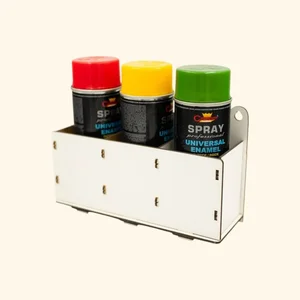
Spray Paint Bottle Storage Rack

Spiral Cutout Geometric Wall Clock Design

Personalized Teacher Thank You Desk Plaque
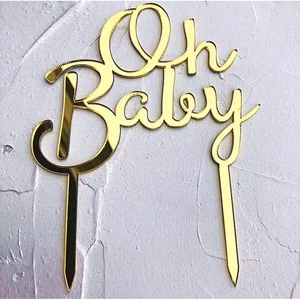
Oh Baby Cake Topper Design
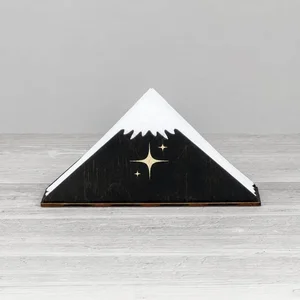
Mountain Peak Star Napkin Holder

Moon and Clouds Nursery Hanging Wall Decor Design

Modern Minimalist Vertical Wall Clock
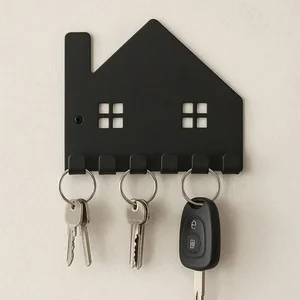
Minimalist House Silhouette Key Holder Wall Rack

MOM Heart Picture Photo Frame

MOM Heart Picture Photo Frame Desk

LOVE Letters Picture Photo Frame Desk Decor

Kitchen Wall Art Decor Set Design
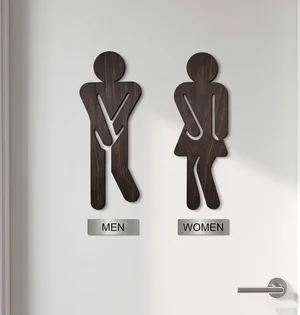
Humorous Restroom Men and Women Door Sign

Home Sweet Home Key Holder Wall Rack

Home Sweet Home House Key Holder Wall Rack

Happy Fathers Day Mustache Cake Topper
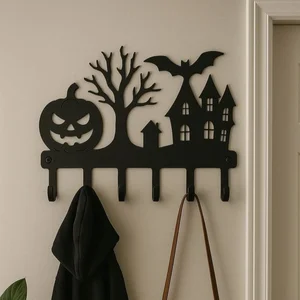
Halloween Haunted House Coat Rack
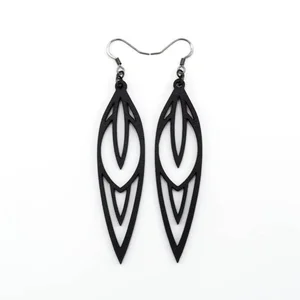
Geometric Marquise Leaf Cutout Earrings Design
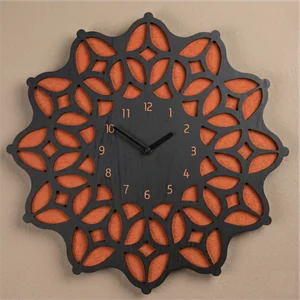
Geometric Mandala Layered Wall Clock Design
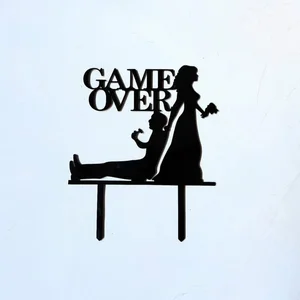
Funny Game Over Wedding Cake Topper Design

Floral Botanical Branch Wall Art Design

Festive Christmas Tree Cutout Earrings Design

Elegant Script Happy Birthday Cake Topper Design
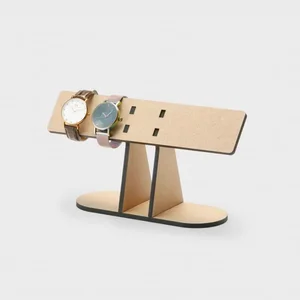
Desktop Multi Watch Display Stand Design
More free laser files
xTool software: Creative Space vs. LightBurn
Camera preview, autofocus, and framing are xTool-software-only
xTool's own software — xTool Creative Space, and its 2026 successor xTool Studio — is the only option that reads your machine's built-in camera to preview material placement, auto-focuses the laser, and frames a job before cutting. LightBurn doesn't support those features on xTool hardware: you measure your material and position your design manually instead. If you rely on camera placement for engraving onto irregular objects, stick with xTool's own app.
LightBurn wins for multi-brand shops and heavier vector editing
LightBurn is third-party software that runs xTool machines — including the D1, M1, P2, and S1, plus accessories like the RA2 Pro rotary — alongside diode, CO2, and fiber lasers from other brands, which helps if your shop isn't all-xTool. It also has deeper vector-editing tools, including image tracing, that xTool's software doesn't match. The tradeoff is a one-time paid license instead of a free app.
Creative Space is being retired in favor of xTool Studio
xTool Creative Space stopped receiving updates after version 2.7 in June 2025. xTool Studio is now the actively developed app, and any xTool machine released since August 2025 works only with Studio, not the legacy Creative Space. SVG and DXF files from this site import the same way into either version.
xTool File FAQ
What file formats work with xTool?
xTool machines support SVG, DXF, PNG, JPG, and BMP via xTool Creative Space. SVG and DXF are best for cutting. All files here are xTool-compatible.
Do these files work with xTool Creative Space?
Yes. Import SVG or DXF directly into xTool Creative Space. Works with xTool D1, M1, P2, S1.
Can I use LightBurn with these files on xTool?
Yes. All DXF and SVG files are fully compatible with LightBurn, which works with all xTool machines.
Are the files free for commercial use?
Yes. All files are free for personal and commercial use. No attribution required.