

Free xTool Files – SVG & DXF Laser Cut Designs
Download free SVG and DXF files for xTool D1, xTool M1, xTool P2, xTool S1, and all xTool laser machines. Compatible with xTool Creative Space and LightBurn. No registration required. Free for commercial use.
Machines these files work with
Some links on this page are affiliate links. If you buy through them, we may earn a commission at no extra cost to you. It does not influence which machines we list — the files on this site stay free either way.
- xToolView
Diode and infrared machines aimed at hobbyists and small shops.

Vintage Retro Panel Cargo Van Side View Silhouette

Vintage Retro Moped Scooter Side View Outline Silhouette

Tropical Coconut Palm Tree Silhouette

Three Round Floral Bouquets Silhouette
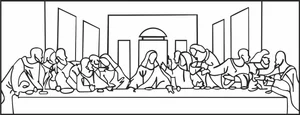
The Last Supper Leonardo Da Vinci Silhouette
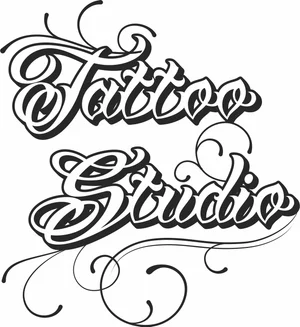
Tattoo Studio Lettering Calligraphy Script Silhouette
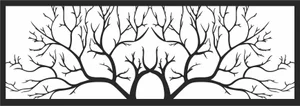
Symmetrical Tree Branches Landscape Panel
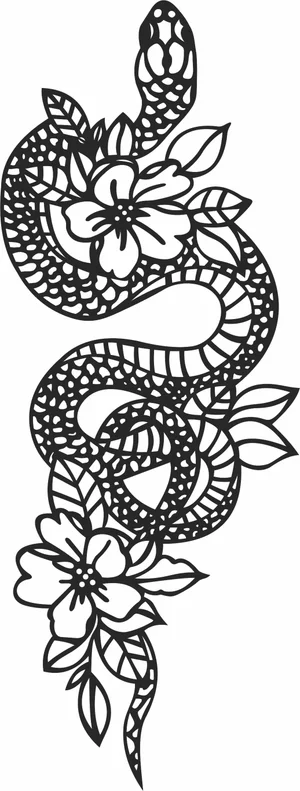
Snake with Flowers Floral Silhouette
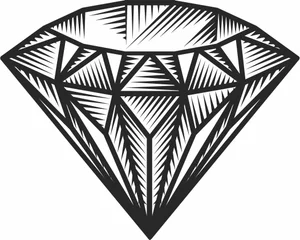
Shiny Cut Diamond Gemstone Outline Silhouette
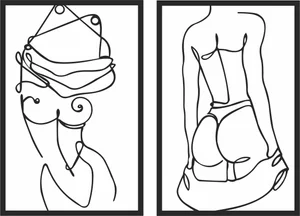
Sensual Female Body Silhouette Continuous One Line Art Panel Set

School of Swimming Fish Line Art Silhouette

Sailing Yacht Boat Ocean Cruise Outline Silhouette

Sacred Geometry Metatrons Cube Flower of Life Merkaba Set Silhouette

Photographer Holding Camera Taking Photo Outline Silhouette

Olive Branch with Fruits and Leaves Silhouette

Old School Traditional Tattoo Rose Flower Silhouette

Old School Traditional Tattoo Heart Banner Roses Silhouette

Ocean Sunset Minimalist Line Art Horizon Reflection Silhouette

Mountain Range with Water Lake Reflection Silhouette

Mountain Range Sunset Continuous One Line Art Silhouette
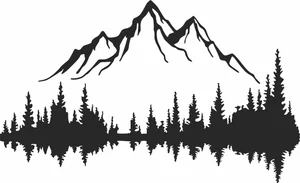
Mountain Peak with Pine Forest Lake Reflection Silhouette

Military Semi Trailer Cargo Truck Side View Silhouette

Maltese Cross Firefighter Badge Outline Silhouette
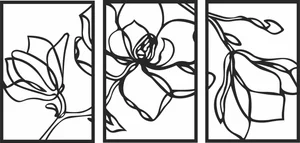
Magnolia Flower Triptych Wall Art Panels
More free laser files
xTool software: Creative Space vs. LightBurn
Camera preview, autofocus, and framing are xTool-software-only
xTool's own software — xTool Creative Space, and its 2026 successor xTool Studio — is the only option that reads your machine's built-in camera to preview material placement, auto-focuses the laser, and frames a job before cutting. LightBurn doesn't support those features on xTool hardware: you measure your material and position your design manually instead. If you rely on camera placement for engraving onto irregular objects, stick with xTool's own app.
LightBurn wins for multi-brand shops and heavier vector editing
LightBurn is third-party software that runs xTool machines — including the D1, M1, P2, and S1, plus accessories like the RA2 Pro rotary — alongside diode, CO2, and fiber lasers from other brands, which helps if your shop isn't all-xTool. It also has deeper vector-editing tools, including image tracing, that xTool's software doesn't match. The tradeoff is a one-time paid license instead of a free app.
Creative Space is being retired in favor of xTool Studio
xTool Creative Space stopped receiving updates after version 2.7 in June 2025. xTool Studio is now the actively developed app, and any xTool machine released since August 2025 works only with Studio, not the legacy Creative Space. SVG and DXF files from this site import the same way into either version.
xTool File FAQ
What file formats work with xTool?
xTool machines support SVG, DXF, PNG, JPG, and BMP via xTool Creative Space. SVG and DXF are best for cutting. All files here are xTool-compatible.
Do these files work with xTool Creative Space?
Yes. Import SVG or DXF directly into xTool Creative Space. Works with xTool D1, M1, P2, S1.
Can I use LightBurn with these files on xTool?
Yes. All DXF and SVG files are fully compatible with LightBurn, which works with all xTool machines.
Are the files free for commercial use?
Yes. All files are free for personal and commercial use. No attribution required.