

Free xTool Files – SVG & DXF Laser Cut Designs
Download free SVG and DXF files for xTool D1, xTool M1, xTool P2, xTool S1, and all xTool laser machines. Compatible with xTool Creative Space and LightBurn. No registration required. Free for commercial use.

Hacksaw Tool Design

Grenade Launcher Design

Flintlock Pistol Design

Crosshair Target Design

Construction Worker Builder Design

Compact Assault Rifle Design
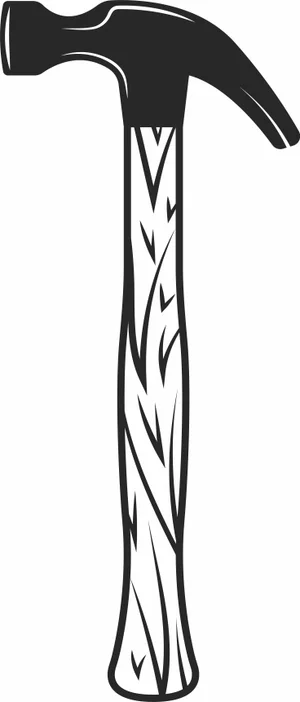
Claw Hammer Tool Design

Burning Crazy Heart Tournament Spark Plugs Design
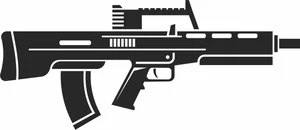
Bullpup Assault Rifle Design

Bikers Gear Leather Jacket Sign Design

Bike Parts Motorcycle Sign Design
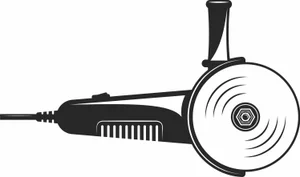
Angle Grinder Power Tool Design
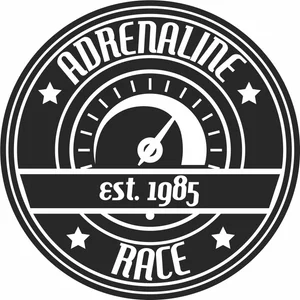
Adrenaline Race Speedometer Sign Design

Winged Wyvern Dragon Serpent Artwork

Vintage Open Wheel Retro Race Car Silhouette

Vintage Analog Stopwatch Sports Timer Vector

Three Spoke Racing Steering Wheel Center Stripe Vector

Tattoo Rose Laser Cut Design Vector

Superhero Web Shooter Mask Hand Silhouette Art

Street Devil Motorcycle Chopper Circular Badge Emblem

Sports Hockey Jersey Number 88 Uniform Silhouette

Spiked Sea Serpent Mythical Dragon Silhouette

Speed Racers Club Motocross Helmet Circular Star Emblem

Speed Racer Garage Speedometer Round Retro Jagged Badge
More free laser files
xTool software: Creative Space vs. LightBurn
Camera preview, autofocus, and framing are xTool-software-only
xTool's own software — xTool Creative Space, and its 2026 successor xTool Studio — is the only option that reads your machine's built-in camera to preview material placement, auto-focuses the laser, and frames a job before cutting. LightBurn doesn't support those features on xTool hardware: you measure your material and position your design manually instead. If you rely on camera placement for engraving onto irregular objects, stick with xTool's own app.
LightBurn wins for multi-brand shops and heavier vector editing
LightBurn is third-party software that runs xTool machines — including the D1, M1, P2, and S1, plus accessories like the RA2 Pro rotary — alongside diode, CO2, and fiber lasers from other brands, which helps if your shop isn't all-xTool. It also has deeper vector-editing tools, including image tracing, that xTool's software doesn't match. The tradeoff is a one-time paid license instead of a free app.
Creative Space is being retired in favor of xTool Studio
xTool Creative Space stopped receiving updates after version 2.7 in June 2025. xTool Studio is now the actively developed app, and any xTool machine released since August 2025 works only with Studio, not the legacy Creative Space. SVG and DXF files from this site import the same way into either version.
xTool File FAQ
What file formats work with xTool?
xTool machines support SVG, DXF, PNG, JPG, and BMP via xTool Creative Space. SVG and DXF are best for cutting. All files here are xTool-compatible.
Do these files work with xTool Creative Space?
Yes. Import SVG or DXF directly into xTool Creative Space. Works with xTool D1, M1, P2, S1.
Can I use LightBurn with these files on xTool?
Yes. All DXF and SVG files are fully compatible with LightBurn, which works with all xTool machines.
Are the files free for commercial use?
Yes. All files are free for personal and commercial use. No attribution required.