

Free Laser Engraving Files for Leather – DXF & SVG Downloads
Download free DXF and SVG files for laser engraving on leather. Wallets, journal covers, bookmarks, patches, belts, earrings, and more. Compatible with Glowforge, xTool, Ortur, LightBurn, and all CO2/diode lasers. No registration required. Free for commercial use.
Wallets
Engraved veg-tan
Journal Covers
A5/A6 leather
Bookmarks
Thin leather strips
Earrings
Cut + engrave
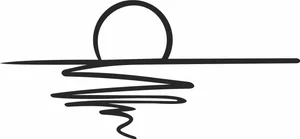
Ocean Sunset Minimalist Line Art Horizon Reflection Silhouette

Mountain Range with Water Lake Reflection Silhouette
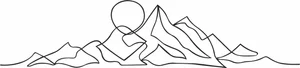
Mountain Range Sunset Continuous One Line Art Silhouette
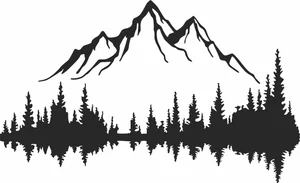
Mountain Peak with Pine Forest Lake Reflection Silhouette
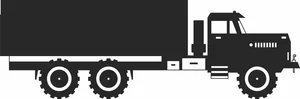
Military Semi Trailer Cargo Truck Side View Silhouette

Maltese Cross Firefighter Badge Outline Silhouette
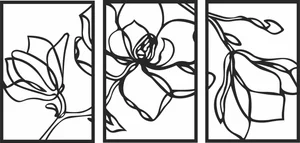
Magnolia Flower Triptych Wall Art Panels
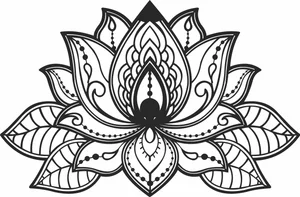
Lotus Flower Mandala Wall Art
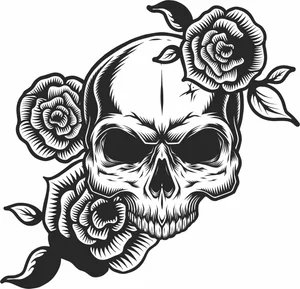
Human Skull with Blooming Roses Floral Silhouette
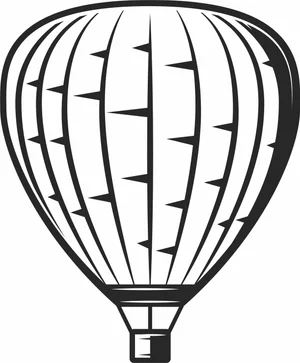
Hot Air Balloon Flying Sky Outline Silhouette
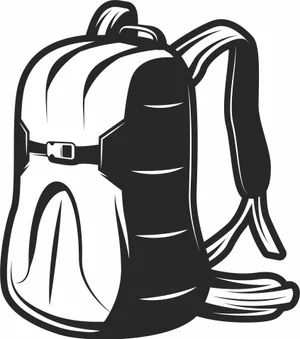
Hiking Backpack Camping Rucksack Outline Silhouette
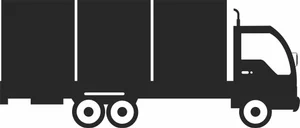
Heavy Duty Semi Cargo Box Truck Side View Silhouette
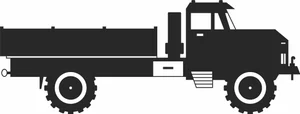
Heavy Duty Military Cargo Truck Side View Silhouette
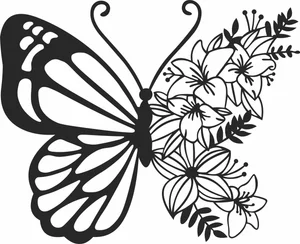
Half Floral Butterfly Silhouette
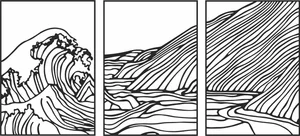
Great Wave and Hills Landscape Triptych 3 Panel Wall Art Silhouette
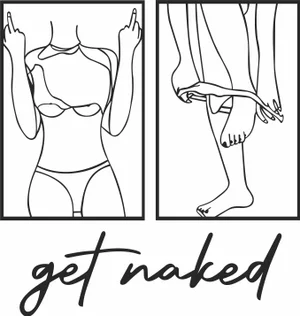
Get Naked Bathroom Line Art Panel Silhouette
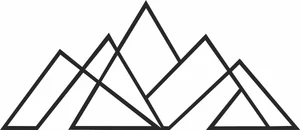
Geometric Minimalist Mountain Peaks Line Art Silhouette
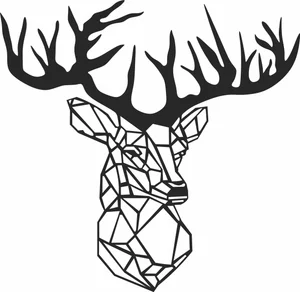
Geometric Deer Head Silhouette
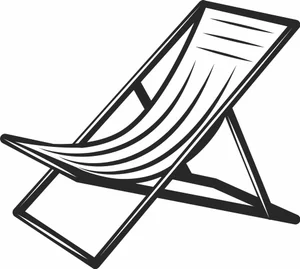
Folding Wooden Beach Deck Chair Outline Silhouette
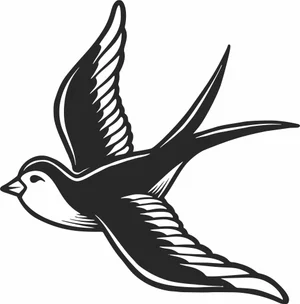
Flying Swallow Bird Old School Tattoo Silhouette
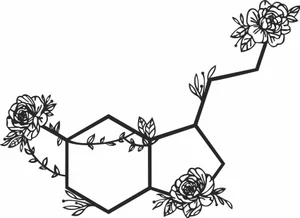
Floral Serotonin Molecule Chemistry Structure Line Art Silhouette
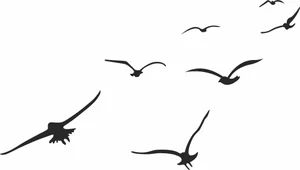
Flock of Flying Birds Silhouette
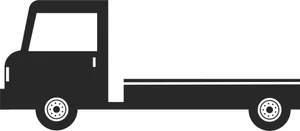
Flatbed Tow Truck Bed Chassis Side View Silhouette
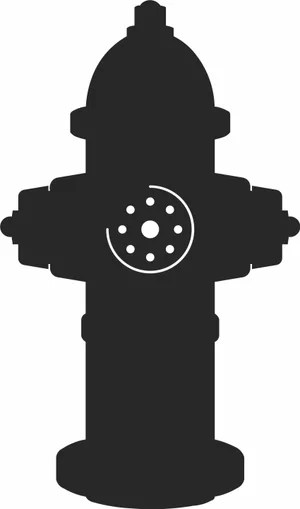
Fire Hydrant City Infrastructure Silhouette
More free laser files
Leather Laser Engraving FAQ
Can you laser engrave leather?
Yes — both CO2 and diode lasers engrave leather beautifully. CO2 lasers produce deep, clean engravings. Diode lasers work well at low power for surface marking. Use only genuine or vegetable-tanned leather.
What leather is safe to laser?
Genuine leather and vegetable-tanned leather are safe. Never use PVC/faux leather (releases toxic chlorine gas) or chrome-tanned leather (chromium emissions).
What laser settings for leather?
Engraving: CO2 40W at 300-500mm/s, 15-25% power. Diode 5-10W at 1000mm/s, 30-50% power. Cutting: CO2 40W at 10-15mm/s, 50-70% power. Always test on scrap first.
Can I sell leather products from these files?
Yes — all files are free for commercial use. Laser-engraved leather goods (wallets, journals, belts) are popular on Etsy and craft markets.