

Free LaserPecker Files – SVG & DXF Downloads
Design files for LaserPecker portable engravers — LP1, LP2, LP3, LP4 and the Pro variants. Import into LaserPecker Design Space and engrave. Every file downloads as SVG and DXF, free for personal and commercial use.
Machines these files work with
Some links on this page are affiliate links. If you buy through them, we may earn a commission at no extra cost to you. It does not influence which machines we list — the files on this site stay free either way.

Welcome deer
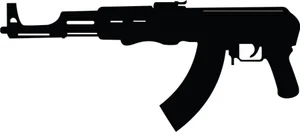
Weapon silhouette gun
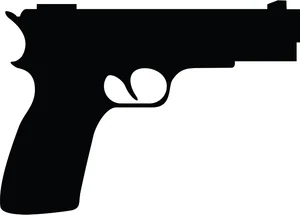
Weapon gun silhouette
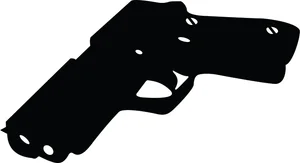
Weapon hand gun
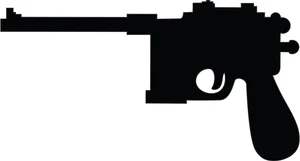
Weapon silhouette

Weapon gun silhouette

We will never forget

We dont call 911 sign
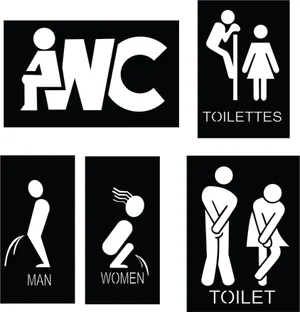
Wc toilet sign
usa american flag

Washington redskins logo

we dont dial 911 sign

Wash your hand corona logo

Wall clock
decorative floral pattern
Measuring sign
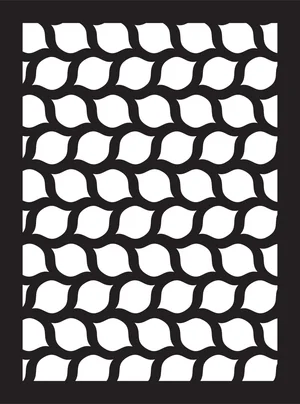
deocorative pattern panel
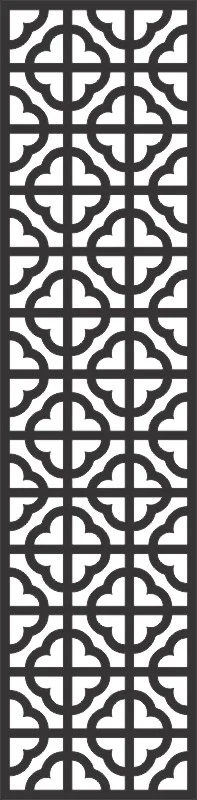
decorative pattern
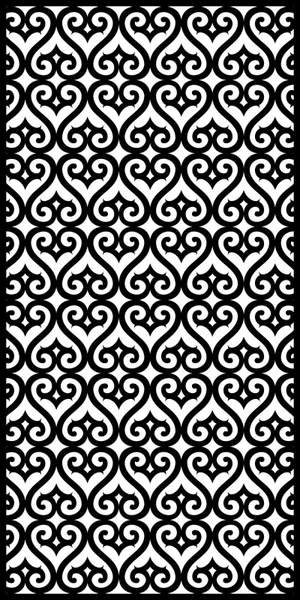
decorative pattern door

decorative floral panel

decorative pattern door
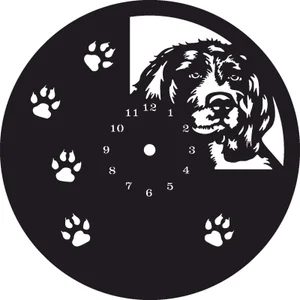
Wall dog clock

beware of dog waning sign
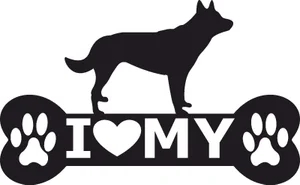
i love my dog
More free laser files
LaserPecker File FAQ
What file formats does LaserPecker Design Space accept?
SVG, DXF, PNG, JPG and BMP. SVG and DXF are the vector formats and give crisp, scalable results — both are provided for every design on this site.
Can a LaserPecker cut through wood?
The higher-powered LP3 and LP4 models cut thin plywood and veneer with multiple passes, but LaserPecker machines are designed primarily for engraving. For repeated cutting through 3mm material, a full-size diode or CO2 machine is the better tool.
Which designs work best on a LaserPecker?
Line art, monograms, silhouettes and text. Designs with fine internal detail engrave well because the compact optics produce a small spot size. Very large designs are limited by the engraving area rather than the file.
Are these files free for commercial use?
Yes. Free for personal and commercial use, no attribution required. Sell what you make; do not resell the digital files.