

Free Creality Falcon Files – SVG & DXF Downloads
Design files for Creality Falcon and Falcon2 laser engravers, including the 10W, 22W and 40W modules. Import into LightBurn or LaserGRBL and cut. Every file downloads as SVG and DXF, free for personal and commercial use.
Compatible software & machines

floral mandala pattern

Wall clock

sexy Wall clock

vintage clock vinyl
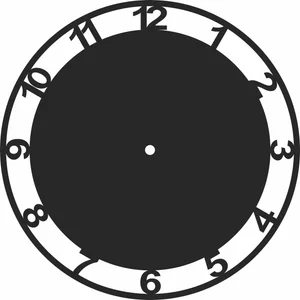
Wall clock decor

Wall clock

Chinese zodiac Wall clock

floral Wall clock

Barnaul Wall clock

rock Wall clock
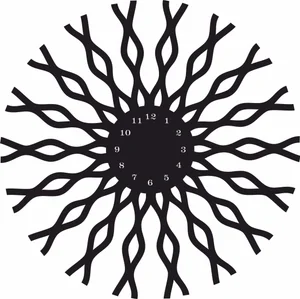
decorative Wall clock

Dog wall clock

Wall clock

chef Wall clock
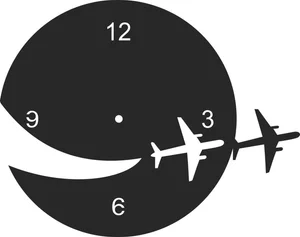
flight Wall clock
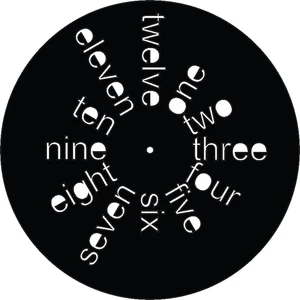
Wall clock

W monogram sign
decorative Wall clock

Gentleman wall clock

vintage beetle car

Vintage wall clock

Vive arrow sign
Vintage champion logo

Vintage clock
Creality Falcon File FAQ
What software works with the Creality Falcon?
LightBurn is the usual choice and supports the Falcon and Falcon2 over USB. LaserGRBL works as a free Windows alternative, and Creality provides its own Creality Print laser workflow. All import SVG and DXF directly.
How thick can a Falcon2 cut?
The 22W module cuts 3mm plywood in one to two passes and handles 6mm with several. The 40W module cuts 6mm plywood more comfortably and manages 10mm slowly. No diode module, at any wattage, cuts clear acrylic.
Do I need to prepare these files first?
No. Import the SVG or DXF into LightBurn, set your layers for cut and engrave, dial in power and speed, and run it. The paths are closed vectors ready for cutting.
Are the files free for commercial use?
Yes. Free for personal and commercial use with no attribution required. Sell the products you cut; the digital files themselves may not be resold.