

Free Creality Falcon Files – SVG & DXF Downloads
Design files for Creality Falcon and Falcon2 laser engravers, including the 10W, 22W and 40W modules. Import into LightBurn or LaserGRBL and cut. Every file downloads as SVG and DXF, free for personal and commercial use.
Compatible software & machines
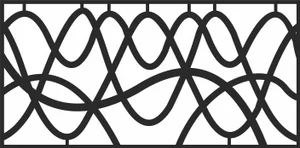
Modern Abstract Wavy Line Laser-Cut Decorative Privacy Panel
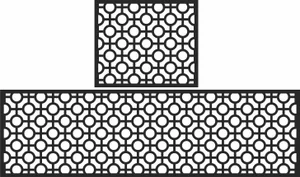
Modern Geometric Circle Pattern Laser-Cut Decorative Panel Set

Floral Scrollwork Decorative Border Pattern
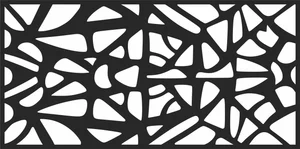
Modern Abstract Geometric Decorative Privacy Screen
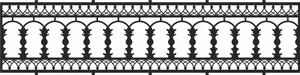
Victorian Balustrade Railing with Ornate Scalloped Borders
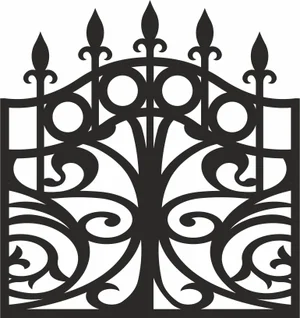
Arched Victorian Wrought Iron Gate
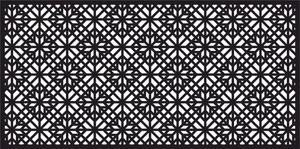
Islamic Geometric Star Jali Decorative Privacy Panel
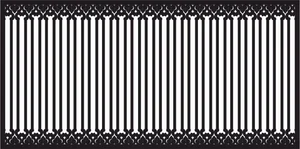
Victorian Picket Fence Panel with Ornate Filigree Borders

Victorian Floral Scrollwork Decorative Railing Panel
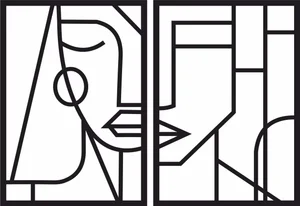
Modern Minimalist Abstract Face Line Art Diptych
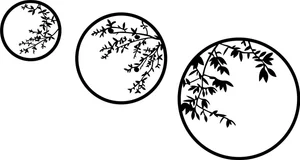
Botanical Branch Circular Laser-Cut Metal Wall Art Trio
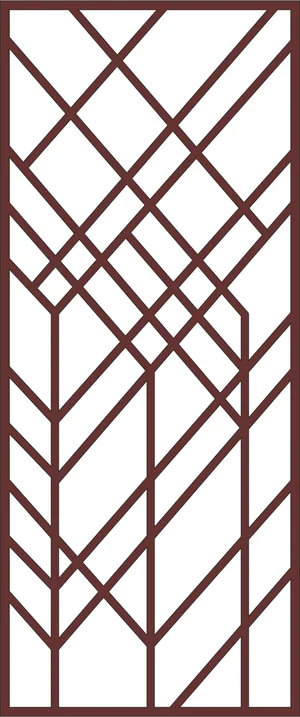
Modern Geometric Decorative Privacy Screen Panel
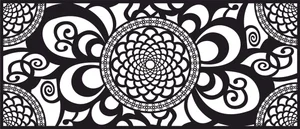
Ornate Mandala Floral Decorative Privacy Screen Panel
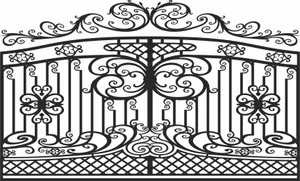
Arched Victorian Double Gate with Ornate Scrollwork

Victorian Scrollwork Border Decorative Panel
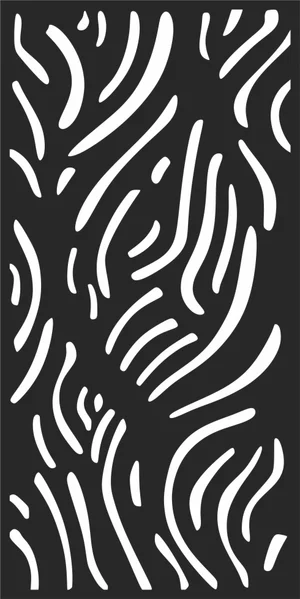
Modern Abstract Wavy Branch Decorative Privacy Panel
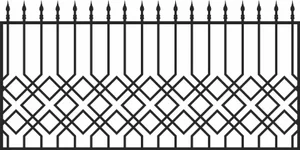
Victorian Geometric Lattice Fence with Spear Finials
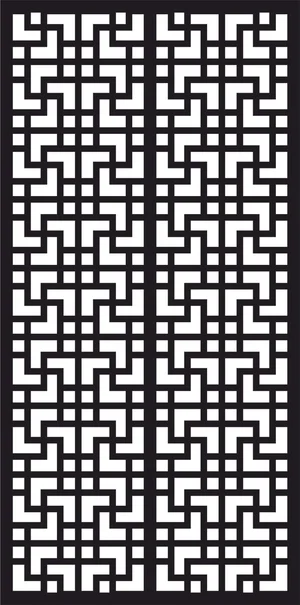
Modern Geometric Greek Key Jali Privacy Screen Panel

Floral Vine Laser-Cut Decorative Border
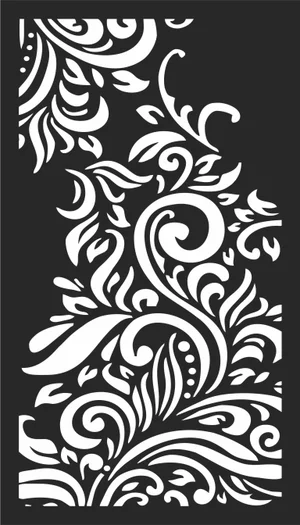
Art Nouveau Floral Scrollwork CNC Laser Panel
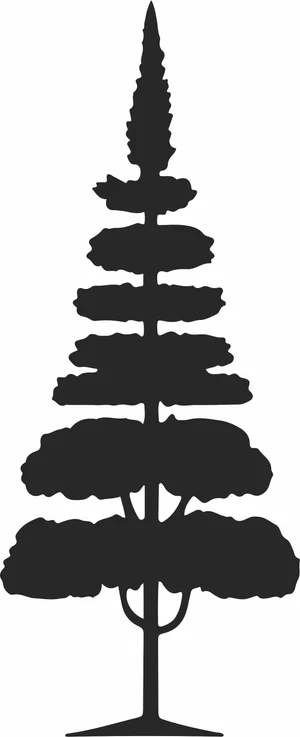
pine Tree vector Silhouette
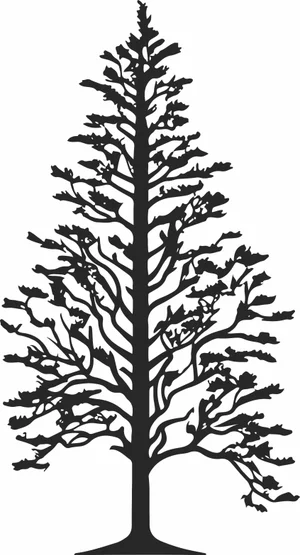
pine Tree Silhouette

heart Dog Paws clipart
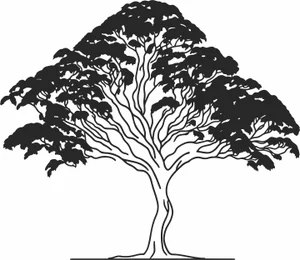
black Tree vector Silhouette
Creality Falcon File FAQ
What software works with the Creality Falcon?
LightBurn is the usual choice and supports the Falcon and Falcon2 over USB. LaserGRBL works as a free Windows alternative, and Creality provides its own Creality Print laser workflow. All import SVG and DXF directly.
How thick can a Falcon2 cut?
The 22W module cuts 3mm plywood in one to two passes and handles 6mm with several. The 40W module cuts 6mm plywood more comfortably and manages 10mm slowly. No diode module, at any wattage, cuts clear acrylic.
Do I need to prepare these files first?
No. Import the SVG or DXF into LightBurn, set your layers for cut and engrave, dial in power and speed, and run it. The paths are closed vectors ready for cutting.
Are the files free for commercial use?
Yes. Free for personal and commercial use with no attribution required. Sell the products you cut; the digital files themselves may not be resold.