

Free Laser Engraving Files for Leather – DXF & SVG Downloads
Download free DXF and SVG files for laser engraving on leather. Wallets, journal covers, bookmarks, patches, belts, earrings, and more. Compatible with Glowforge, xTool, Ortur, LightBurn, and all CO2/diode lasers. No registration required. Free for commercial use.
Wallets
Engraved veg-tan
Journal Covers
A5/A6 leather
Bookmarks
Thin leather strips
Earrings
Cut + engrave

Circular Wild Bison Mountain Forest Nature Scene

Circular Gemini Zodiac Sign Twins Female Profiles Emblem
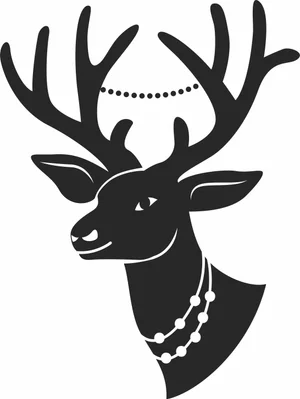
Christmas Deer Head Antlers With Pearl Beads Necklaces

Bonjour Script Cursive Typography French Greeting Word
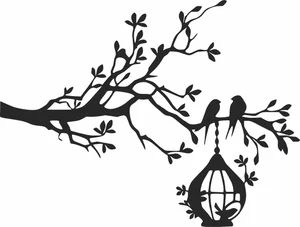
Birds Sitting On Tree Branch With Hanging Birdcage Silhouette
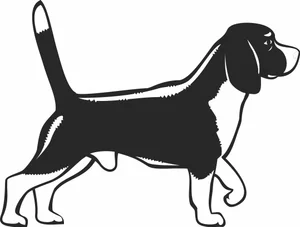
Beagle Dog Standing Side Profile Hound Breed Silhouette
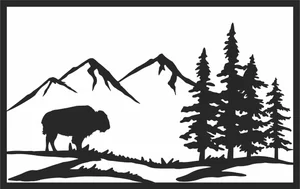
American Bison Buffalo Mountain Pine Forest Panel
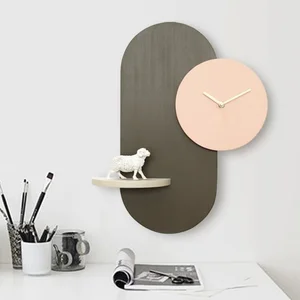
Wall Clock with Display Shelf Design
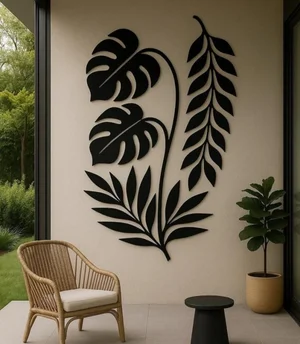
Tropical Monstera and Palm Leaf Wall Art Design
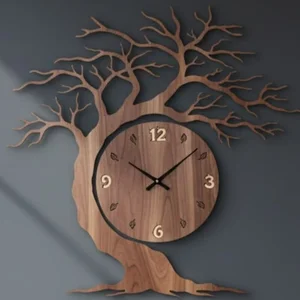
Tree of Life Silhouette Wall Clock

Time For Coffee LED Backlit Wall Clock

Swan Silhouette Vinyl Record Wall Clock
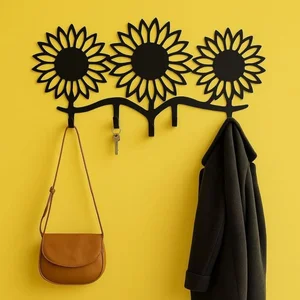
Sunflower Silhouette Key and Coat Wall Rack
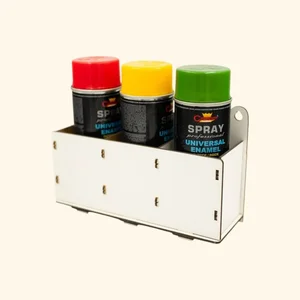
Spray Paint Bottle Storage Rack
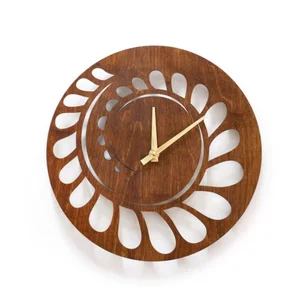
Spiral Cutout Geometric Wall Clock Design
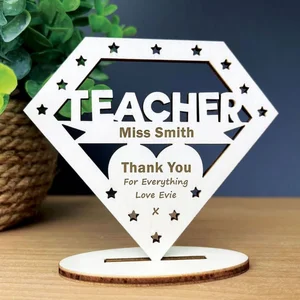
Personalized Teacher Thank You Desk Plaque
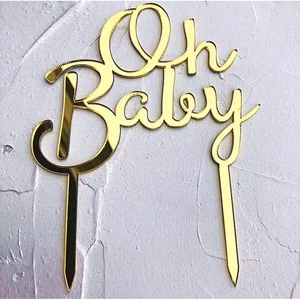
Oh Baby Cake Topper Design
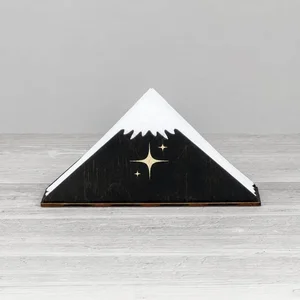
Mountain Peak Star Napkin Holder

Moon and Clouds Nursery Hanging Wall Decor Design
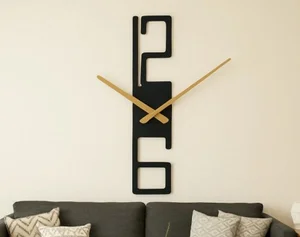
Modern Minimalist Vertical Wall Clock
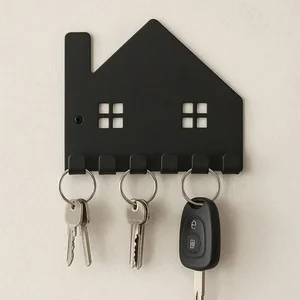
Minimalist House Silhouette Key Holder Wall Rack
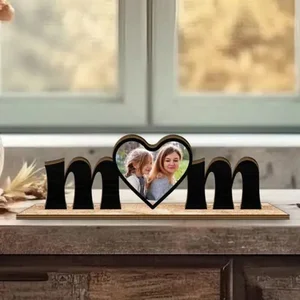
MOM Heart Picture Photo Frame

MOM Heart Picture Photo Frame Desk
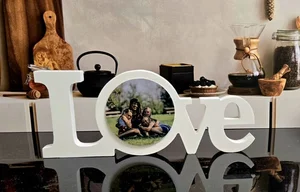
LOVE Letters Picture Photo Frame Desk Decor
Leather Laser Engraving FAQ
Can you laser engrave leather?
Yes — both CO2 and diode lasers engrave leather beautifully. CO2 lasers produce deep, clean engravings. Diode lasers work well at low power for surface marking. Use only genuine or vegetable-tanned leather.
What leather is safe to laser?
Genuine leather and vegetable-tanned leather are safe. Never use PVC/faux leather (releases toxic chlorine gas) or chrome-tanned leather (chromium emissions).
What laser settings for leather?
Engraving: CO2 40W at 300-500mm/s, 15-25% power. Diode 5-10W at 1000mm/s, 30-50% power. Cutting: CO2 40W at 10-15mm/s, 50-70% power. Always test on scrap first.
Can I sell leather products from these files?
Yes — all files are free for commercial use. Laser-engraved leather goods (wallets, journals, belts) are popular on Etsy and craft markets.