

Free Laser Engraving Files for Leather – DXF & SVG Downloads
Download free DXF and SVG files for laser engraving on leather. Wallets, journal covers, bookmarks, patches, belts, earrings, and more. Compatible with Glowforge, xTool, Ortur, LightBurn, and all CO2/diode lasers. No registration required. Free for commercial use.
Wallets
Engraved veg-tan
Journal Covers
A5/A6 leather
Bookmarks
Thin leather strips
Earrings
Cut + engrave
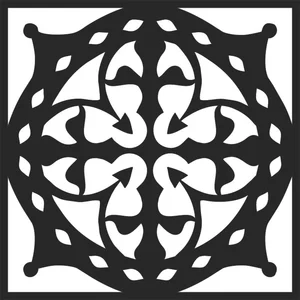
decorative pattern mandala
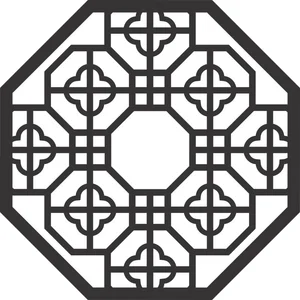
Wall decorative door pattern
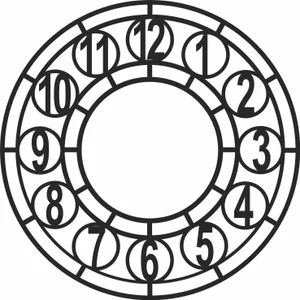
Wall decorative clock
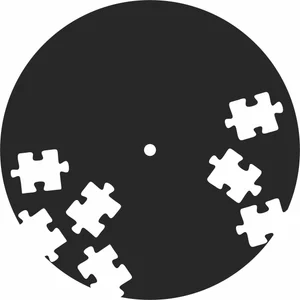
puzzle Wall clock
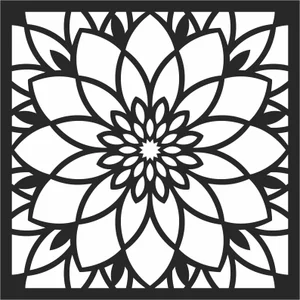
floral mandala

floral mandala pattern
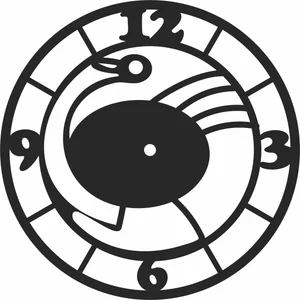
Wall clock
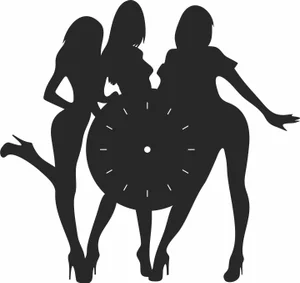
sexy Wall clock
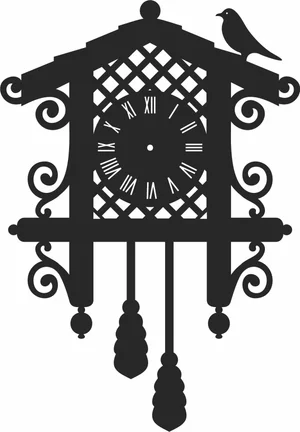
vintage clock vinyl
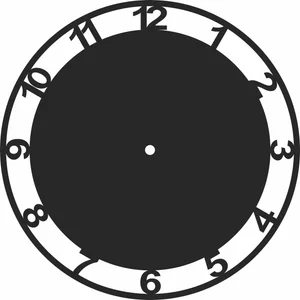
Wall clock decor

Wall clock

Chinese zodiac Wall clock

floral Wall clock
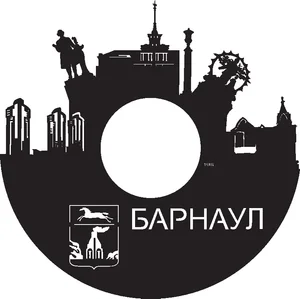
Barnaul Wall clock
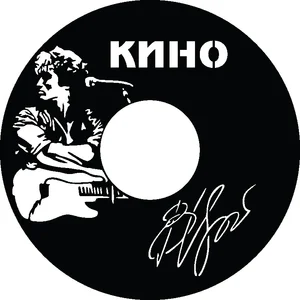
rock Wall clock
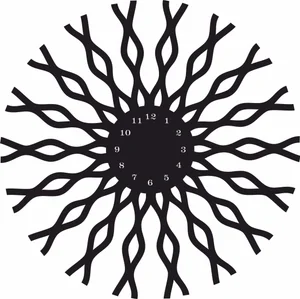
decorative Wall clock
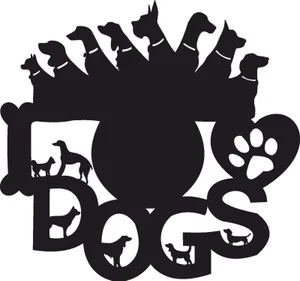
Dog wall clock

Wall clock

chef Wall clock
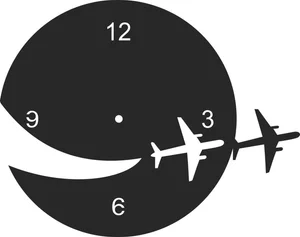
flight Wall clock
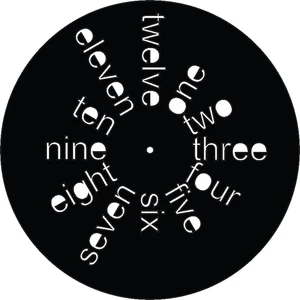
Wall clock
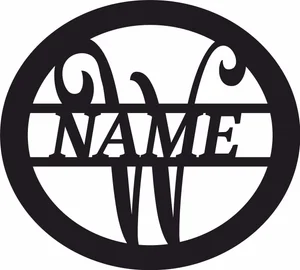
W monogram sign
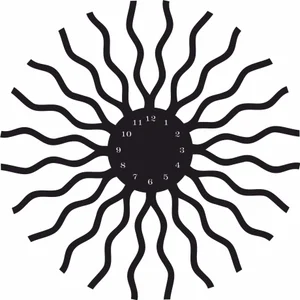
decorative Wall clock

Gentleman wall clock
Leather Laser Engraving FAQ
Can you laser engrave leather?
Yes — both CO2 and diode lasers engrave leather beautifully. CO2 lasers produce deep, clean engravings. Diode lasers work well at low power for surface marking. Use only genuine or vegetable-tanned leather.
What leather is safe to laser?
Genuine leather and vegetable-tanned leather are safe. Never use PVC/faux leather (releases toxic chlorine gas) or chrome-tanned leather (chromium emissions).
What laser settings for leather?
Engraving: CO2 40W at 300-500mm/s, 15-25% power. Diode 5-10W at 1000mm/s, 30-50% power. Cutting: CO2 40W at 10-15mm/s, 50-70% power. Always test on scrap first.
Can I sell leather products from these files?
Yes — all files are free for commercial use. Laser-engraved leather goods (wallets, journals, belts) are popular on Etsy and craft markets.